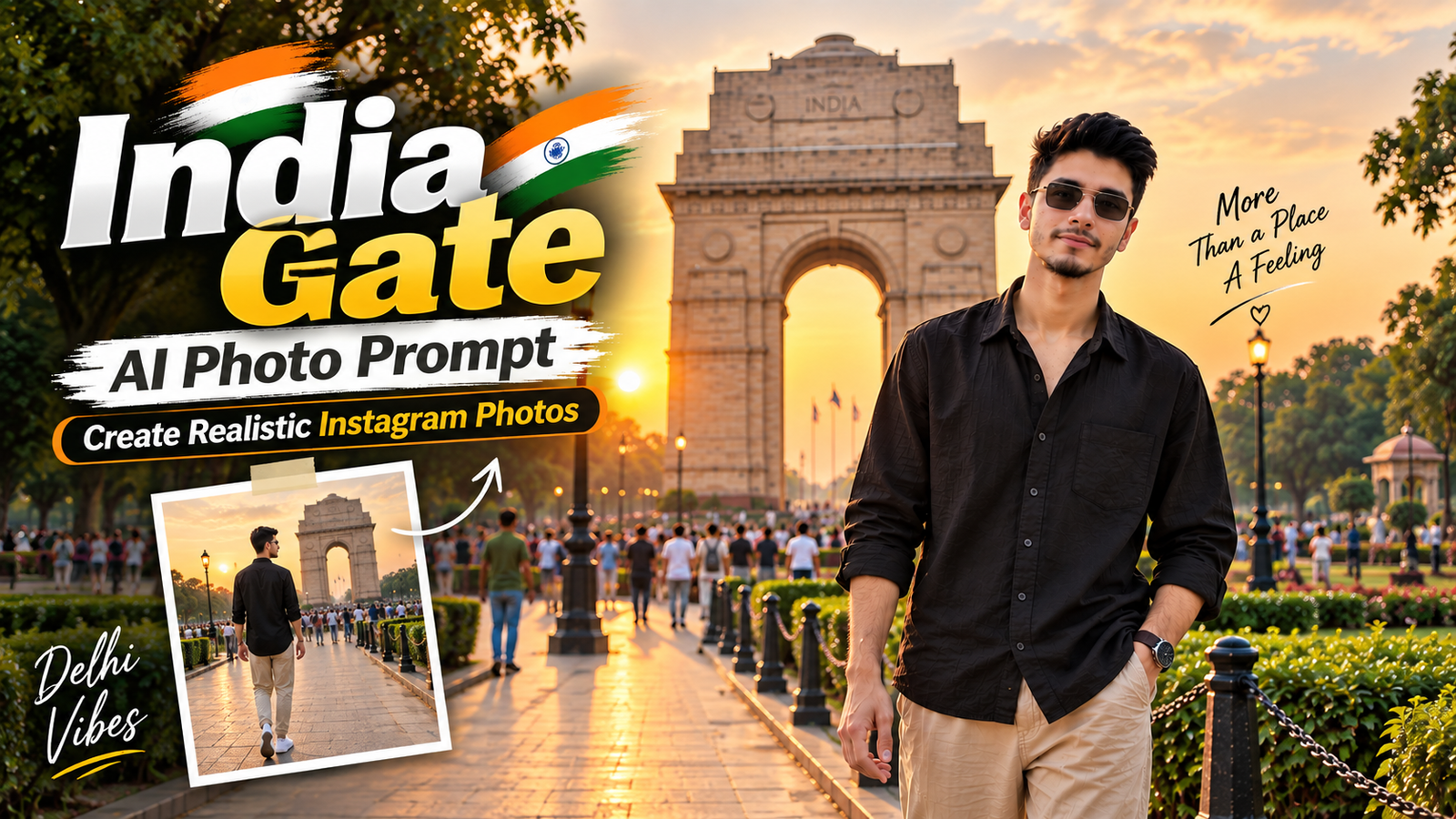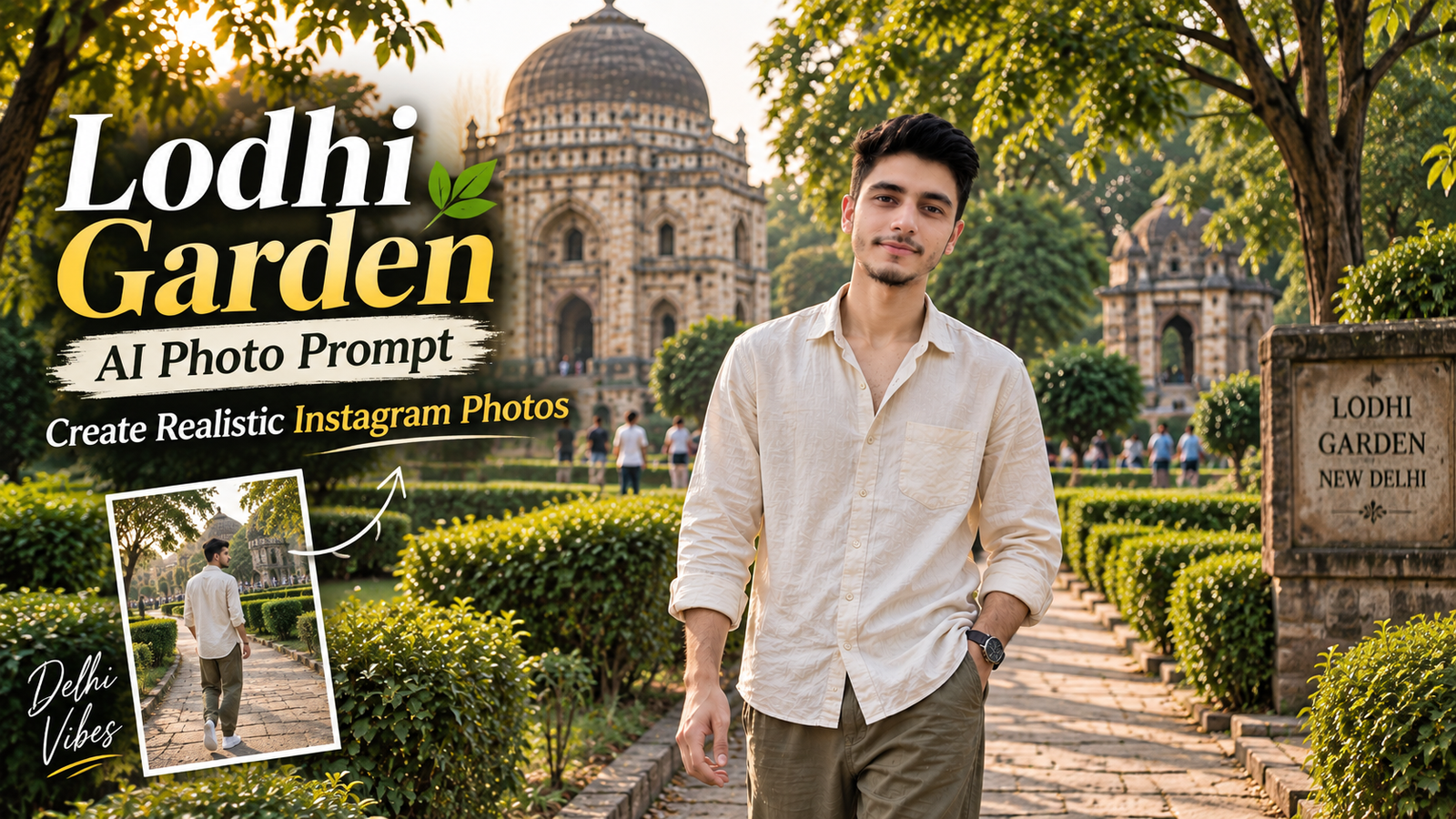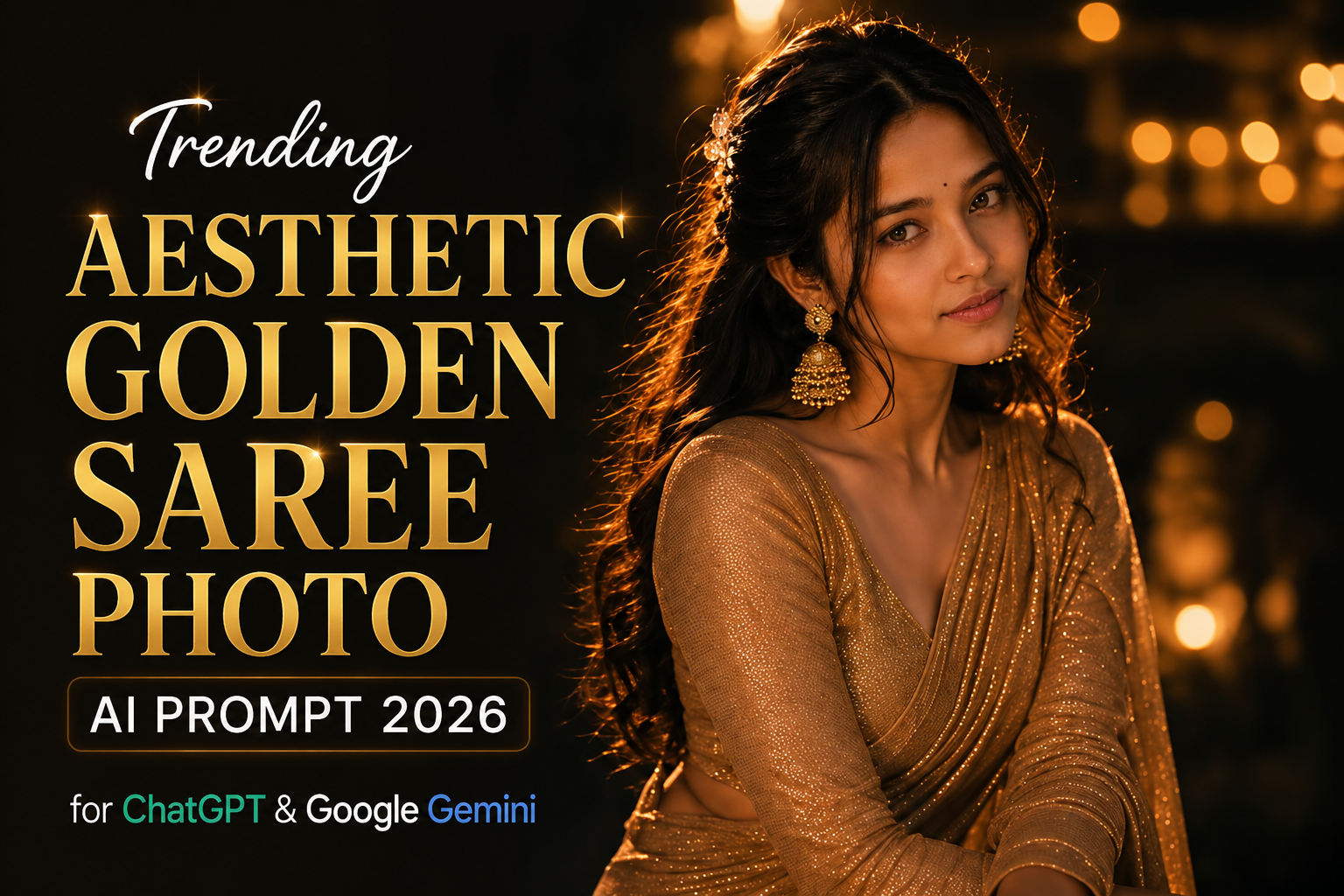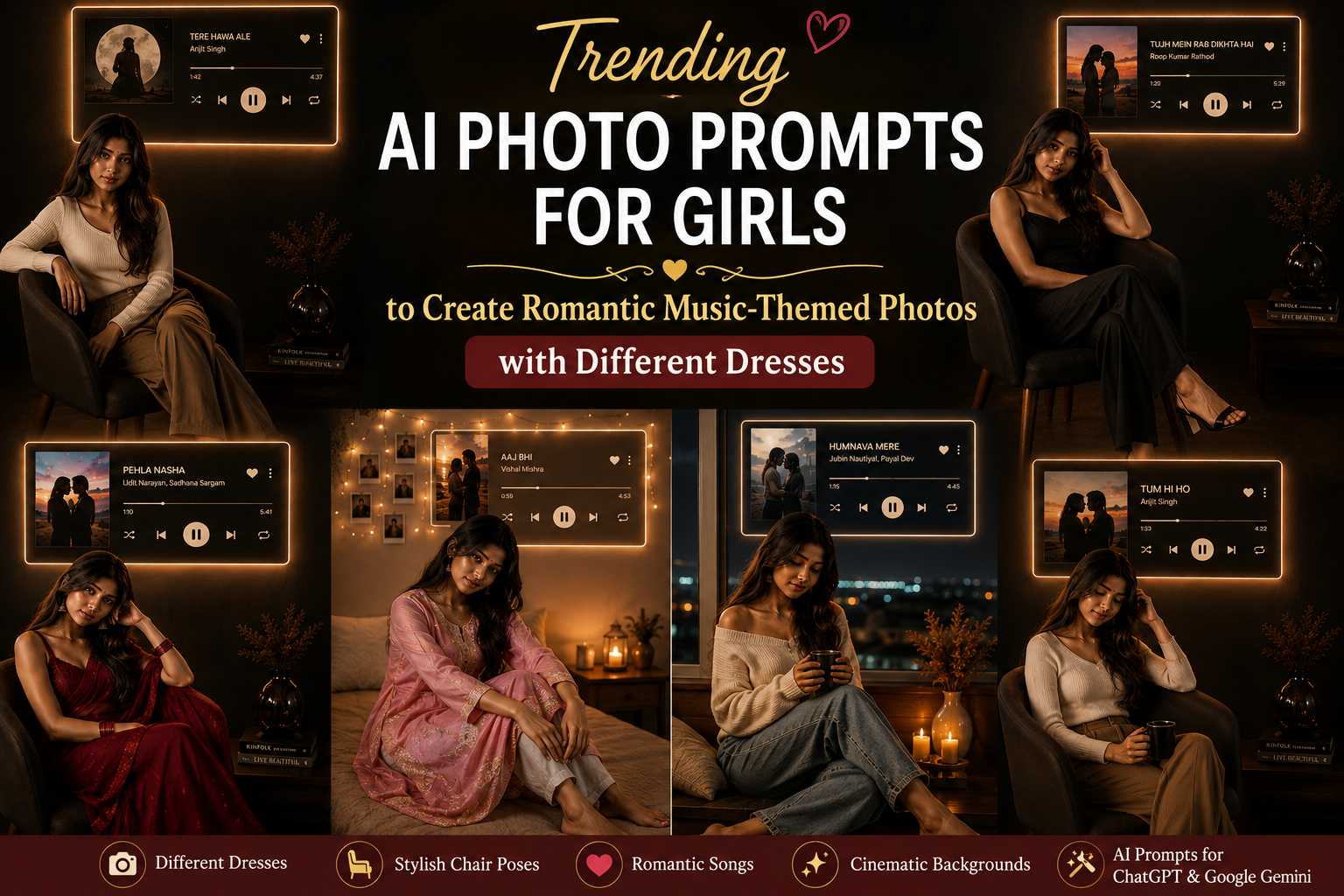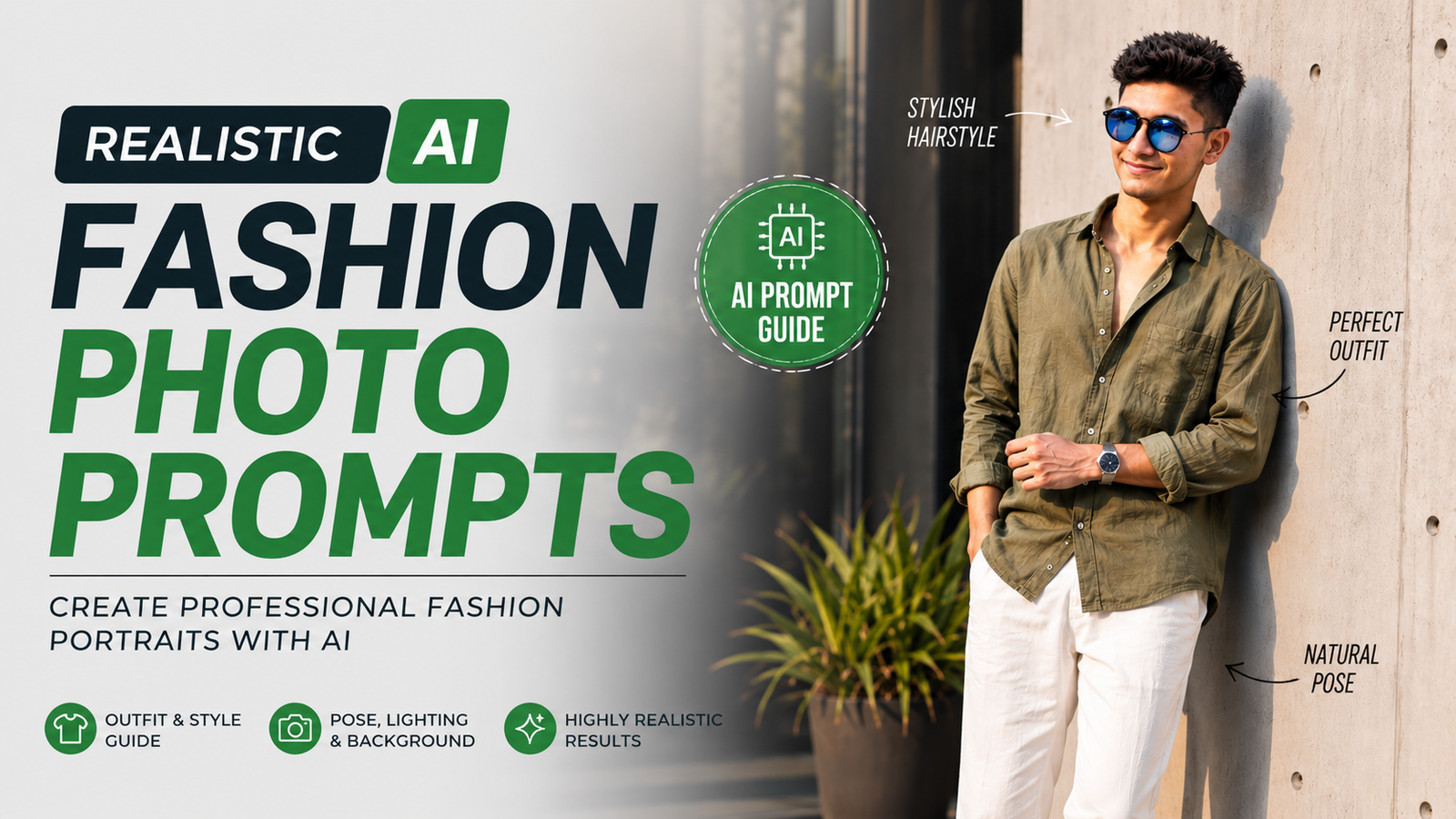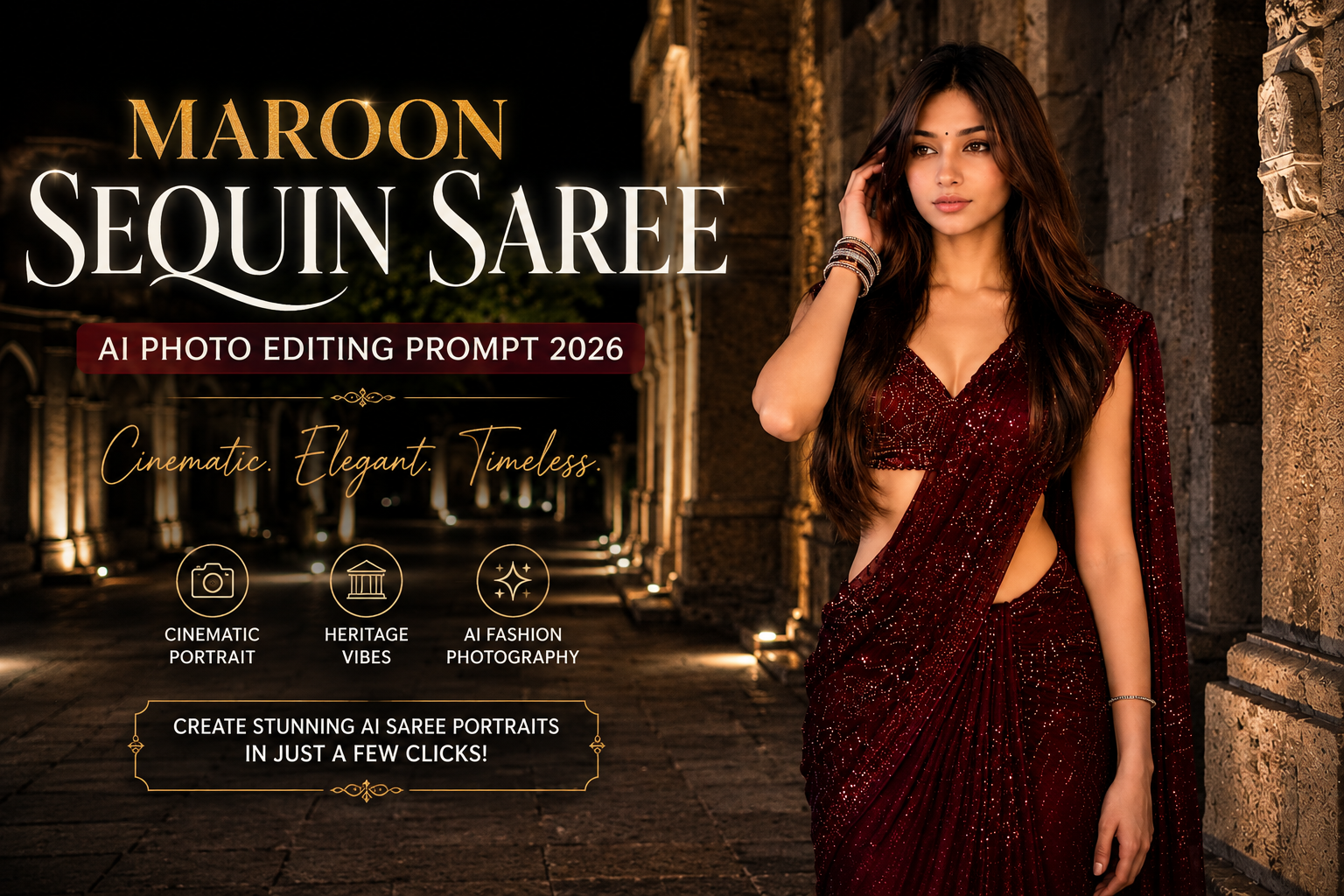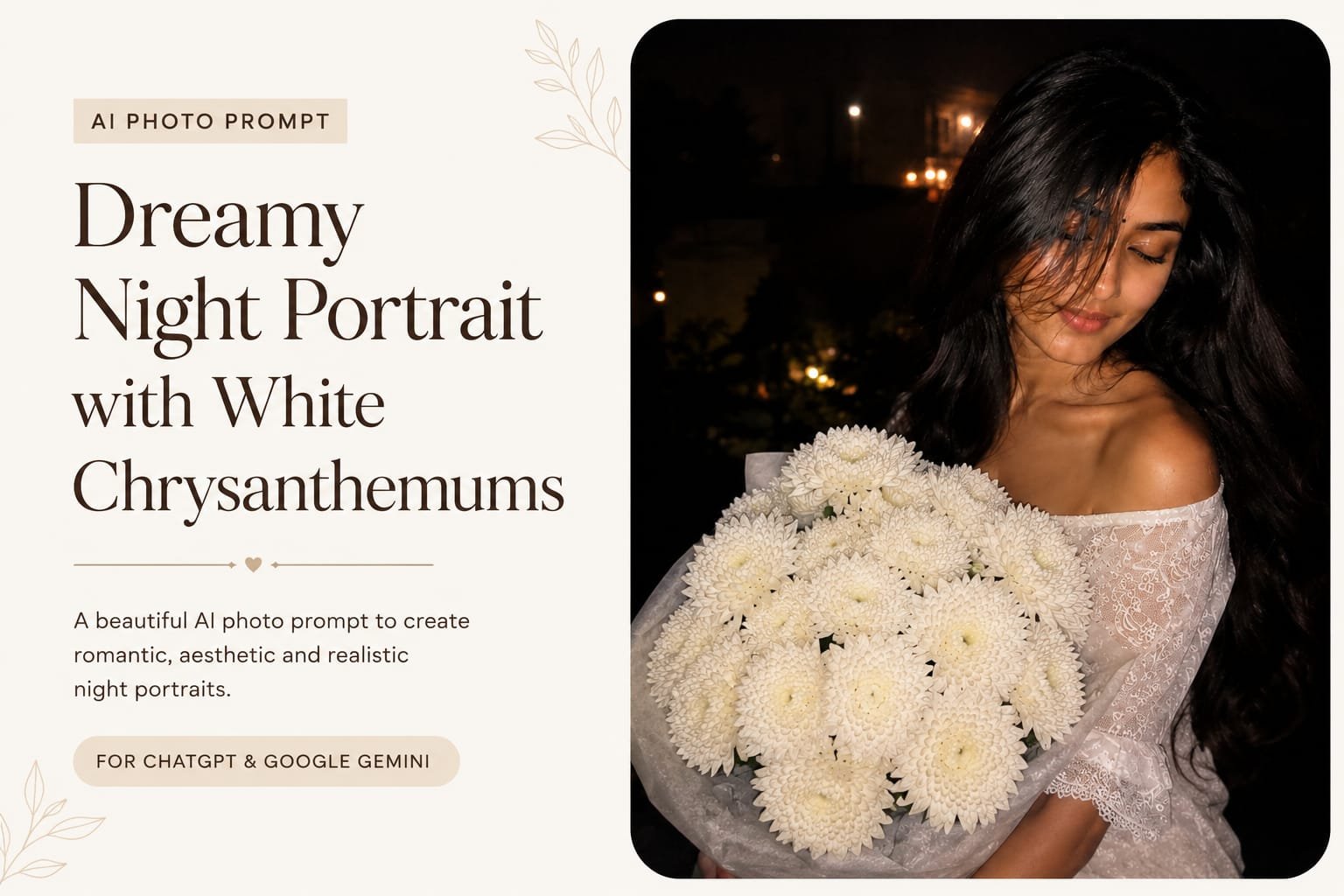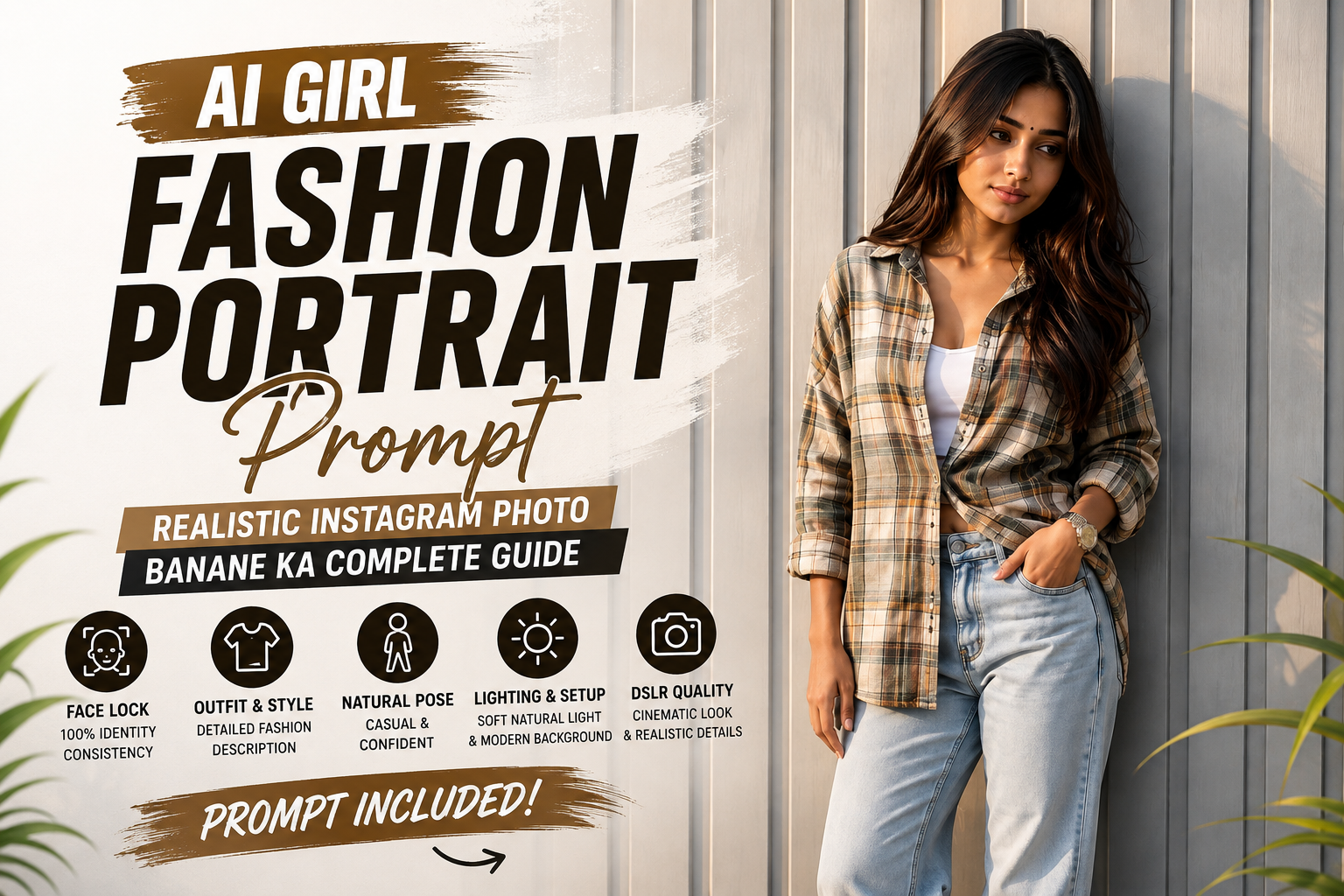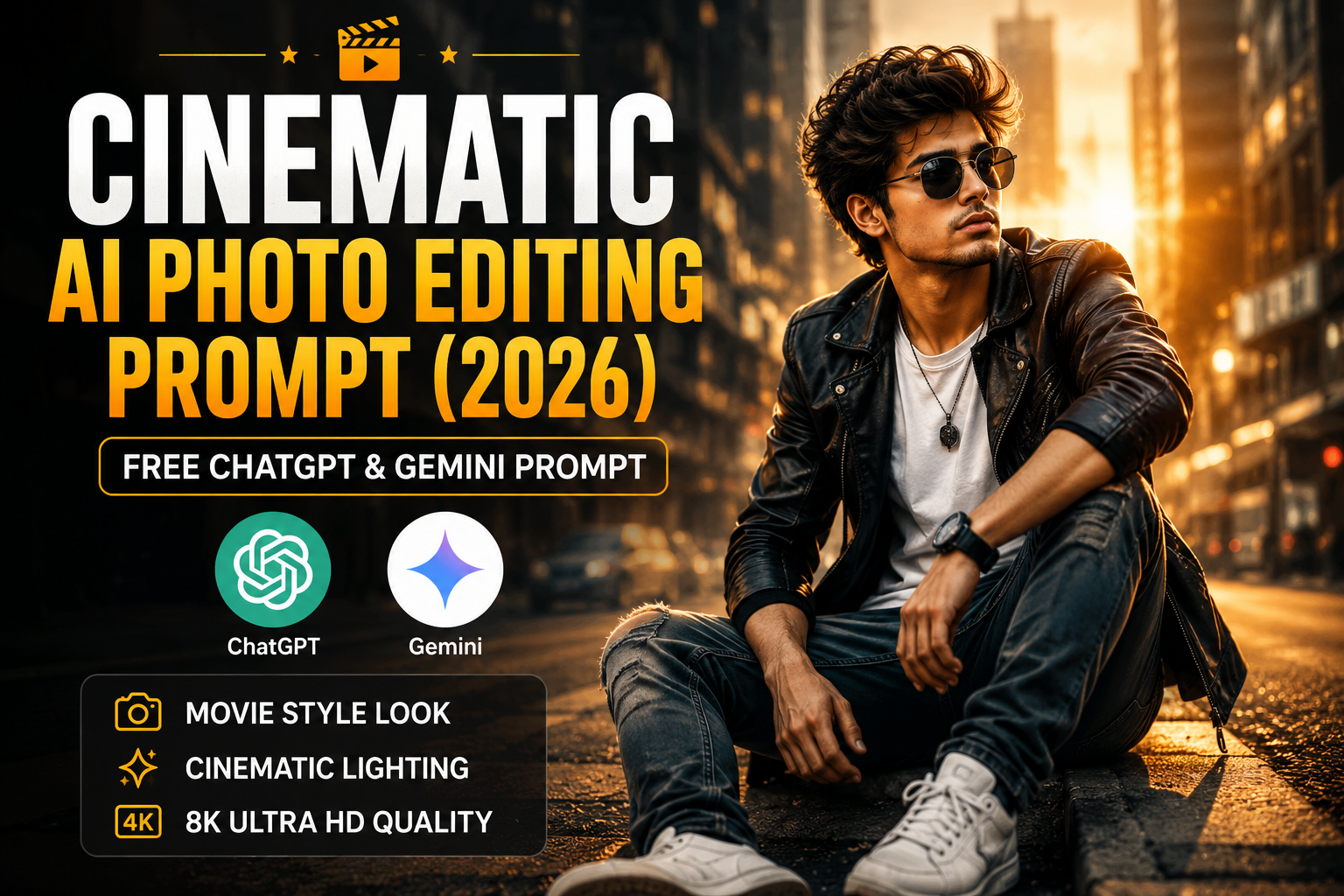
If you want to create stunning movie-style AI portraits with dramatic lighting and professional color grading, the Cinematic AI Photo Editing Prompt is one of the best choices. This prompt helps you generate ultra-realistic images using ChatGPT, Gemini, Leonardo AI, Midjourney, Flux AI, and other AI image generators.
Whether you’re creating an Instagram profile picture, a YouTube thumbnail, or a stylish social media post, cinematic AI prompts can transform an ordinary photo into a premium Hollywood-inspired masterpiece.
What is a Cinematic AI Photo Editing Prompt?
A Cinematic AI Photo Editing Prompt is a detailed instruction that tells AI exactly how to generate or edit an image. It includes information about lighting, camera angle, background, clothing, facial expressions, and color grading to create realistic movie-style portraits.
These prompts are widely used by Instagram creators, influencers, photographers, and content creators because they produce high-quality results in just a few seconds.
check spiderman viral prompt post
Copy Cinematic AI Photo Editing Prompt
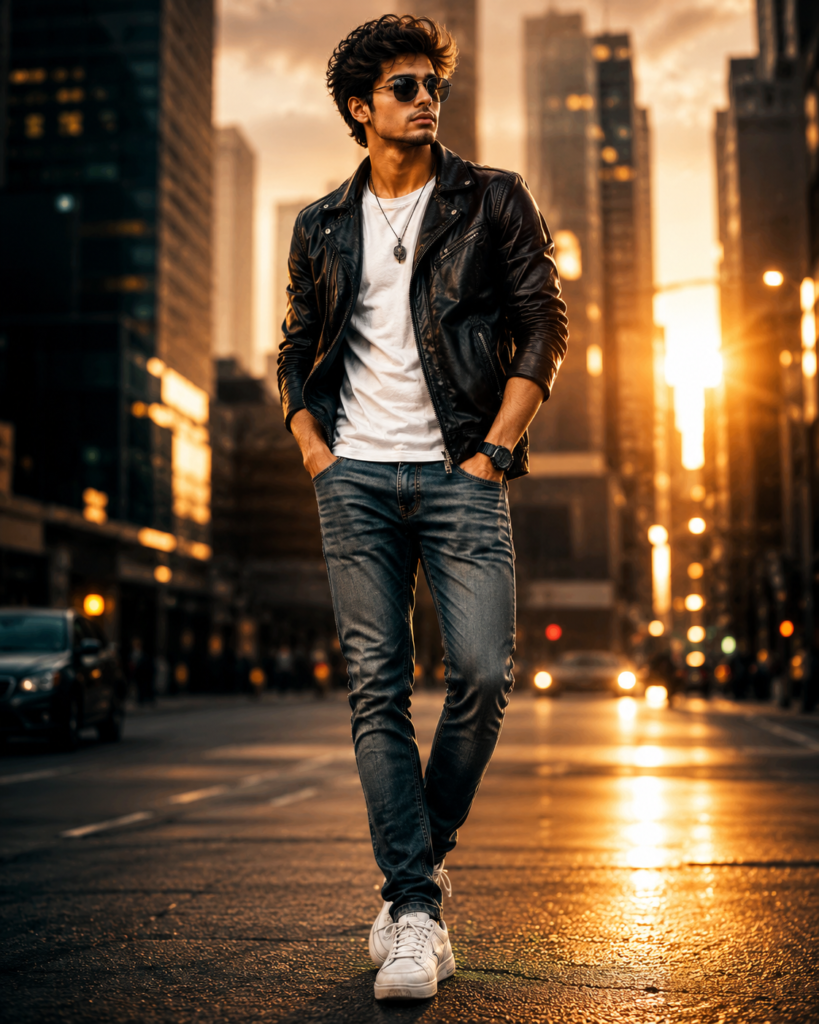
Create an ultra-realistic cinematic portrait of the uploaded person standing confidently on a modern city street during golden hour. The subject is wearing a stylish black leather jacket over a white t-shirt, slim-fit blue jeans, and white sneakers. Capture the scene with an 85mm DSLR lens, shallow depth of field, dramatic golden sunlight, soft volumetric lighting, realistic skin texture, detailed eyes, natural hair, cinematic color grading, HDR, bokeh background with blurred city lights, premium fashion photography, ultra-sharp focus, movie poster style, high contrast, realistic shadows, 8K Ultra HD, masterpiece, professional photography.
Negative Prompt
low quality, blurry, watermark, text, logo, extra fingers, extra arms, bad anatomy, deformed face, duplicate person, cropped image, oversaturated colors, cartoon, anime, low resolution, unrealistic lighting, noise, distorted eyes, ugly, poorly drawn
Why Use This Prompt?
This Cinematic AI Photo Editing Prompt helps you create premium-quality AI images without advanced editing skills. It delivers realistic lighting, DSLR-style depth of field, and professional movie color grading that make your photos stand out.
Benefits
- Ultra-realistic cinematic lighting
- DSLR-quality background blur
- Movie-style color grading
- HDR and 8K quality output
- Professional Instagram-ready images
- Works with ChatGPT and Gemini
- Easy to copy and use
- Perfect for beginners
Best AI Tools for This Prompt
You can use this prompt with:
- ChatGPT
- Google Gemini
- Leonardo AI
- Midjourney
- Flux AI
- Ideogram AI
- Adobe Firefly
- Microsoft Designer
Tips for Best Results
For better AI-generated cinematic photos:
- Upload a high-quality image.
- Use a clear face photo.
- Wear simple clothes.
- Choose a natural pose.
- Mention your preferred background.
- Add camera details like 85mm DSLR Lens.
- Request 8K Ultra HD quality.
Where Can You Use Cinematic AI Photos?
Your generated images are perfect for:
- Instagram Posts
- Instagram Reels Cover
- WhatsApp DP
- Facebook Profile
- YouTube Thumbnail
- LinkedIn Profile
- Portfolio
- Personal Branding
- Social Media Marketing
Frequently Asked Questions
Is this Cinematic AI Photo Editing Prompt free?
Yes. You can copy and use this prompt for free with ChatGPT, Gemini, and other AI image generators.
Which AI tool gives the best cinematic results?
ChatGPT, Gemini, Leonardo AI, Midjourney, and Flux AI all produce excellent cinematic images.
Can I use this prompt on my phone?
Yes. Most AI image generators work on Android, iPhone, and desktop devices.
Can I customize this prompt?
Absolutely. You can change the background, outfit, lighting, camera angle, or mood to create a unique cinematic photo.
Final Words
The Cinematic AI Photo Editing Prompt (2026) is one of the best prompts for creating realistic, movie-style AI portraits. Whether you’re an Instagram creator, influencer, or photography enthusiast, this prompt helps you generate professional-quality images with dramatic lighting and premium color grading.
Simply copy the prompt above, paste it into your favorite AI image generator, upload your photo, and create stunning cinematic AI images in seconds.