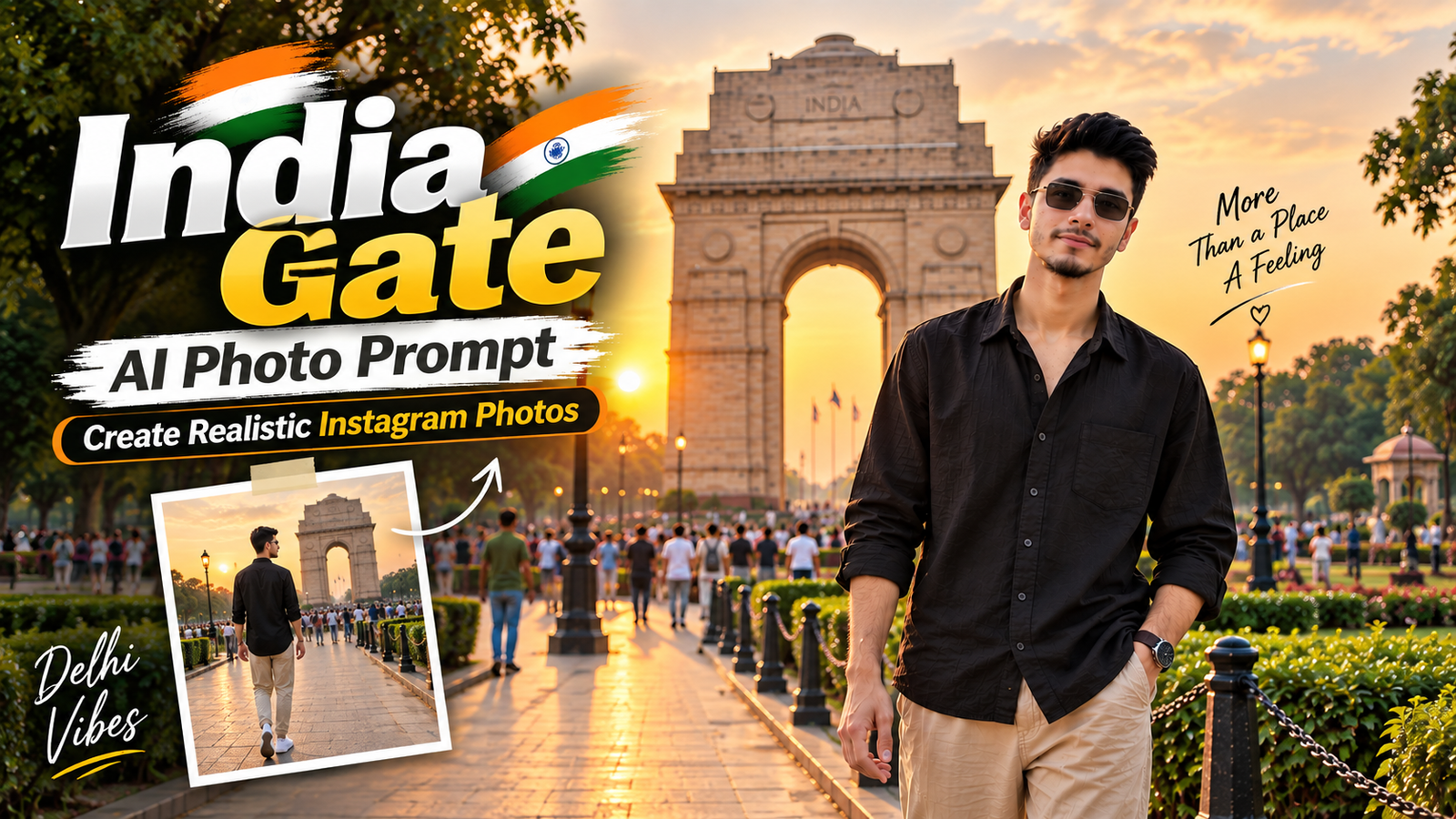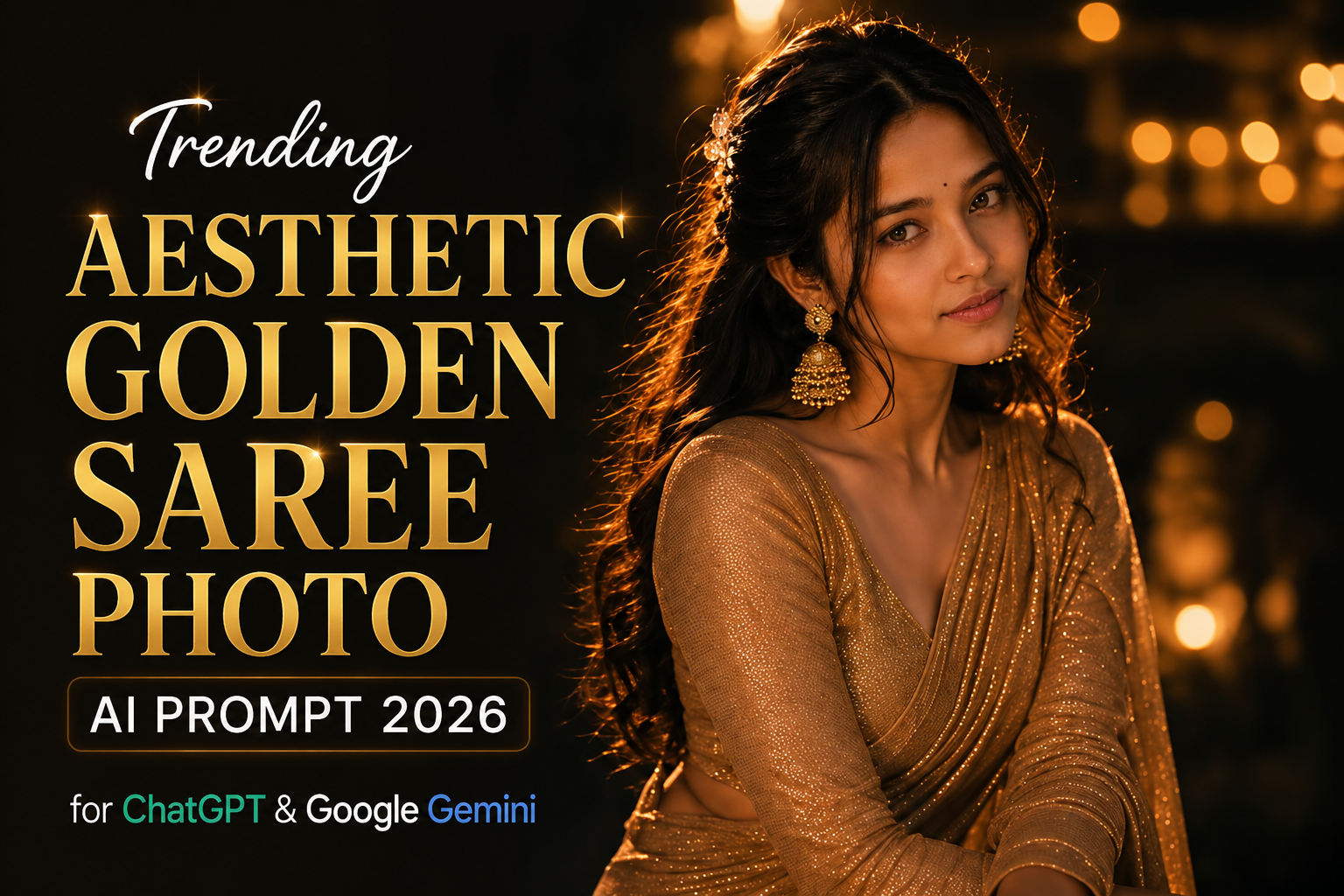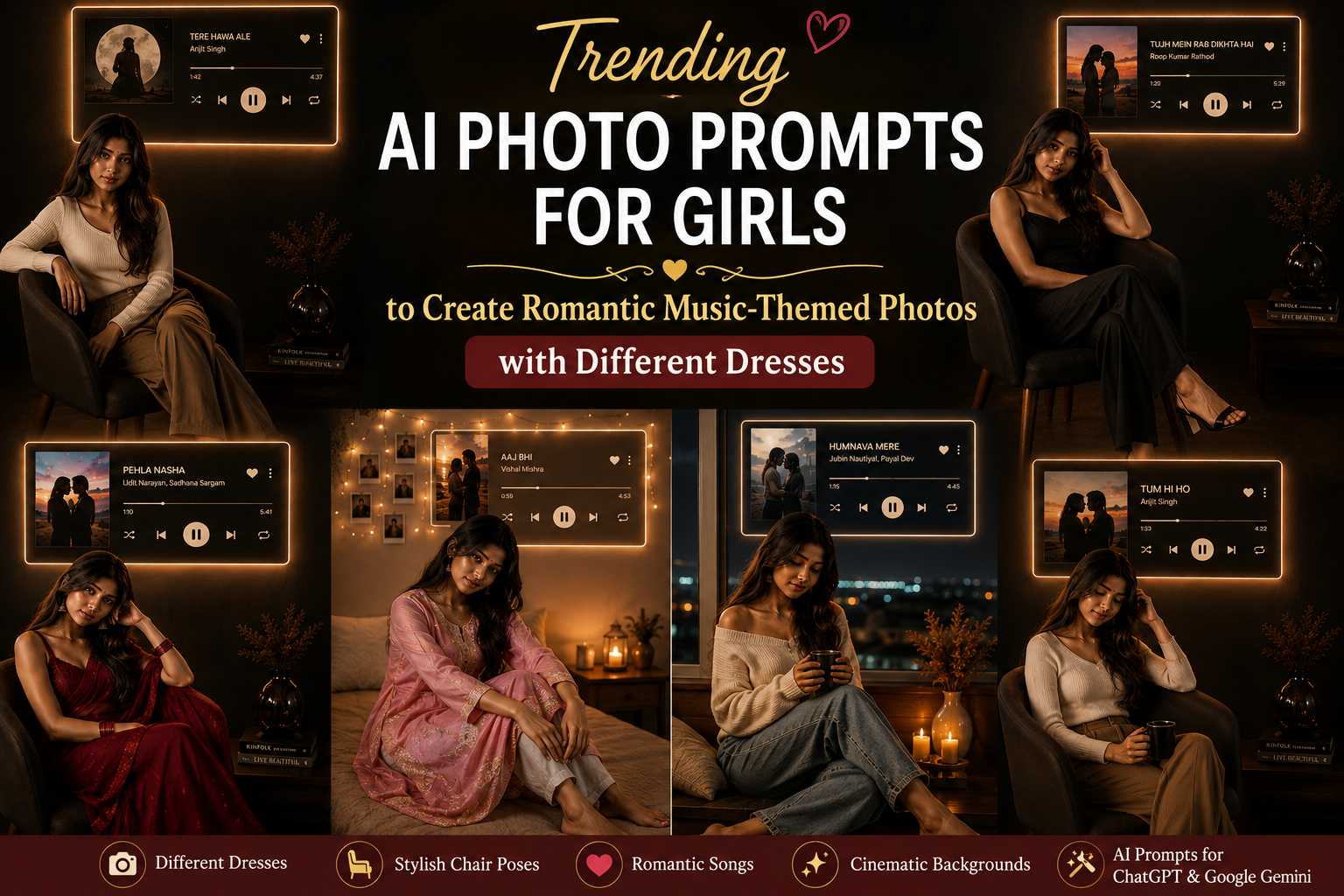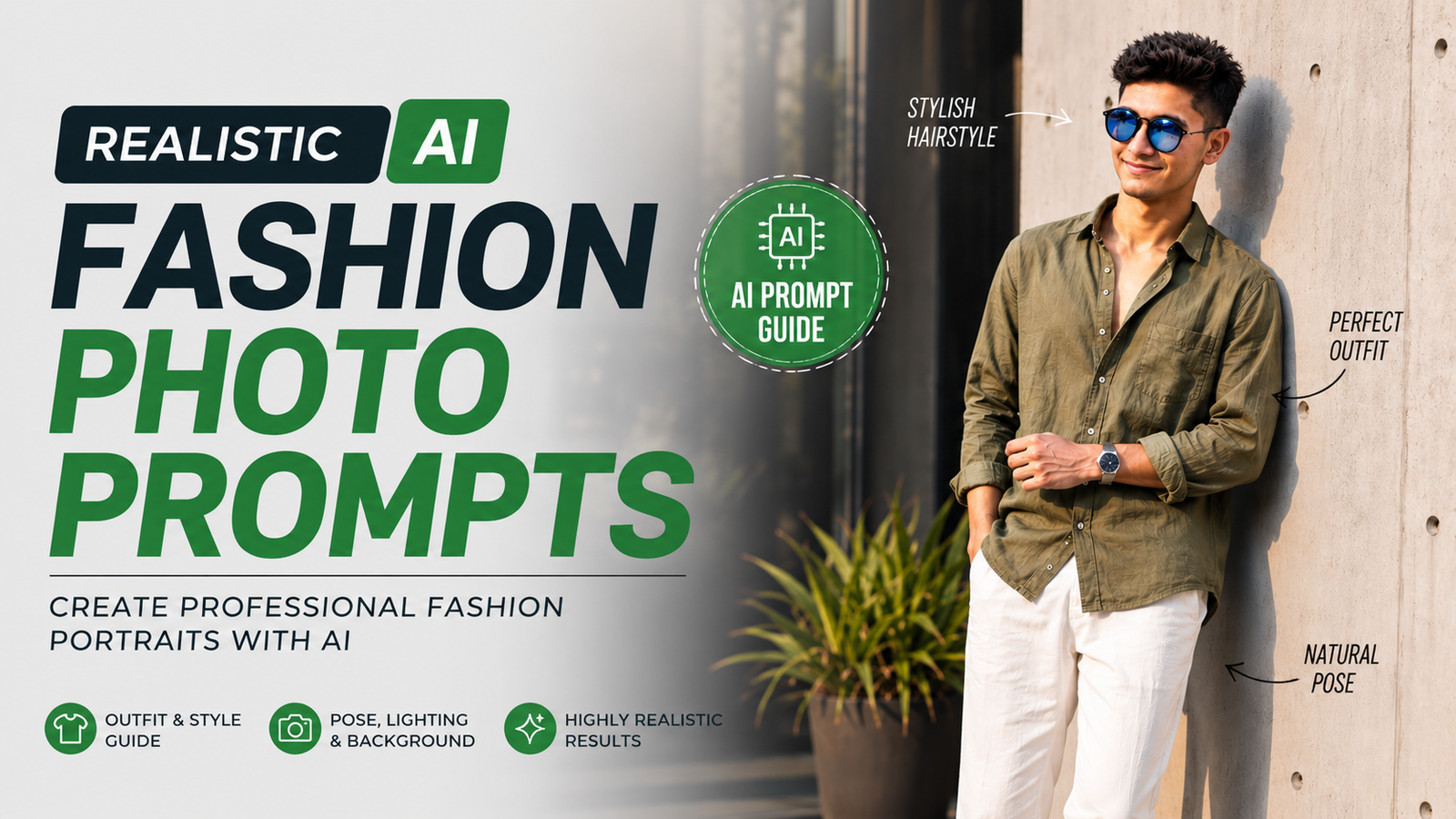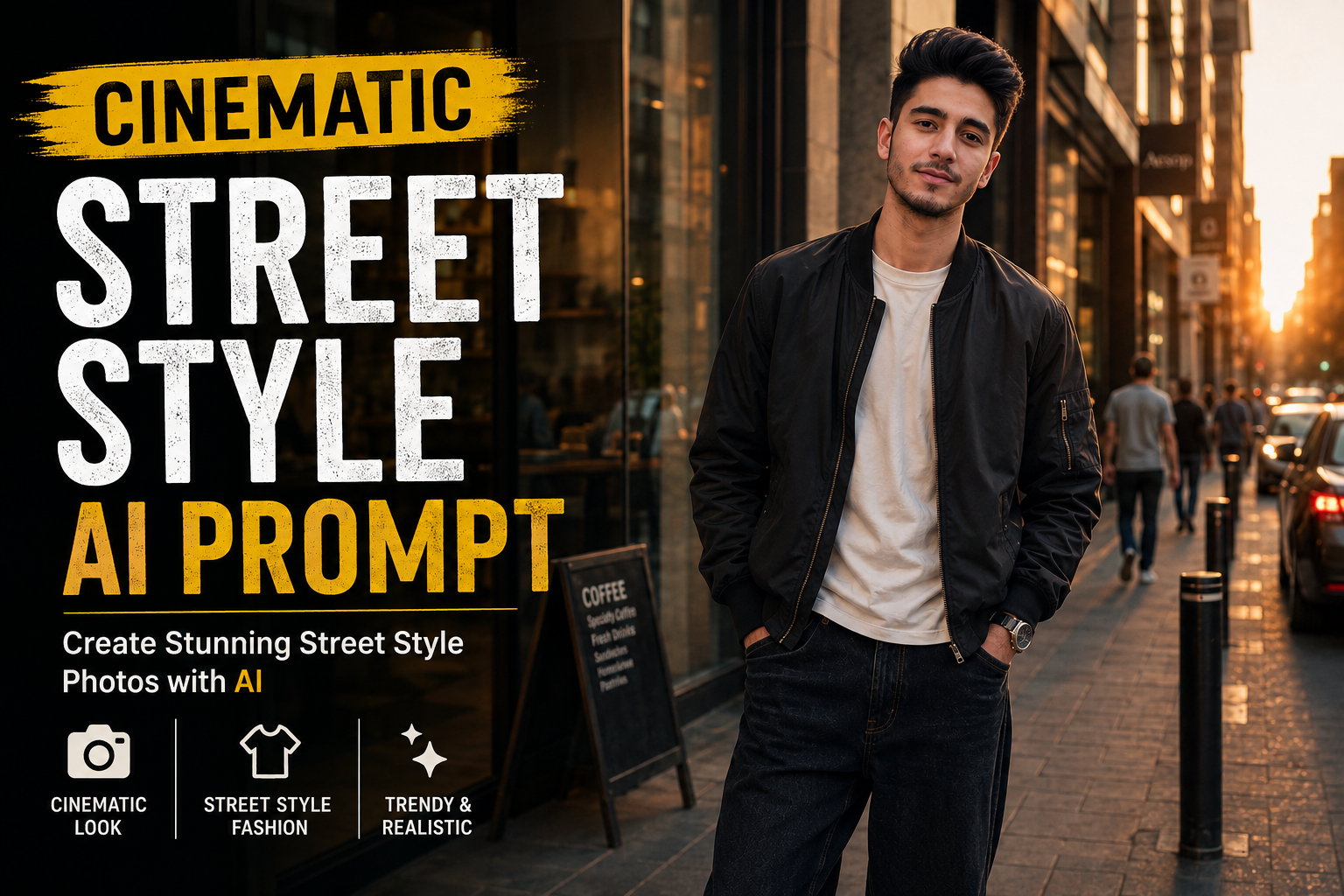
Street-style photography has become one of the most popular AI photo-editing trends for Instagram, Pinterest, and other social media platforms. A simple portrait can be transformed into a stylish urban photograph by changing the environment, outfit, lighting, camera perspective, and overall mood.
In this guide, you’ll find a Cinematic Street Style AI Photo Editing Prompt designed to create a realistic fashion-editorial look while keeping your original face and natural identity recognizable.
What Is a Cinematic Street Style AI Photo Editing Prompt?
A Cinematic Street Style AI Photo Editing Prompt is a detailed instruction that tells an AI image tool how to transform an existing photo into an urban fashion photograph.
Instead of simply adding a filter, the prompt can describe the entire visual atmosphere, including:
- Urban surroundings
- Fashion styling
- Natural body proportions
- Cinematic lighting
- Camera perspective
- Background details
- Shadows and reflections
- Skin and hair texture
- Color grading
- Photography style
The goal is to create an image that feels like it was captured during a professional street-fashion photoshoot.
Cinematic Street Style AI Photo Editing Prompt
Use the following prompt with a compatible AI image editing tool:
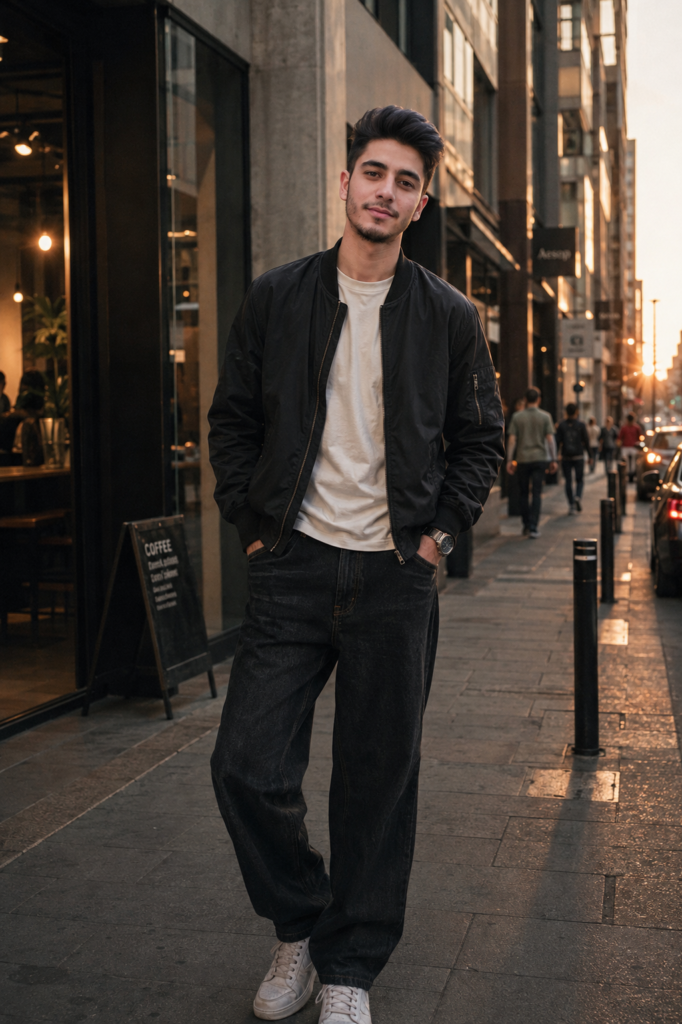
Transform my uploaded photo into a cinematic street-style fashion photograph while preserving my recognizable face, facial structure, hairstyle, skin tone, body proportions, and natural identity.

Place me standing casually on a stylish urban street during the early evening. The surroundings should feature modern concrete buildings, glass storefronts, subtle street signs, parked vehicles, and a few distant pedestrians softly blurred in the background.

Give the image a contemporary fashion-editorial atmosphere. Dress me in a relaxed black bomber jacket layered over a clean off-white T-shirt, loose straight-fit dark denim, minimalist sneakers, and a simple silver watch. Keep the styling fashionable but realistic and avoid excessive accessories.

Use a natural standing pose with relaxed shoulders and one hand casually placed inside a jacket pocket. The expression should remain calm and confident, as if the photograph was captured spontaneously by a professional street photographer.

Create soft directional evening light with a subtle golden glow hitting one side of my face and clothing. Add realistic shadows from nearby buildings and street objects. The lighting should look physically believable rather than artificially dramatic.

Use a slightly low camera angle with a natural 35mm photography perspective. Keep the subject sharp while creating gentle background separation and realistic depth of field.

Add subtle reflections on glass windows and vehicles, realistic fabric texture, individual hair strands, natural skin details, and believable shadows beneath the subject.

Use a sophisticated color palette consisting of charcoal black, muted beige, concrete grey, and warm amber highlights. Apply subtle cinematic color grading with controlled contrast and slightly softened highlights.

The final image should look like an authentic high-end street-fashion photograph captured on a modern professional camera. Maintain realistic proportions, natural facial details, accurate hands, believable clothing folds, and consistent lighting throughout the scene.

Do not make the image look like an AI-generated portrait. Avoid excessive skin smoothing, beauty filters, unrealistic facial changes, exaggerated muscles, or artificial-looking details.
Negative Prompt
For tools that support a negative prompt, use:
distorted face, changed identity, different person, unrealistic skin, plastic skin, excessive beauty filter, deformed hands, extra fingers, missing fingers, duplicated limbs, unnatural body proportions, warped clothing, floating objects, distorted buildings, duplicate people, unrealistic shadows, artificial reflections, excessive HDR, oversaturated colors, cartoon style, anime style, blurry face, low resolution, excessive sharpening, unnatural eyes, fake skin texture, deformed shoes, bad perspective, messy composition
How to Get a More Realistic Street-Style Result
Use a Clear Original Photo
Start with a reasonably sharp photograph where your face and hairstyle are clearly visible. AI tools generally perform better when the original facial features are easy to recognize.
Keep the Background Simple
A busy background can introduce unwanted objects or distortions. Modern streets, clean walls, storefronts, parking areas, and architectural backgrounds usually work well.
Choose Natural Lighting
Golden-hour or early-evening lighting can give the photograph a cinematic appearance without making it look heavily edited.
Don’t Overuse AI Effects
Adding too many effects can make the image look artificial. Realistic shadows, subtle color grading, and natural depth of field are often more effective than extreme effects.
Different Street-Style Variations
You can modify the main prompt to create completely different aesthetics without changing the overall concept.
Luxury Streetwear Style
Replace the outfit section with:
Dress me in a premium black leather jacket, fitted neutral T-shirt, tailored dark trousers, minimalist luxury sneakers, and a classic metal wristwatch. Keep the styling understated and sophisticated.
Casual Winter Street Style
Try:
Dress me in a beige oversized wool coat over a black turtleneck, relaxed dark trousers, leather boots, and a simple scarf. Create a cool winter evening atmosphere with soft street lights and subtle atmospheric haze.
Night Street Photography
For a nighttime version:
Set the scene after sunset with illuminated storefronts, warm street lamps, subtle vehicle headlights, and soft reflections on a slightly wet pavement. Keep the subject naturally illuminated with realistic ambient city lighting.
Minimal Urban Style
For a cleaner look:
Place me beside a modern concrete building with clean architectural lines, minimal street furniture, and a muted neutral background. Use soft overcast daylight and an understated editorial fashion aesthetic.
Best AI Editing Tips
When creating AI street-style photographs, small details can make a major difference. Ask the AI to preserve your facial identity, hairstyle, body proportions, and skin texture rather than completely regenerating the person.
You can also experiment with different camera perspectives such as eye-level, slightly low-angle, or 35mm editorial photography.
For social media, vertical compositions generally work well because they provide enough space to show the outfit and surrounding environment.
Why Cinematic Street-Style Photos Work Well on Instagram
Street-fashion photography combines lifestyle and fashion in a visually interesting way. Unlike a traditional studio portrait, an urban environment gives the image context and makes the photograph feel more spontaneous.
AI editing allows you to experiment with locations, outfits, lighting conditions, and photography styles without needing an actual photoshoot.
The key is to keep the transformation believable. Natural lighting, realistic clothing folds, accurate proportions, and subtle color grading can make the biggest difference.
Final Thoughts
A Cinematic Street Style AI Photo Editing Prompt can transform an ordinary portrait into a stylish urban fashion photograph while maintaining your recognizable appearance.
The prompt in this guide focuses on realistic lighting, contemporary streetwear, natural posing, detailed surroundings, and professional photography aesthetics. You can customize the outfit, location, time of day, and color palette to create your own unique style.
For the best results, use a clear original photo and avoid asking the AI to make too many dramatic changes at once. A subtle, realistic transformation will usually look much more convincing than an overly edited image.