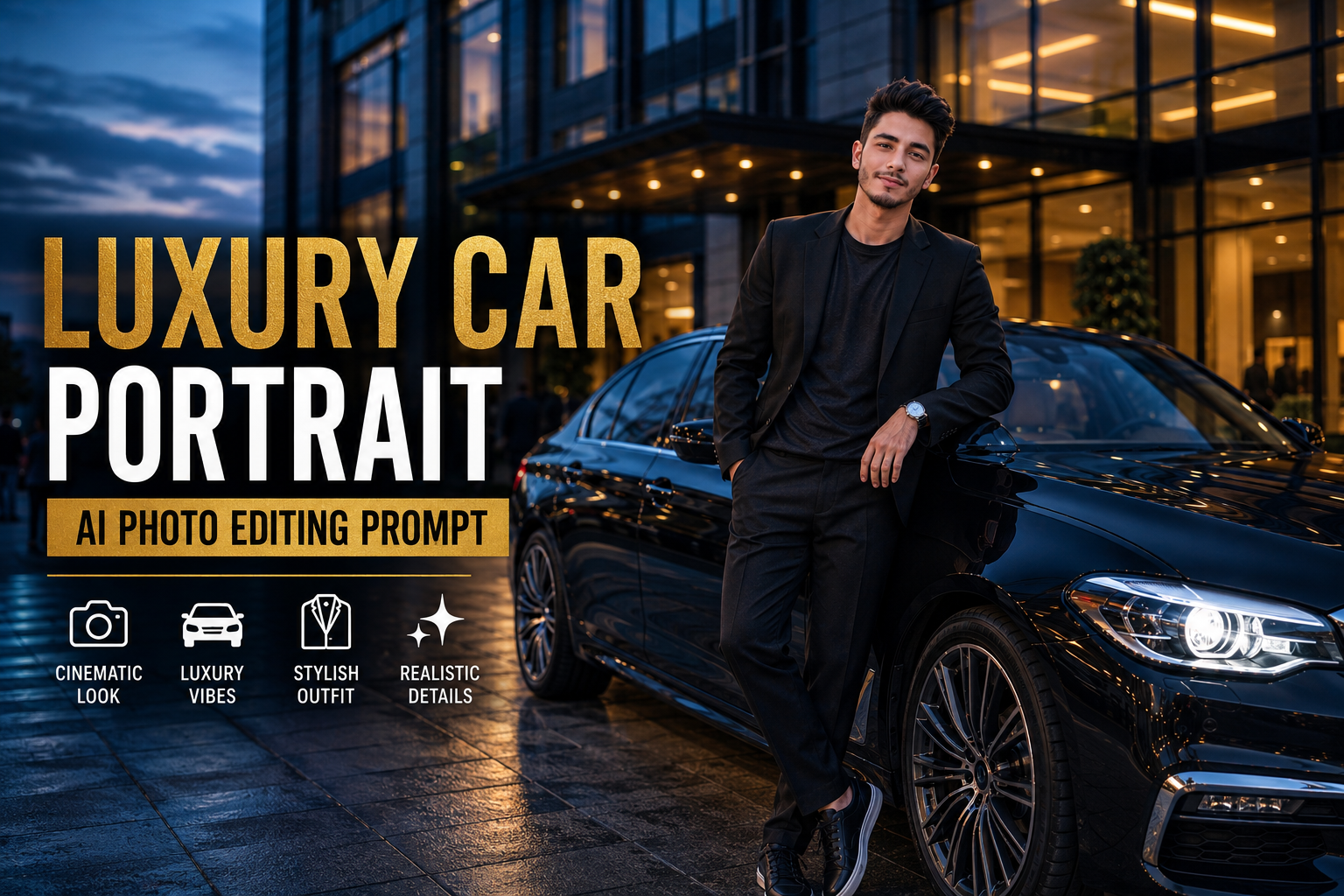
Luxury car photography has become a popular style for Instagram, Pinterest, and social media. With AI photo editing tools, you can transform an ordinary portrait into a premium automotive fashion photograph without needing an expensive location or professional camera setup.
In this guide, you’ll find an original Luxury Car Portrait AI Photo Editing Prompt designed to create a realistic, cinematic image with a premium car, dramatic lighting, stylish clothing, and natural facial details.
check least post – street style
What Is a Luxury Car Portrait AI Photo Editing Prompt?
A Luxury Car Portrait AI Photo Editing Prompt is a detailed instruction that tells an AI image tool how to transform your existing photo into a professional-looking automotive portrait.
The prompt can control elements such as:
- Luxury car and surroundings
- Outfit and accessories
- Pose and body position
- Lighting
- Camera perspective
- Background
- Reflections
- Color grading
- Skin and hair details
- Overall photography style
Instead of simply applying a filter, AI can create a completely different visual environment while keeping the person’s recognizable appearance.
Luxury Car Portrait AI Photo Editing Prompt
Copy the prompt below and use it with a compatible AI image editing tool:
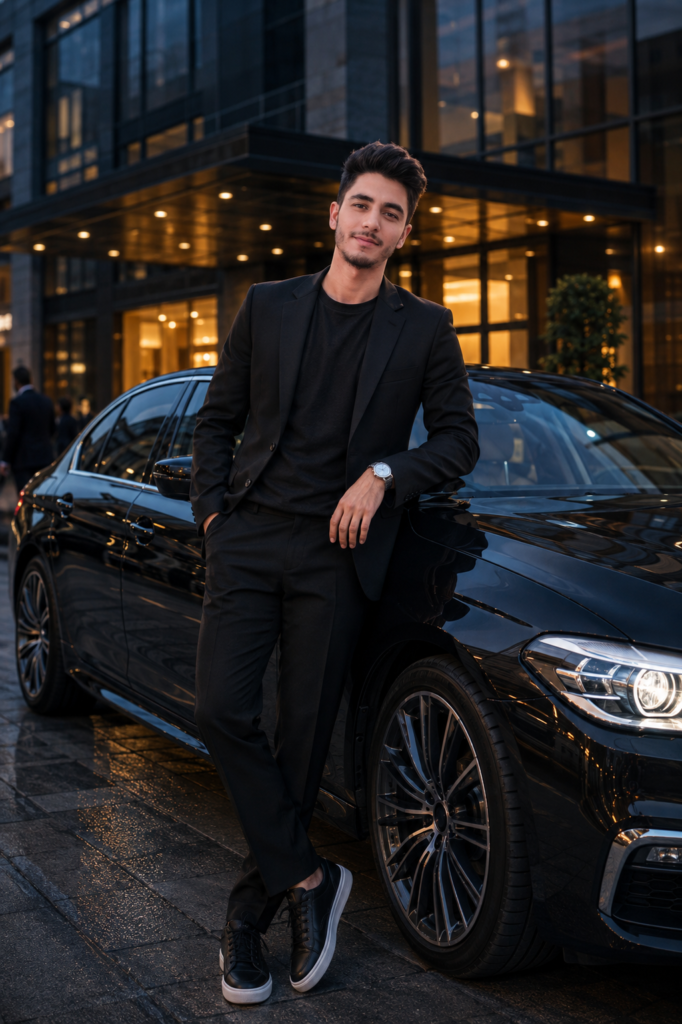
Transform my uploaded photo into a premium cinematic automotive portrait while preserving my recognizable face, facial structure, hairstyle, skin tone, body proportions, and natural identity.

Place me standing beside a sophisticated black luxury sedan parked outside a modern high-end building during blue hour. The car should have a clean glossy exterior, realistic metallic reflections, detailed headlights, premium wheels, and believable proportions.

Give the photograph an elegant luxury-fashion atmosphere. Dress me in a fitted black blazer over a plain dark charcoal T-shirt, tailored black trousers, clean leather sneakers, and a minimal silver wristwatch. Keep the outfit refined and understated without excessive accessories.

Position me naturally beside the front passenger door of the car, with one hand resting casually near the door and the other relaxed by my side. Keep my shoulders natural and my posture confident but effortless. My facial expression should remain calm and composed.

Use soft blue-hour ambient lighting combined with warm architectural lights from the building behind me. Add subtle highlights across the car's body and realistic reflections from nearby lights on the windows and metallic surfaces.

Use a professional 50mm photography perspective with natural depth of field. Keep my face and upper body sharply detailed while allowing the distant architecture and background lights to fall into a gentle cinematic blur.

Create realistic pavement reflections beneath the vehicle and subject. Add subtle environmental details such as glass panels, modern architectural lines, warm entrance lights, and a few distant people softly out of focus.

Preserve realistic skin texture, natural hair strands, authentic fabric folds, accurate hands, believable shadows, and physically consistent lighting.

Use a sophisticated color palette of black, charcoal, deep blue, silver, and warm amber highlights. Apply subtle cinematic color grading with controlled contrast, soft highlights, and natural skin tones.

The final photograph should look like a genuine professional automotive fashion photoshoot captured with a high-end camera, not an AI-generated image.

Do not change my identity or facial characteristics. Avoid excessive skin smoothing, beauty filters, unrealistic muscles, exaggerated facial features, or artificial-looking details.
Negative Prompt
If your AI tool supports negative prompts, add this:
distorted face, changed identity, different person, unrealistic skin, plastic skin, excessive face smoothing, beauty filter, deformed hands, extra fingers, missing fingers, duplicated limbs, unnatural body proportions, warped car, distorted wheels, incorrect car perspective, floating objects, unrealistic reflections, fake shadows, duplicate person, distorted background, oversaturated colors, excessive HDR, cartoon style, anime style, blurry face, low resolution, artificial eyes, fake skin texture, deformed clothing, unrealistic lighting, bad perspective, messy composition
How to Create a Realistic Luxury Car Photo
1. Start With a Clear Photo
Use an original photograph where your face, hairstyle, and facial structure are clearly visible. A sharp source image usually gives the AI more information to work with.
2. Keep the Car Realistic
Luxury cars can easily become distorted during AI generation. Mentioning realistic proportions, wheels, reflections, headlights, and body details can help produce a more believable result.
3. Use Blue-Hour Lighting
Blue hour creates a combination of cool outdoor tones and warm building lights. This contrast can give the photograph a premium cinematic appearance without looking overly edited.
4. Choose Minimal Styling
A simple blazer, dark trousers, watch, and clean shoes are enough to create a luxury-fashion appearance. Too many accessories can make the image look artificial.
5. Add Realistic Reflections
Car paint and windows naturally reflect their surroundings. Asking for believable reflections helps the vehicle integrate better into the environment.
Luxury Car Portrait Variations
You can easily modify the main prompt to create different versions.
Nighttime Luxury Car Prompt
Change the lighting section to:
Set the scene at night with illuminated city buildings, soft streetlights, subtle vehicle headlights, and colorful reflections across the wet pavement. Keep the subject naturally illuminated with realistic ambient city lighting.
Sports Car Version
Replace the vehicle description with:
Place me beside a sleek dark metallic sports coupe with an aggressive but elegant design, realistic aerodynamic details, premium wheels, and subtle reflections from the surrounding city lights.
Daytime Luxury Look
For a brighter photograph, use:
Place the scene during late afternoon with soft natural sunlight, clean modern architecture, subtle shadows, and a bright neutral color palette. Keep the car's metallic finish naturally reflective without excessive shine.
Tips for Better AI Automotive Photos
For a convincing result, don’t focus only on the car. The lighting, perspective, shadows, and reflections should all match the environment.
If the car is brightly illuminated but the person is in complete darkness, the image can look unrealistic. Asking the AI to maintain consistent environmental lighting helps both elements appear as part of the same photograph.
You can also experiment with different locations such as luxury hotels, modern office buildings, underground parking areas, city streets, and minimalist architectural spaces.
Why Luxury Car AI Photos Are Popular
Luxury car portraits combine automotive design with fashion photography, making them visually appealing for social media. A premium car, stylish outfit, cinematic lighting, and confident pose can create the appearance of a professional photoshoot.
AI editing makes it possible to experiment with these concepts using an ordinary photograph as the starting point.
The best results usually come from realistic transformations rather than excessive effects. Keeping natural facial details and believable environmental lighting can make the final image look much more authentic.
Final Thoughts
A Luxury Car Portrait AI Photo Editing Prompt can transform a regular portrait into a sophisticated automotive fashion photograph. By combining a premium vehicle, elegant styling, cinematic lighting, realistic reflections, and natural facial details, you can create a polished image suitable for Instagram and other social platforms.
Try changing the car type, location, outfit, lighting, and photography perspective to create different versions while keeping the overall aesthetic realistic.