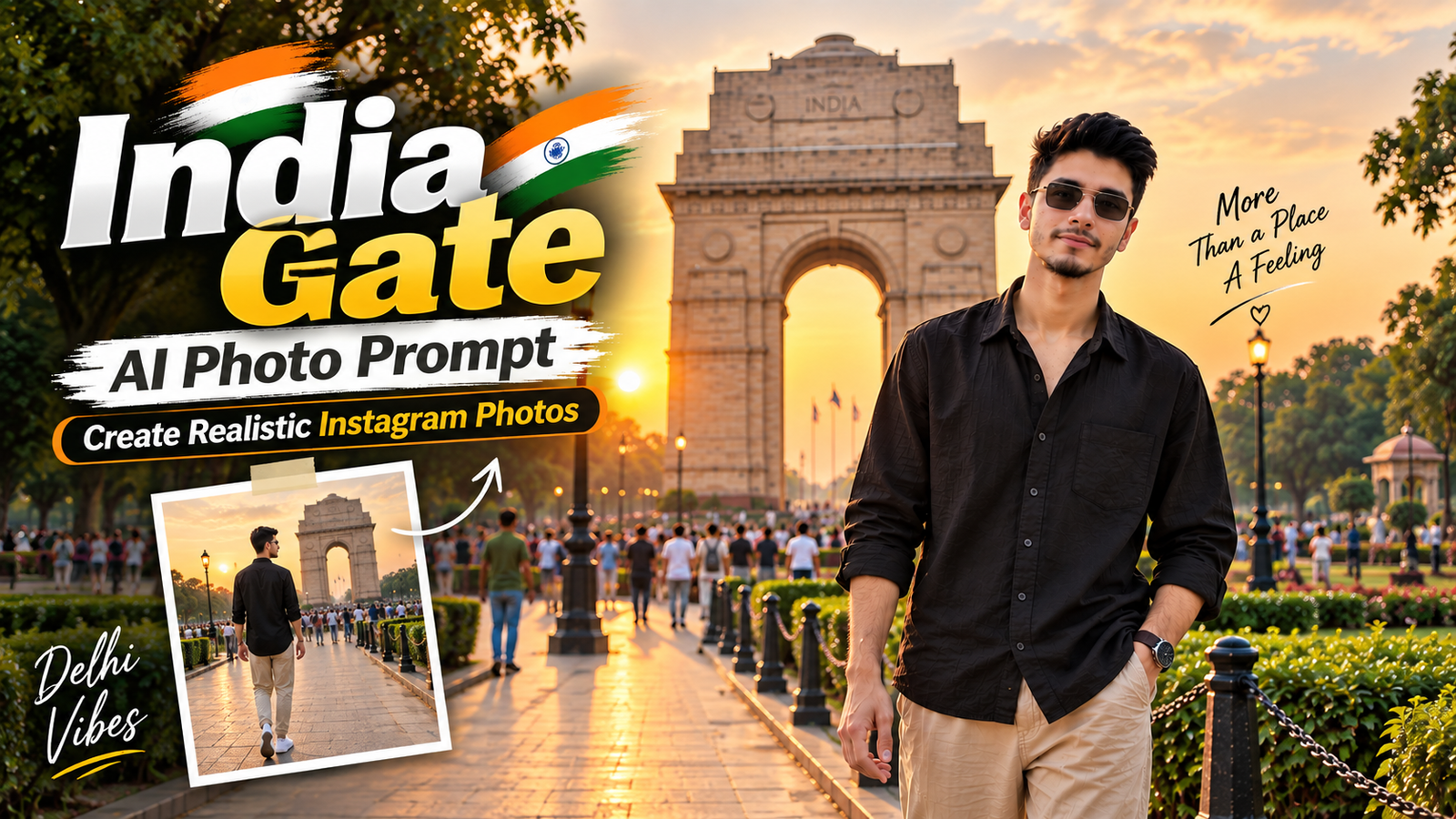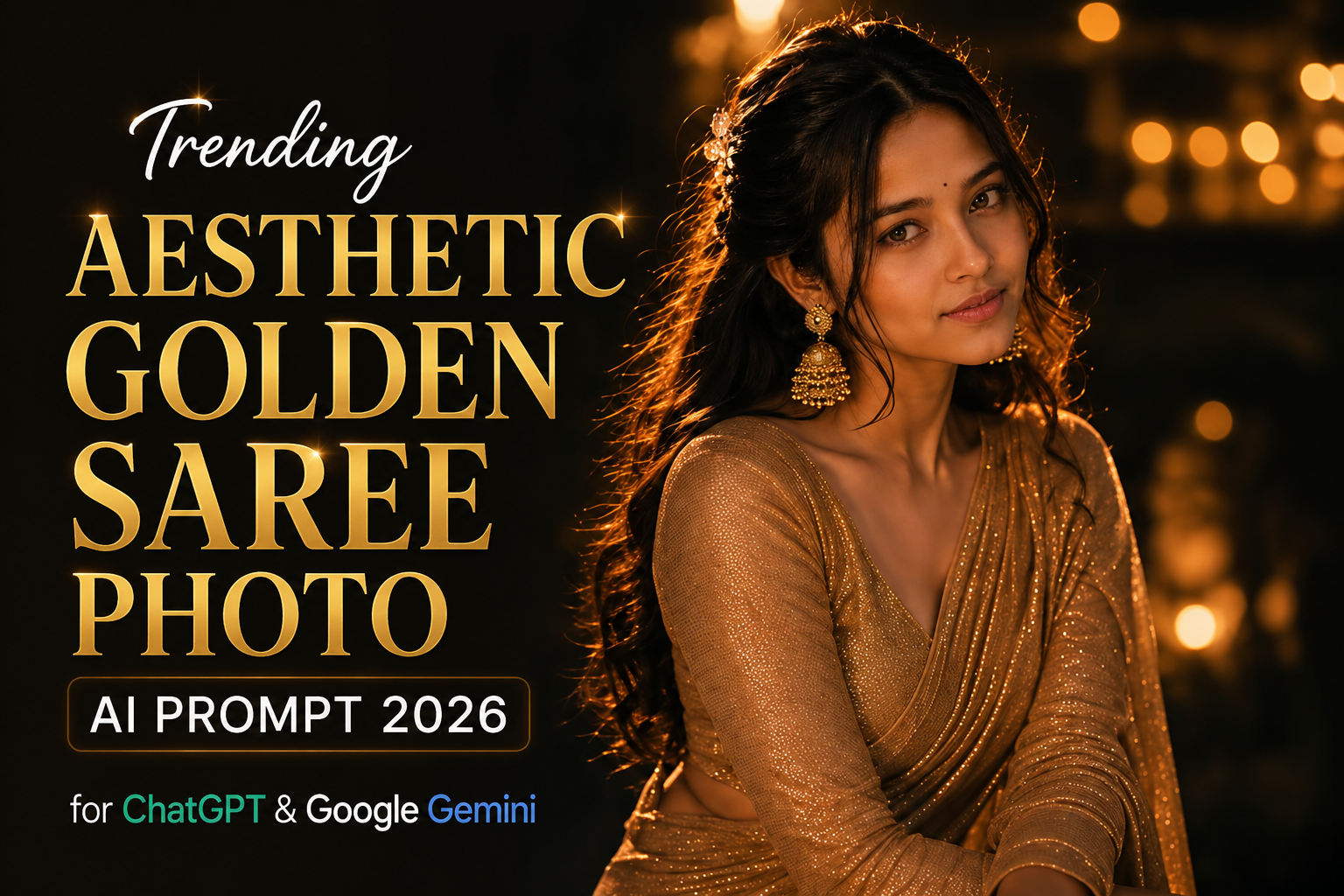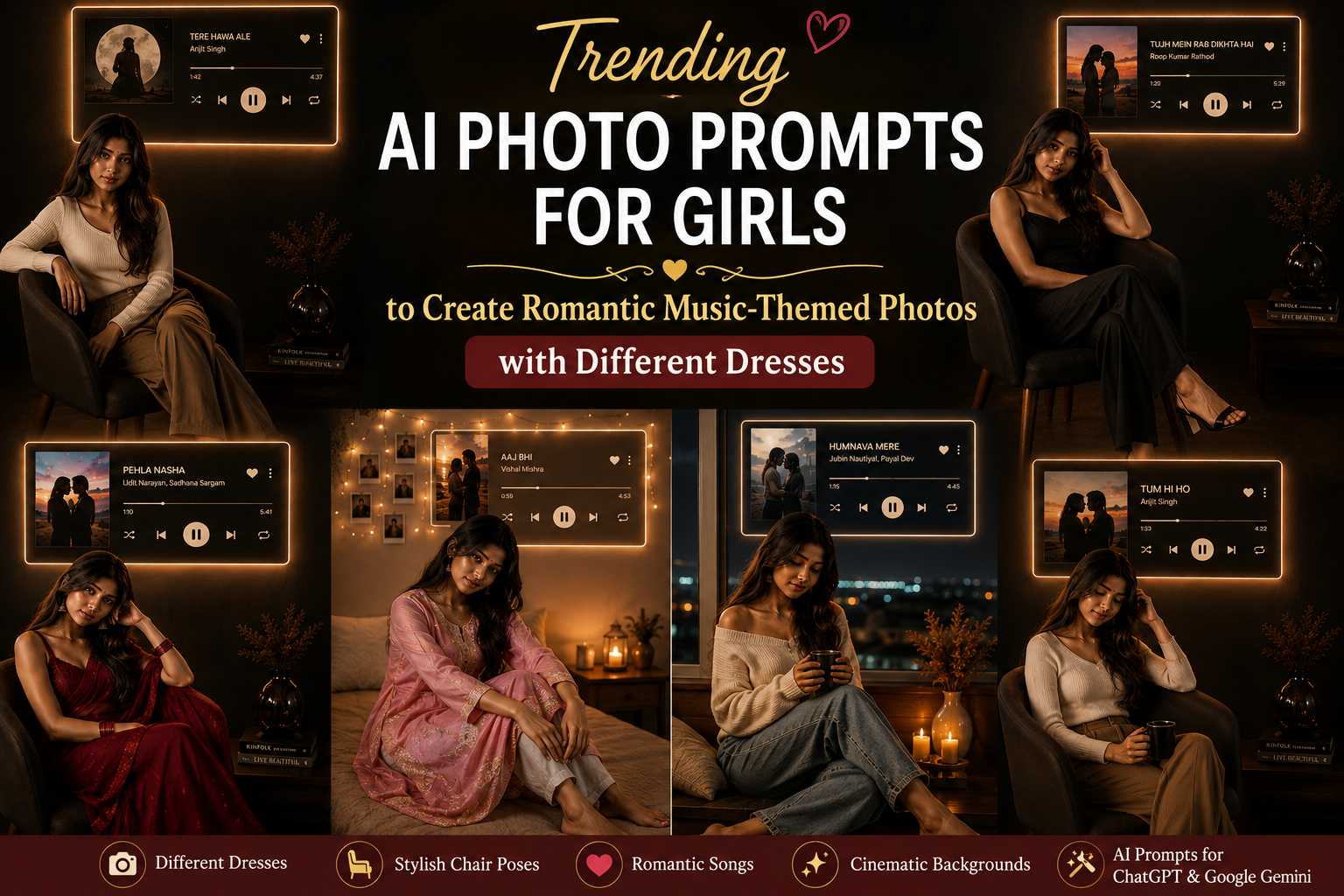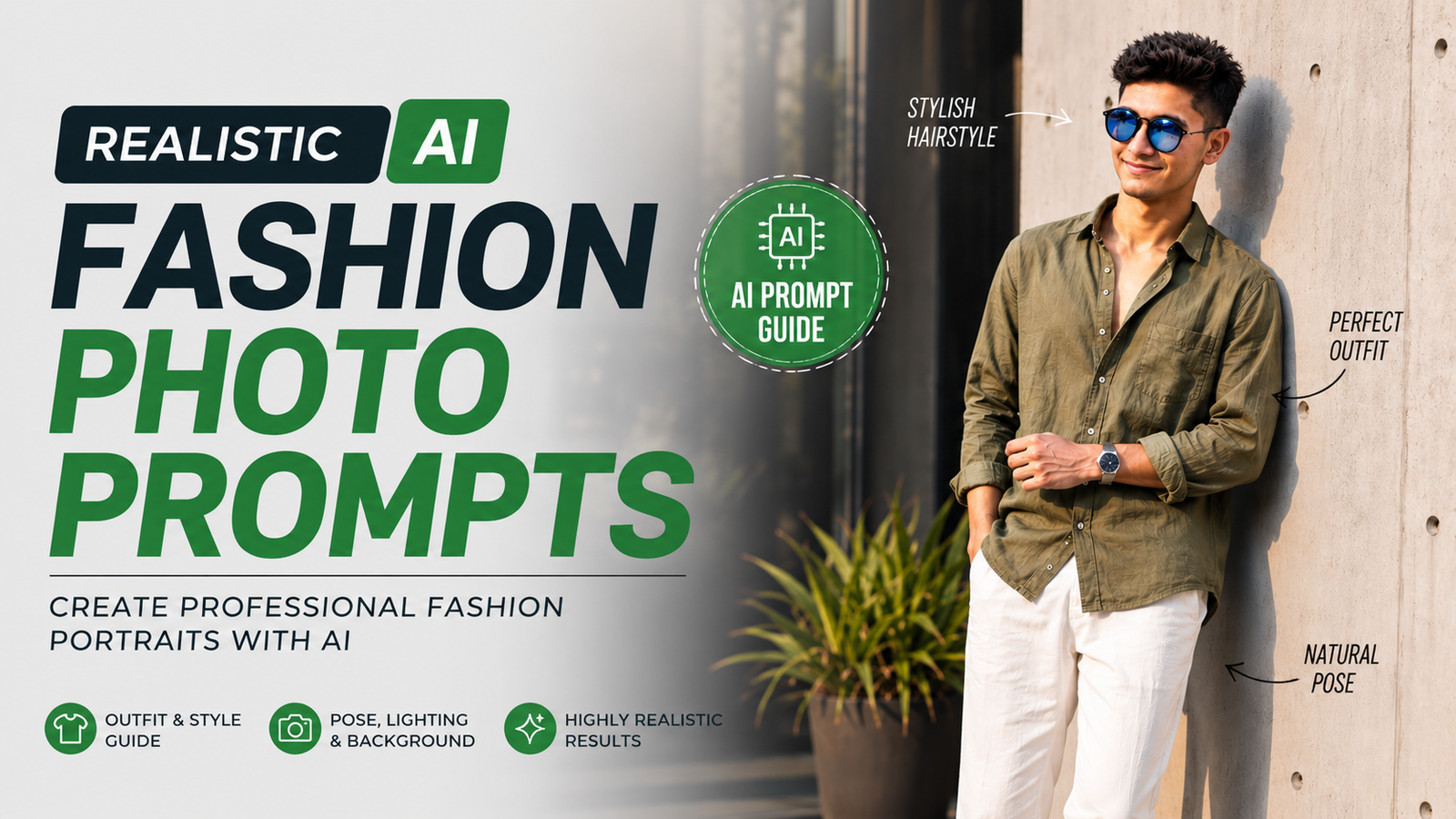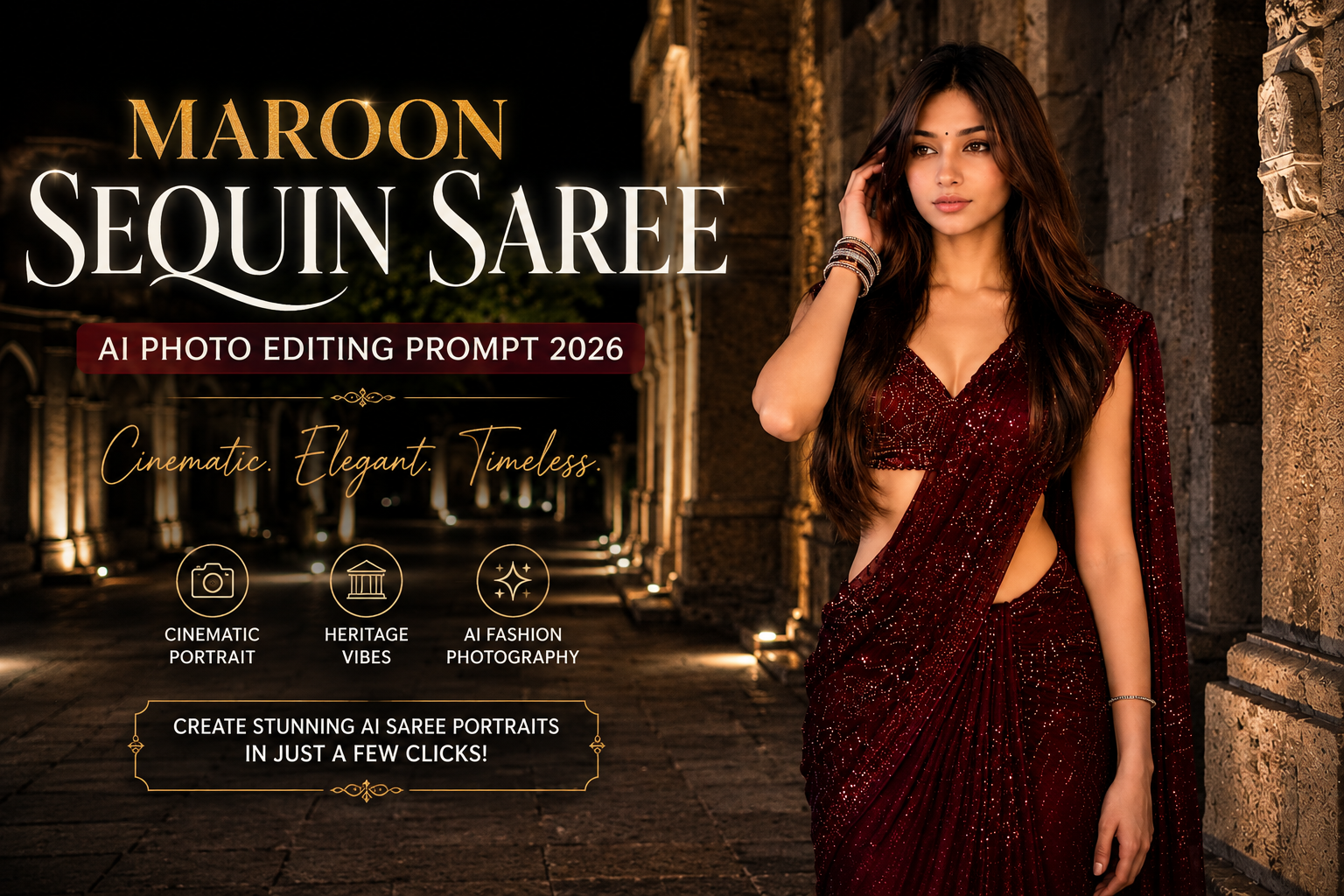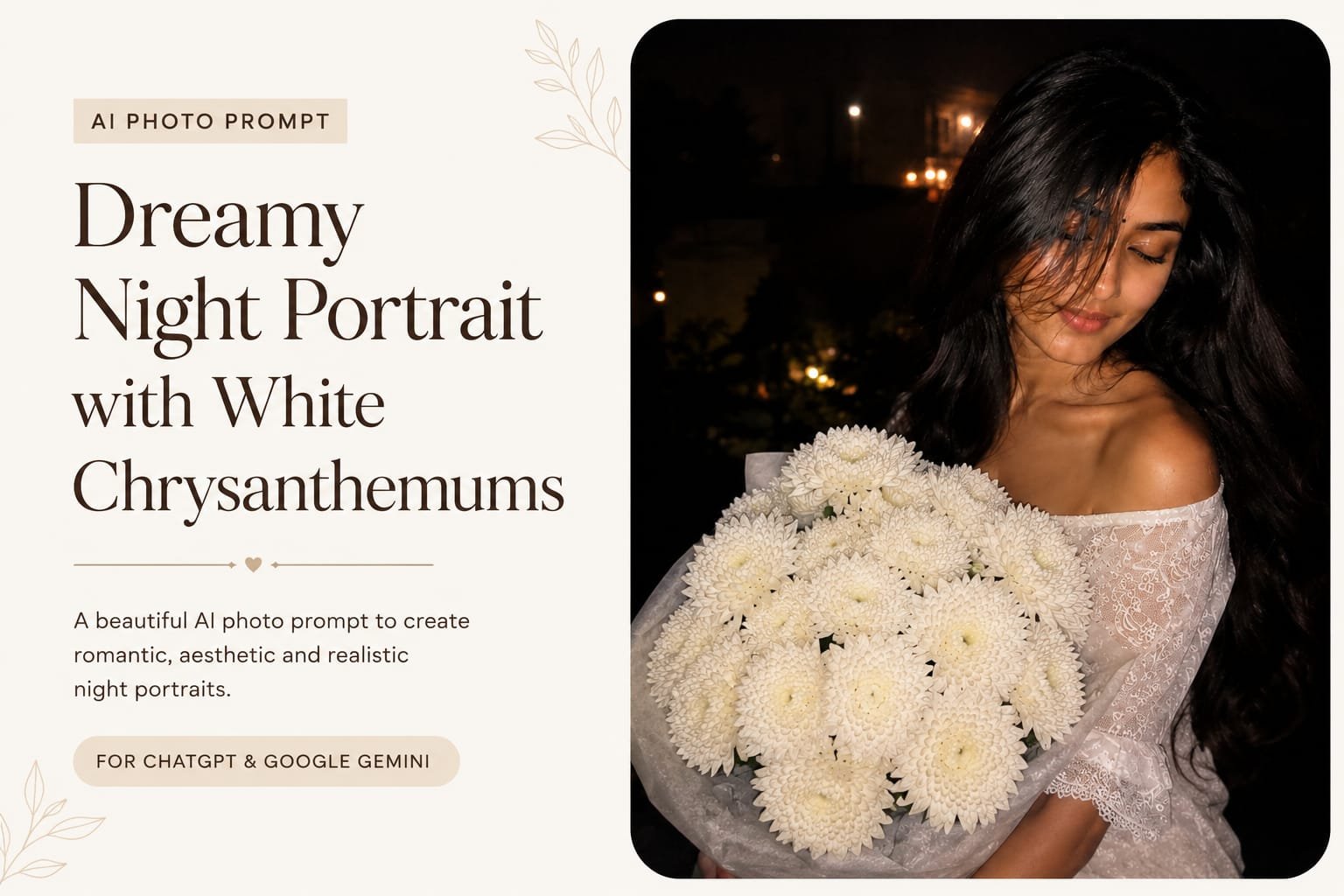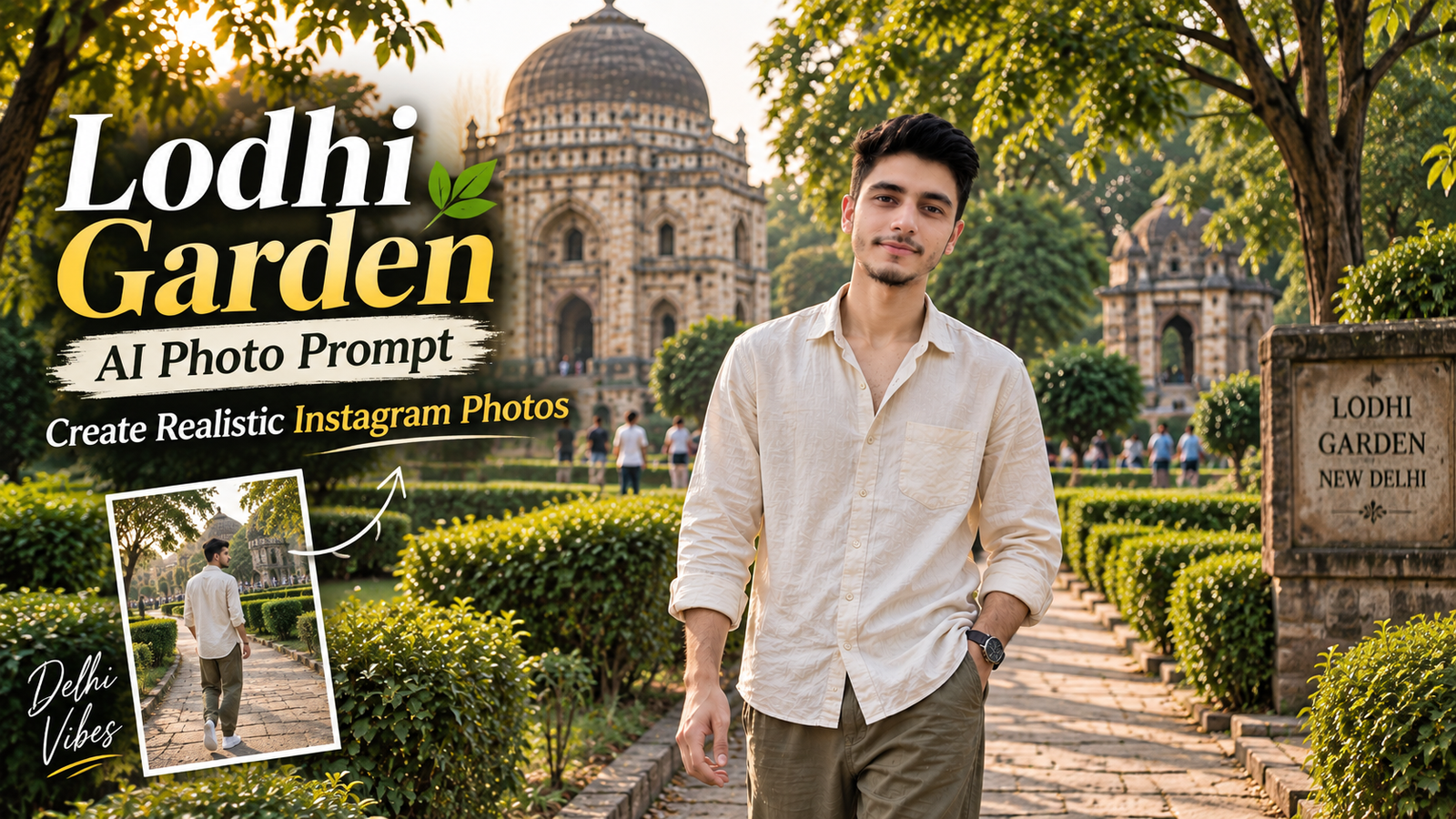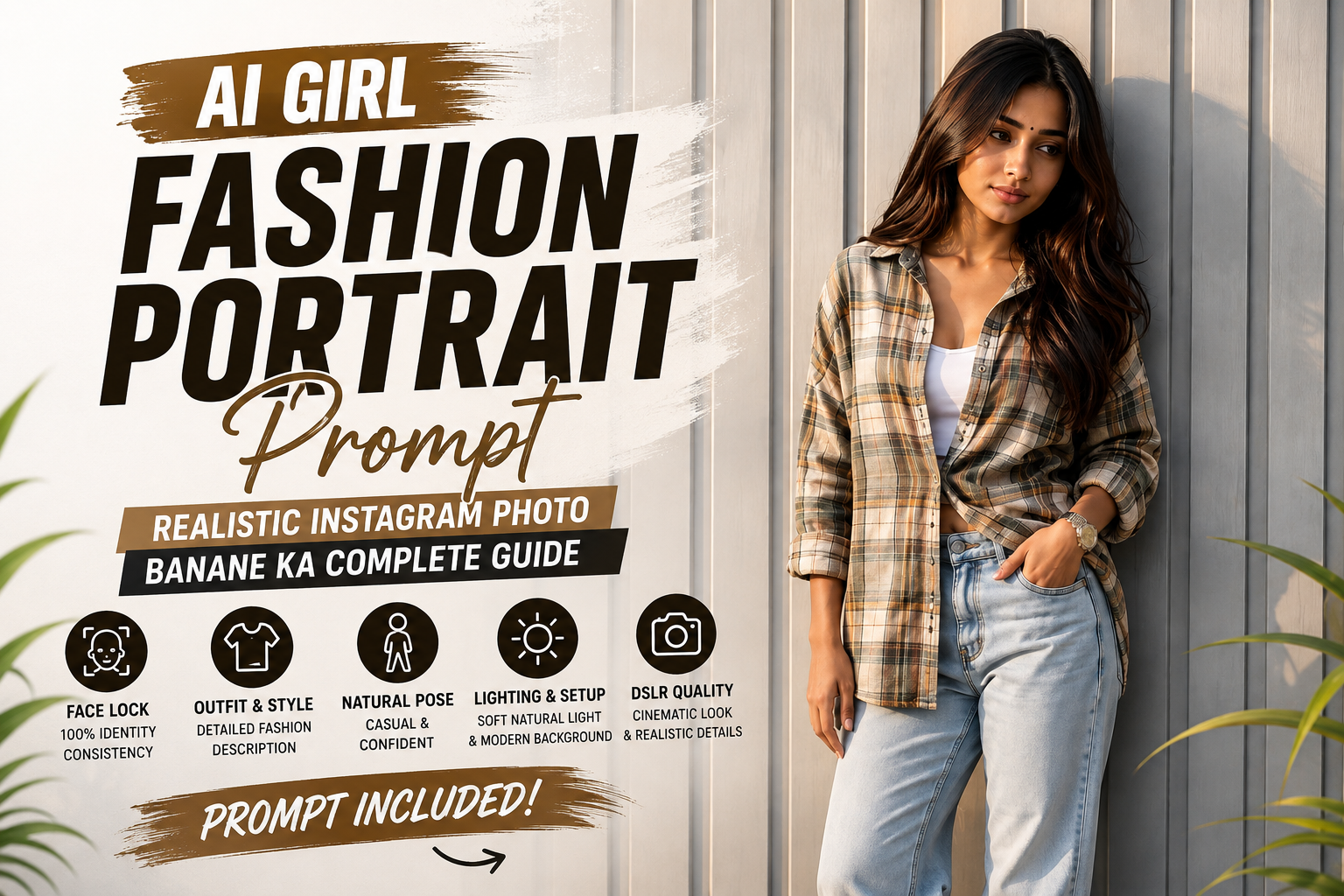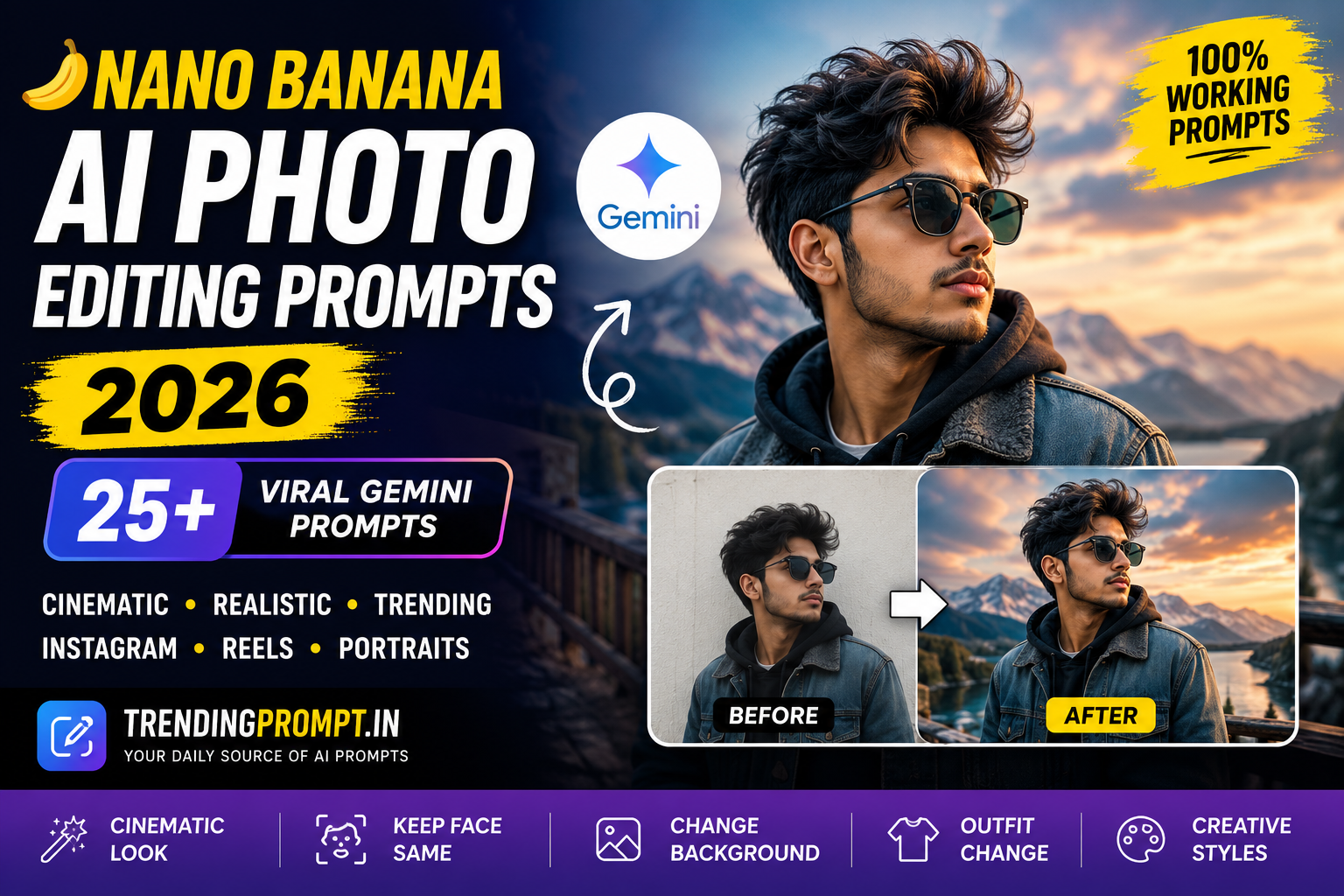
AI photo editing has become much easier with modern image-editing models, and Nano Banana AI photo editing prompts are becoming a popular way to transform ordinary photos into creative, realistic and social-media-ready images.
Instead of manually adjusting backgrounds, clothes, lighting, poses or objects, you can describe the changes you want in natural language. Gemini can then use your instructions to create or edit an image while preserving important details from the original photo.
Google introduced Nano Banana as an image-generation and editing model in Gemini, with a strong focus on maintaining the likeness of people and pets during edits. It can also perform detailed changes, combine images and apply creative transformations.
In this guide, you will find 25+ Nano Banana AI photo editing prompts for 2026 covering cinematic portraits, Instagram photos, fashion edits, travel pictures, retro looks, professional headshots, couple photos and creative transformations.
What Is Nano Banana AI?
Nano Banana is the name commonly associated with Google’s Gemini image-generation and editing technology. It allows users to work with images using text instructions.
Instead of opening multiple editing tools and adjusting individual settings, you can explain what you want to change.
For example, you can upload a portrait and ask Gemini to:
- Change the background
- Improve the lighting
- Change clothing
- Create a cinematic atmosphere
- Add realistic environmental details
- Transform an image into a different visual style
- Combine multiple images
- Make specific localized edits
Google has also highlighted Nano Banana’s ability to make detailed edits while keeping other parts of an image unchanged.
How to Use Nano Banana Photo Editing Prompts
Using these prompts is simple.
Step 1: Choose a clear photo
Use a reasonably sharp image where the person’s face and important details are visible.
Step 2: Open Gemini
Open the Gemini app or another supported Gemini image-editing experience.
Step 3: Upload your photo
Add the image you want to edit.
Step 4: Copy a prompt
Choose one of the prompts below and paste it into Gemini.
Step 5: Customize the details
You can replace details such as:
- Outfit
- Location
- Lighting
- Camera angle
- Weather
- Background
- Color mood
- Hairstyle
- Accessories
Step 6: Refine the result
If the first result is not exactly what you want, give a follow-up instruction instead of starting from scratch.
For example:
Keep the person unchanged, but make the background more realistic and reduce the lighting intensity.
Google recommends describing elements such as the subject, composition, action, location and style when creating effective image prompts.
25+ Nano Banana AI Photo Editing Prompts
1. Cinematic Portrait Prompt
Prompt:
Edit this photo into a cinematic professional portrait. Keep the person’s facial identity, natural skin texture, hairstyle and facial features unchanged. Replace the background with a softly blurred urban environment during blue hour. Add realistic cinematic lighting, subtle rim light, natural shadows and shallow depth of field. Make the final image look like it was captured with a professional full-frame camera and a portrait lens. Keep the result photorealistic and avoid excessive skin smoothing.
2. Luxury Instagram Portrait Prompt
Prompt:
Transform this photo into a luxury Instagram-style portrait. Keep my face, body proportions, hairstyle and natural appearance unchanged. Place me in an elegant modern interior with premium furniture, warm ambient lighting and subtle architectural details. Use realistic shadows, natural skin texture and sophisticated color grading. Make the photograph look editorial and expensive without making it artificial.
3. Golden Hour Photo Prompt
Prompt:
Edit this image into a realistic golden-hour portrait. Preserve the person’s identity and facial details exactly. Add warm sunlight coming from the side, soft natural shadows and a beautiful outdoor background with subtle greenery. Create realistic lens depth and gentle highlights on the hair and face. Keep the final image natural and photorealistic.
4. Rainy Street Portrait Prompt
Prompt:
Turn this photo into a cinematic rainy-night street portrait. Keep the person completely recognizable and preserve the original facial features, hairstyle and body proportions. Place the subject on a realistic city street after rainfall with wet pavement reflecting street lights. Add soft rain, atmospheric lighting, subtle reflections and shallow depth of field. Make it look like a professional night photograph.
5. Luxury Car Photo Prompt
Prompt:
Place the person from this photo beside a modern luxury car in a premium city environment. Keep the person’s identity, face, hairstyle, clothing details and body proportions unchanged. Use realistic evening lighting, reflections on the car, natural shadows and a slightly blurred background. Make the final photograph look authentic and professionally photographed.
6. Mountain Travel Photo Prompt
Prompt:
Transform this image into a realistic mountain travel photograph. Preserve the person’s identity and appearance. Place the subject on a scenic mountain viewpoint with distant snow-covered peaks, atmospheric clouds and natural daylight. Maintain realistic proportions and shadows. Use a professional travel-photography composition with natural colors and realistic depth.
7. Beach Sunset Prompt
Prompt:
Edit this photo into a beautiful beach sunset portrait. Keep the person’s face, hairstyle, body proportions and overall appearance unchanged. Place the subject near the shoreline during sunset with warm orange sunlight, realistic ocean reflections and soft waves in the background. Add natural shadows and cinematic depth while keeping the image photorealistic.
8. Professional LinkedIn Headshot Prompt
Prompt:
Convert this photo into a professional corporate headshot. Preserve the person’s real facial identity, natural skin texture and hairstyle. Replace the background with a clean professional studio environment using subtle neutral tones. Add soft studio lighting and realistic facial shadows. Keep the expression natural and make the final image suitable for a professional profile.
9. Fashion Editorial Prompt
Prompt:
Transform this portrait into a high-end fashion editorial photograph. Keep the person’s identity and facial structure unchanged. Place the subject in a minimalist studio with dramatic but realistic lighting. Add subtle fashion-magazine styling, professional composition, controlled shadows and premium color grading. Avoid unrealistic facial changes or excessive retouching.
10. Retro 90s Photo Prompt
Prompt:
Turn this image into an authentic 1990s-inspired photograph. Preserve the person’s face, hairstyle and natural appearance. Create a realistic retro environment with period-appropriate clothing details, warm flash photography, subtle film grain and slightly muted colors. Make the image look like it was captured on a real 1990s camera rather than digitally generated.
11. Bollywood-Inspired Portrait Prompt
Prompt:
Transform this portrait into a dramatic Indian cinema-inspired photograph. Keep the person’s facial identity and natural features unchanged. Create a cinematic background with warm lighting, atmospheric depth and rich but realistic colors. Add subtle film-style contrast and professional composition while keeping the person photorealistic.
12. Wedding Portrait Prompt
Prompt:
Edit this photo into an elegant wedding portrait. Preserve the person’s identity, facial features, hairstyle and natural skin texture. Create a sophisticated wedding venue in the background with warm decorative lights and realistic depth. Add soft professional photography lighting and natural shadows. Keep the final image realistic and premium.
13. Couple Photo Prompt
Prompt:
Create a romantic cinematic couple portrait using the uploaded image. Preserve both people’s facial identities and natural appearance. Place the couple in a beautiful outdoor setting during sunset. Add soft warm light, realistic shadows, subtle background blur and natural body proportions. Keep the final photograph intimate, realistic and suitable for Instagram.
14. Studio Portrait Prompt
Prompt:
Turn this image into a professional studio portrait. Keep the person’s identity, facial features, hairstyle and body proportions unchanged. Place the subject against a clean studio background with soft directional lighting. Add realistic skin texture, subtle shadows and professional portrait photography depth. Avoid over-editing the face.
15. Streetwear Fashion Prompt
Prompt:
Transform this photo into a modern streetwear fashion photograph. Preserve the person’s face, identity, hairstyle and body proportions. Place the subject in a stylish urban environment with realistic architecture, subtle graffiti and evening city lighting. Use a professional fashion-photography composition with natural shadows and realistic textures.
16. Rainy Monsoon Portrait Prompt
Prompt:
Create a realistic Indian monsoon portrait from this photo. Keep the person’s identity and facial features unchanged. Place the subject on a rain-soaked street with umbrellas, wet roads, soft reflections and cloudy weather. Add realistic raindrops and natural atmospheric depth. Keep the image cinematic but believable.
17. Passport-Style Professional Photo Prompt
Prompt:
Create a clean professional ID-style portrait from this image. Preserve the person’s real facial identity and natural features. Use an evenly lit plain background, front-facing composition and neutral expression. Keep the skin texture realistic and avoid beauty filters, face reshaping or excessive retouching.
18. Magazine Cover Portrait Prompt
Prompt:
Transform this portrait into a premium fashion magazine cover photograph. Preserve the person’s identity, face and hairstyle. Create a sophisticated editorial background with studio lighting, realistic shadows and high-end fashion photography aesthetics. Leave clean negative space around the subject for possible magazine typography. Keep the image photorealistic.
19. Coffee Shop Portrait Prompt
Prompt:
Edit this photo into a cozy modern coffee-shop portrait. Keep the person’s identity, facial features and appearance unchanged. Place the subject near a large cafe window with warm natural light, realistic furniture and a softly blurred background. Add subtle depth of field and natural color grading.
20. Luxury Hotel Portrait Prompt
Prompt:
Place the person in this image inside a luxurious modern hotel lobby. Preserve their facial identity, hairstyle, body proportions and natural appearance. Add elegant architecture, warm lighting, realistic reflections and professional depth of field. Make the final photograph look like a genuine luxury travel photograph.
21. Winter Portrait Prompt
Prompt:
Transform this photo into a realistic winter portrait. Keep the person’s face, identity, hairstyle and body proportions unchanged. Place the subject in a snowy outdoor environment with soft falling snow, natural winter lighting and realistic atmospheric depth. Add subtle cold-weather details while keeping the person photorealistic.
22. Black and White Portrait Prompt
Prompt:
Convert this portrait into a professional black-and-white photography composition. Preserve the person’s identity and facial details. Use dramatic but realistic directional lighting, natural skin texture and strong tonal contrast. Create the appearance of an authentic fine-art portrait photograph.
23. Travel Airport Portrait Prompt
Prompt:
Turn this image into a realistic modern airport travel photograph. Preserve the person’s identity and appearance. Place the subject inside a premium international airport with realistic signs, glass architecture and subtle background activity. Use natural indoor lighting, professional composition and realistic depth of field.
24. Childhood Memory Concept Prompt
Prompt:
Create a nostalgic cinematic scene that visually connects the person in this photo with a younger version of themselves. Preserve the adult person’s identity and recognizable facial characteristics. Create a warm emotional environment with soft evening light, realistic surroundings and subtle film-style color grading. Keep both figures natural and believable.
25. 3D Figurine Prompt
Prompt:
Transform the person in this photo into a highly detailed collectible 3D figurine while preserving recognizable facial characteristics, hairstyle and outfit details. Place the miniature figure inside premium product packaging on a realistic desk. Include subtle studio lighting, realistic plastic and fabric textures and a professional product-photography composition.
Google has specifically highlighted figurine transformations as one of the creative uses of Nano Banana.
26. Before-and-After Transformation Prompt
Prompt:
Create a realistic visual transformation concept using this original photo. Keep the person’s identity consistent while presenting a polished edited version with improved environment, lighting and composition. Preserve recognizable facial features and natural skin texture. Make the transformation believable rather than overly artificial.
How to Get Better Results From Nano Banana Prompts
A good prompt does not always need to be extremely long. What matters is that the important visual instructions are clear.
A useful structure is:
Subject + Action + Location + Composition + Lighting + Style + Editing Instructions
For example:
Keep the person unchanged + place them in a rainy city + cinematic composition + blue-hour lighting + shallow depth of field + realistic photography.
This gives the model a clearer understanding of the intended result.
Google’s own prompting guidance recommends being specific about the subject, composition, action, location and style.
5 Tips for More Realistic AI Photo Edits
1. Start With a High-Quality Photo
A clear source image gives the model more useful visual information.
2. Tell It What Not to Change
If you want the person’s face to remain recognizable, explicitly say:
Keep the person’s facial identity unchanged.
This can help communicate that the edit should focus on the environment rather than redesigning the person.
3. Describe Lighting
Instead of simply saying “make it cinematic,” specify the lighting.
For example:
- Warm sunset light
- Soft studio light
- Blue-hour lighting
- Side lighting
- Diffused window light
4. Make One Major Change at a Time
For difficult edits, start with one primary transformation and then refine the result with follow-up instructions.
5. Use Follow-Up Prompts
You can continue the conversation to refine the generated image.
For example:
Keep everything the same, but make the background less blurry and the lighting more natural.
Nano Banana is designed for conversational and detailed image editing, making iterative refinement an important part of the workflow.
Are Nano Banana Prompts Free?
The availability of Gemini’s image-generation and editing features can depend on the Gemini product, account, region and current Google access rules.
Google has expanded Nano Banana-powered image features across products including Gemini, Search and Google Photos. In India, Google has also introduced conversational image editing in Google Photos using Gemini capabilities.
Therefore, users should check the current Gemini interface and account eligibility rather than assuming every feature has identical access for everyone.
Can Nano Banana Keep Your Face the Same?
One of the major goals of Google’s image-editing updates has been improving consistency when editing people and pets.
This means you can give instructions that focus on changing the background, outfit, environment or style while asking the model to preserve the person’s recognizable characteristics.
However, AI image editing is not perfect. Small differences in facial details, hands, text, accessories or other elements can still occur.
Frequently Asked Questions
What are Nano Banana AI photo editing prompts?
Nano Banana AI photo editing prompts are natural-language instructions used to tell Gemini how an image should be changed, enhanced or transformed.
Can I use Nano Banana prompts with Gemini?
Yes. Nano Banana image editing capabilities are integrated into Google’s Gemini ecosystem, although exact features and availability can vary by product and account.
What type of photos work best?
Clear portraits, selfies, travel photos and well-lit images generally provide useful source material for editing.
Can Nano Banana change the background?
Yes. Background replacement and environmental changes are among the common uses of AI image editing.
Can I change clothes using an AI prompt?
Yes, you can describe a different outfit and ask the model to preserve the person’s identity and other important visual details.
Can I make Instagram photos with Nano Banana?
Yes. You can use prompts designed for cinematic portraits, fashion photography, travel photos, luxury aesthetics, retro styles and other social-media formats.
Are these prompts suitable for beginners?
Yes. You can copy a prompt, upload your image and then modify individual instructions according to the result you want.
Final Thoughts
Nano Banana has made AI image editing more conversational. Instead of relying entirely on complicated editing controls, users can describe the visual changes they want and refine the result through additional instructions.
The best results usually come from clear source images, specific prompts and controlled edits rather than simply adding hundreds of descriptive words.
Try the prompts in this guide with your own photos and customize the location, lighting, outfit, mood and photography style to create unique results.
For more AI photo editing prompts, Gemini prompts and trending image-editing ideas, keep exploring TrendingPrompt.in.