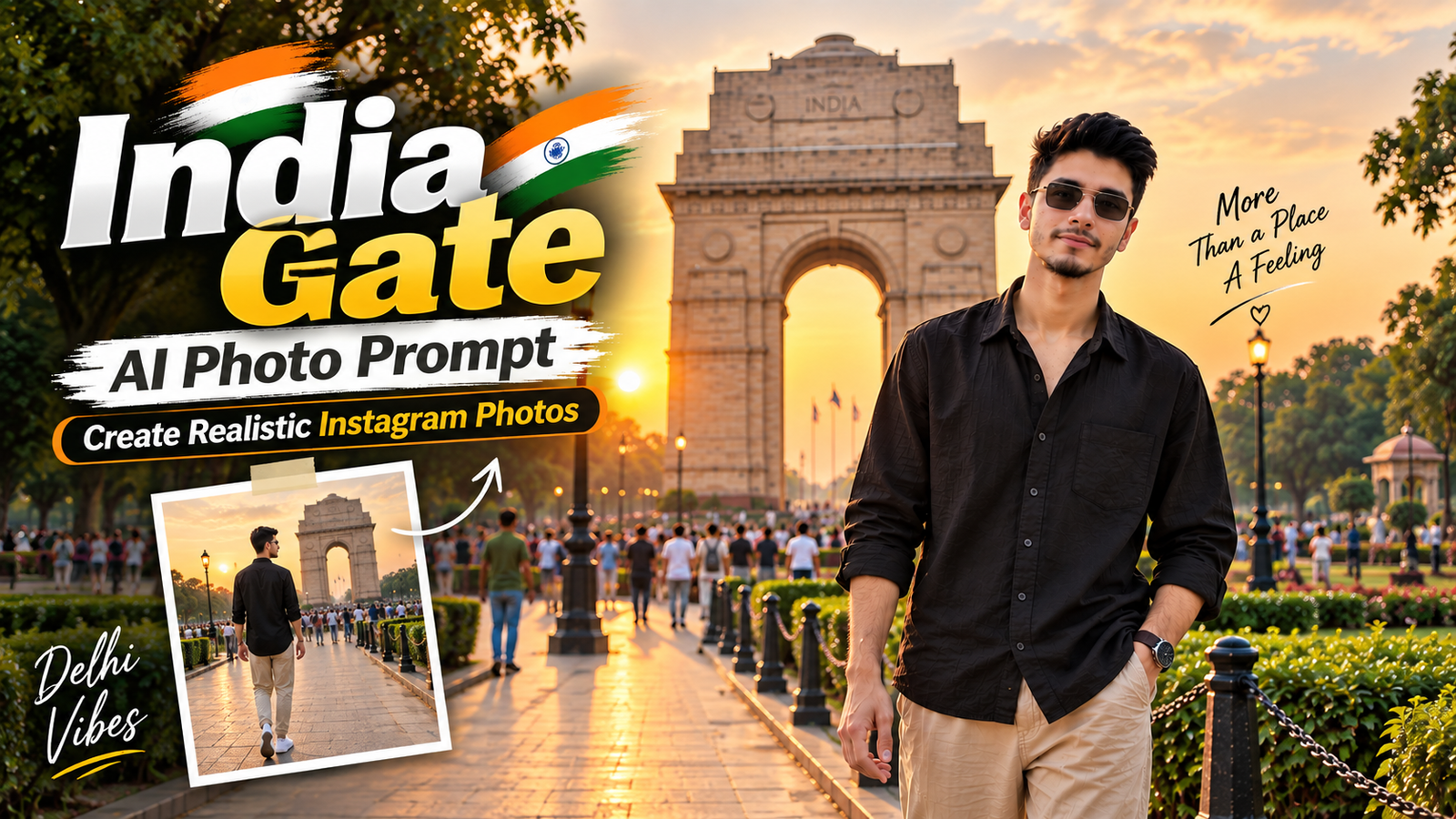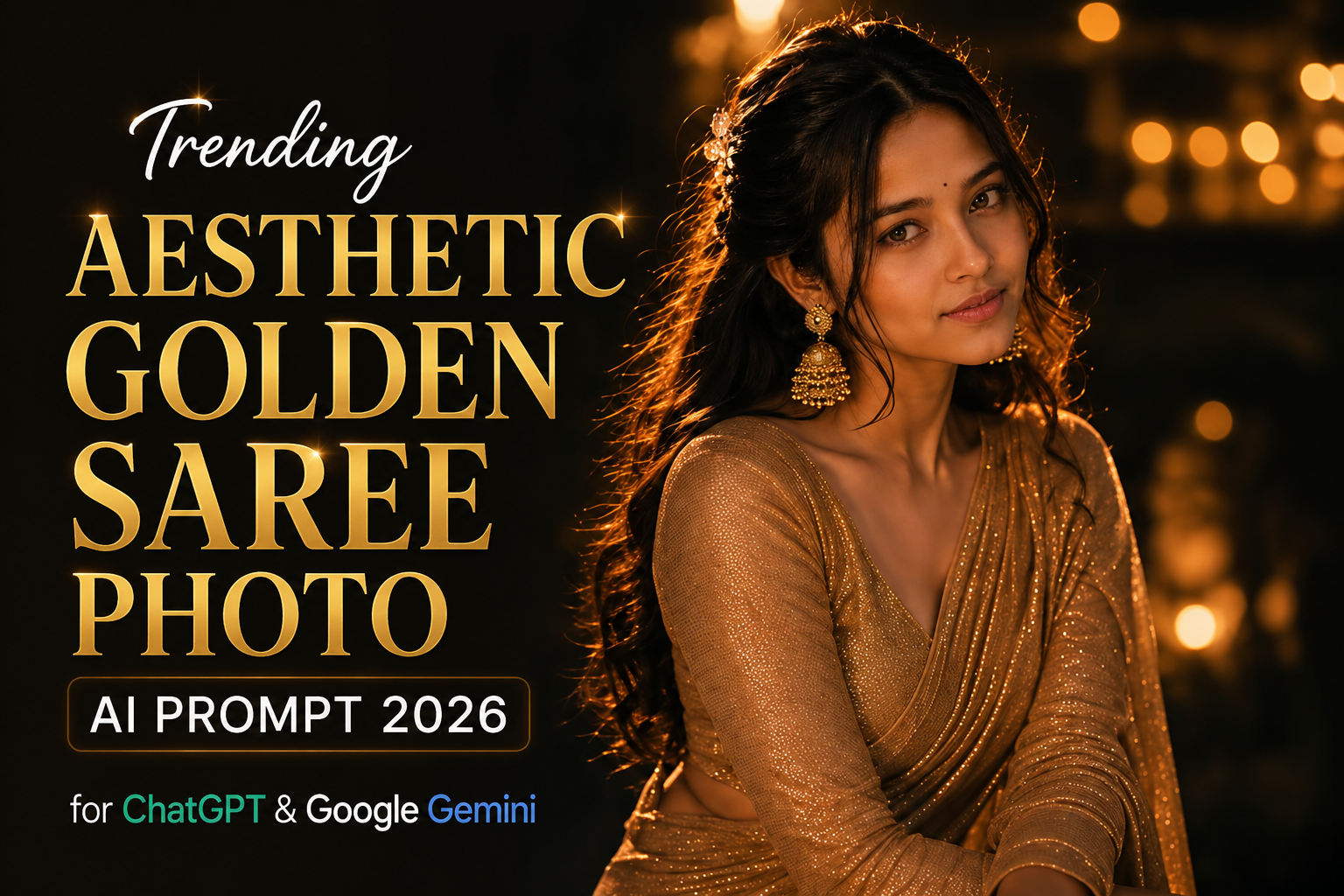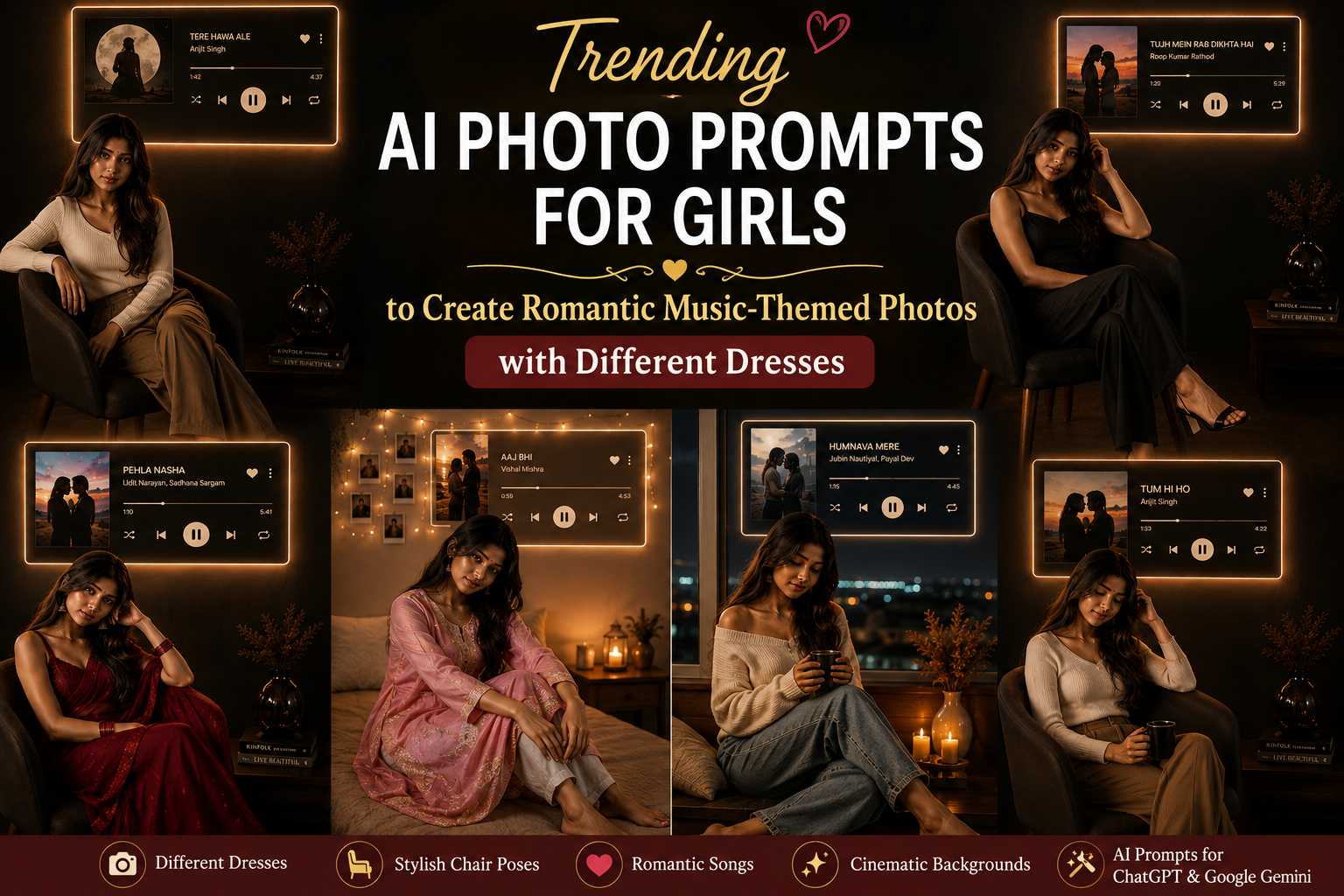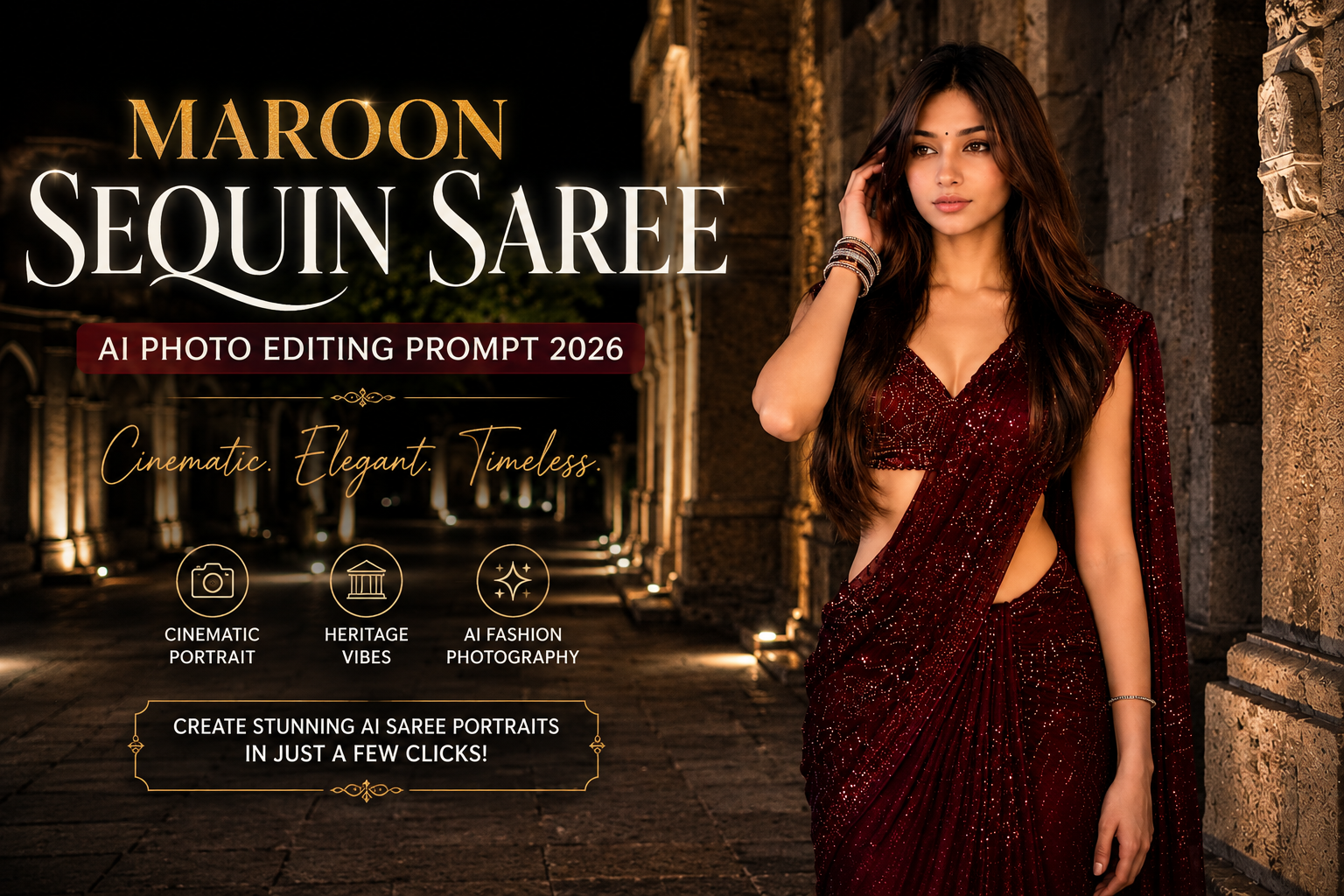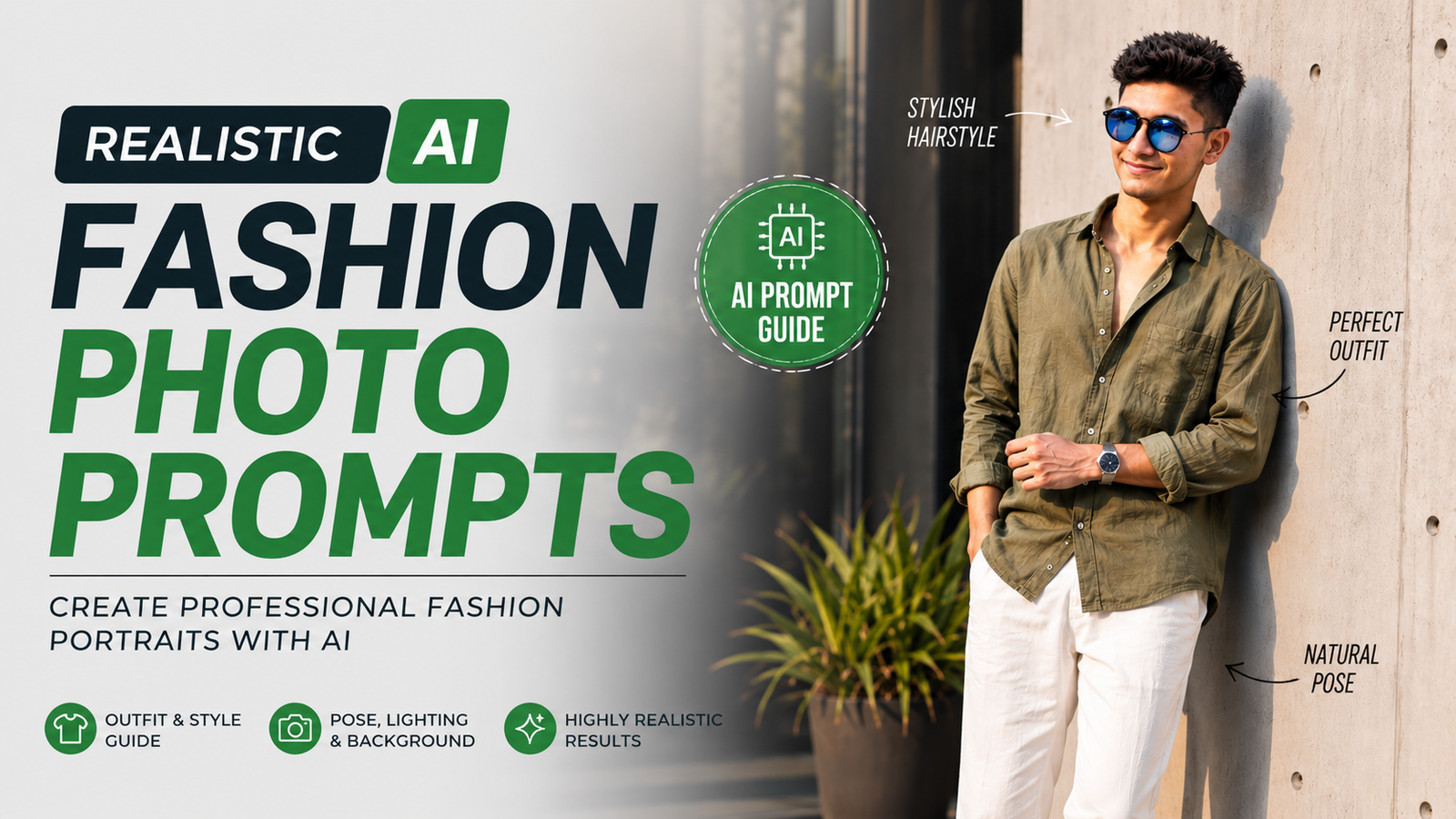
AI image generation has completely changed the way people create fashion and lifestyle photography. You no longer need an expensive camera, professional studio, or complicated lighting setup to create an impressive fashion portrait. With the right AI fashion photo prompt, you can describe an outfit, pose, location, lighting, hairstyle, and photography style and turn that idea into a realistic image.
However, getting a convincing result is not simply about writing “make a stylish photo.” A detailed prompt gives the AI much more information about the image you want to create.
In this guide, you will learn how to write realistic AI fashion prompts, improve face consistency, create natural poses, choose suitable outfits, control lighting, and avoid common AI image-generation mistakes.
What Makes a Good AI Fashion Photo Prompt?
A good AI fashion photo prompt describes the important visual elements instead of leaving everything to the image generator.
A basic prompt might say:
“A stylish man wearing fashionable clothes.”
Although this gives the AI a general idea, the result can vary significantly.
A more detailed description can include:
- Subject appearance
- Hairstyle
- Clothing
- Accessories
- Pose
- Facial expression
- Location
- Background
- Lighting
- Camera style
- Composition
- Image ratio
- Realism
- Negative instructions
For example, instead of simply asking for a fashion photo, you can describe a young man wearing an olive linen shirt, relaxed trousers and white sneakers while leaning against modern architecture during golden hour.
The more logically organized the description is, the easier it is to communicate the intended visual style.
How to Write a Realistic Fashion Prompt
Start With the Subject
Begin by describing the main subject of the image.
For example:
“A young stylish man with naturally textured dark hair and realistic facial features.”
You can then add details such as the general appearance, hairstyle and expression.
Avoid adding unnecessary characteristics that do not contribute to the final image.
Describe the Outfit in Detail
Clothing is one of the most important parts of a fashion image.
Instead of:
“Wearing stylish clothes.”
Try:
“Wearing a premium olive-green linen shirt with rolled-up sleeves, relaxed off-white trousers, clean white sneakers and a minimalist silver wristwatch.”
This provides information about the color, material, style, fitting and accessories.
You can also experiment with different combinations such as:
- Oversized shirt with straight trousers
- Denim jacket with cargo pants
- Neutral blazer with relaxed trousers
- Linen shirt with wide-leg pants
- Casual T-shirt with premium denim
Changing the outfit while keeping the photography style consistent can help you create an entire collection of images.
Create a Natural Pose
The pose has a major impact on whether an AI fashion image feels realistic.
Very complicated poses can sometimes result in distorted hands, legs or body proportions.
A simple pose can be more effective:
“Standing casually against a modern wall, one hand in the pocket and the other resting naturally near the waist, with one leg slightly crossed.”
Other natural fashion poses include:
- Walking toward the camera
- Standing beside a wall
- Sitting on outdoor steps
- Adjusting a watch
- Holding sunglasses
- Looking slightly away from the camera
- Walking through an urban street
The goal should be to make the pose look like something a real fashion photographer could capture.
How to Improve Face Consistency
One of the biggest challenges with AI-generated portraits is maintaining the same facial appearance when creating different images.
If your image-generation tool supports reference images, use the original photo as an identity reference.
You can add an instruction such as:
“Use the provided reference image as the identity reference. Preserve the same facial structure, facial proportions, hairstyle and overall recognizable appearance while changing the outfit, pose and environment.”
This approach can be more useful than simply writing “same face” in a text-only prompt.
Keep Identity Details Consistent
When creating multiple images of the same person, try to preserve:
- Face shape
- Hairstyle
- Skin tone
- Facial proportions
- Eye shape
- Jawline
- General appearance
At the same time, you can change the clothing, location, lighting and pose to create new photographs.
Use Lighting to Create a Professional Look
Lighting can dramatically change the appearance of an AI fashion portrait.
For a warm outdoor fashion style, try:
“Warm golden-hour sunlight coming from the side, creating soft highlights and realistic natural shadows.”
For a clean daytime portrait:
“Soft natural daylight with gentle shadows and balanced skin tones.”
For a studio-inspired result:
“Professional studio lighting with soft directional illumination and controlled shadows.”
Golden-Hour Lighting
Golden-hour lighting creates a warm and cinematic appearance and works particularly well for outdoor fashion photography.
It can add:
- Warm highlights
- Natural shadows
- Depth
- Dimension
- Cinematic atmosphere
The lighting should still be described according to the environment. A fashion portrait should not have lighting that feels disconnected from the background.
Choose the Right Background
The background should complement the subject instead of competing with it.
For a modern fashion portrait, you could use:
“A minimalist architectural concrete wall with subtle panel details, tiled pavement and decorative green plants.”
For an urban style:
“A modern city street with glass buildings, soft background blur and subtle evening lights.”
For a luxury editorial style:
“Contemporary minimalist architecture with neutral tones and sophisticated landscaping.”
A clean background can help keep attention on the clothing and subject.
Add Camera and Photography Details
Photography-related descriptions can help communicate the visual style you want.
For example:
“Professional DSLR fashion photography, 85mm portrait lens, shallow depth of field, realistic perspective, natural skin texture and soft background bokeh.”
You can also mention:
- Professional portrait photography
- Editorial fashion photography
- Natural depth of field
- Soft bokeh
- High dynamic range
- Realistic shadows
- Detailed fabric texture
- Natural skin texture
These descriptions help establish the intended photographic aesthetic.
Create a Full-Body Fashion Portrait
If you want the complete outfit visible, clearly mention the framing.
Use an instruction such as:
“Full-body composition with the subject completely visible from head to shoes.”
You can also add:
“Both feet and shoes completely visible inside the frame.”
This is particularly useful when the shoes are an important part of the outfit.
For Instagram Reels, Stories and other vertical content, you can specify:
“Vertical 9:16 composition.”
Use a Negative Prompt
A negative prompt describes unwanted elements that you want the AI generator to avoid.
For fashion portraits, you can try:
blurry, low resolution, cartoon, anime, CGI, plastic skin, distorted face, bad anatomy, deformed hands, extra fingers, missing fingers, extra limbs, duplicate person, unnatural body proportions, unrealistic skin, cropped head, cropped feet, cut-off shoes, text, logo, watermark.
Problems a Negative Prompt Can Help Reduce
It can be useful for reducing issues such as:
- Distorted hands
- Extra fingers
- Cropped feet
- Duplicate people
- Bad anatomy
- Artificial-looking skin
- Unwanted text
- Watermarks
- Poor image quality
Different AI image generators interpret negative prompts differently, so results may vary between tools.
Ready-to-Use Realistic AI Fashion Prompt
Here is a complete example you can customize:
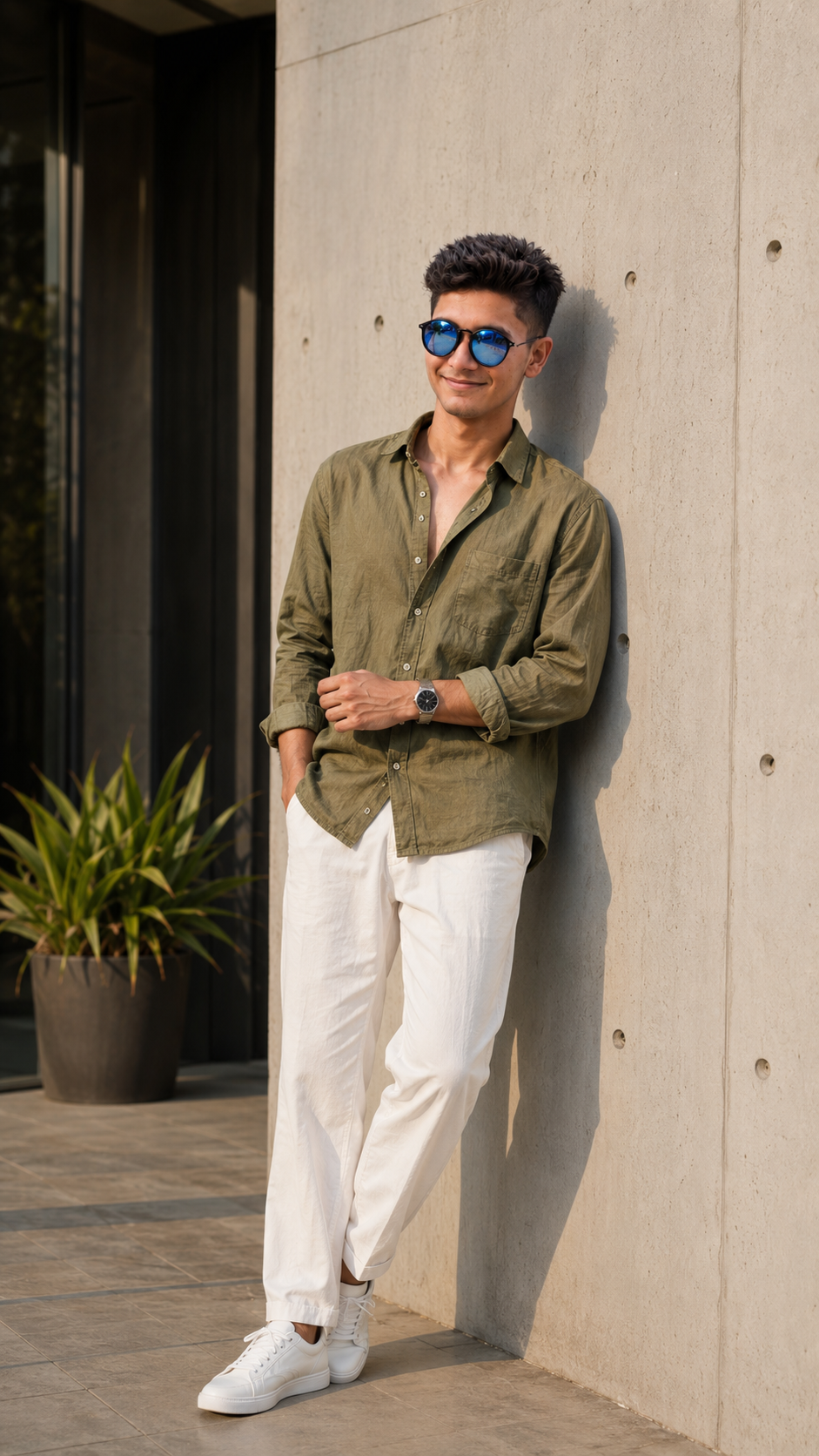
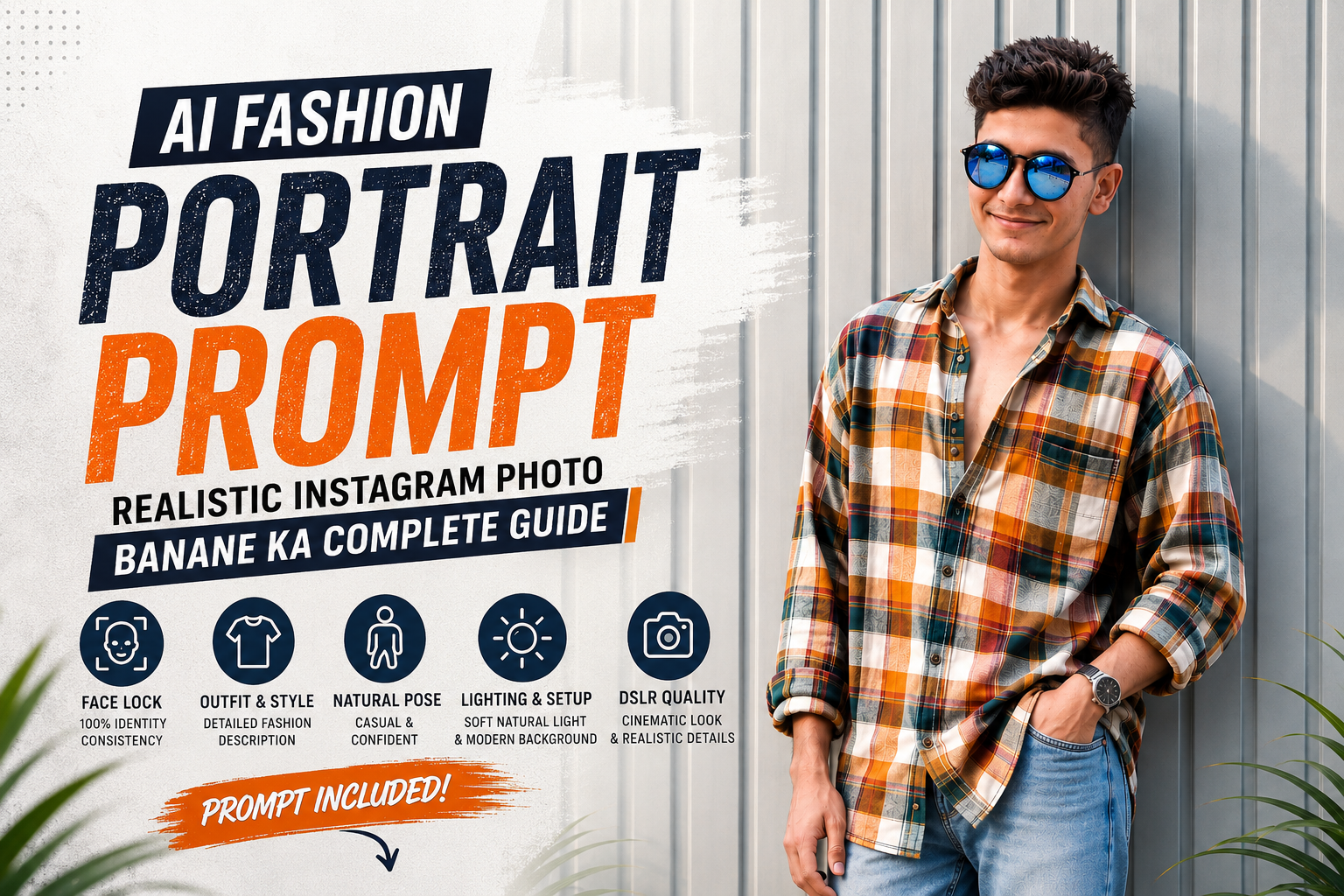
Ultra-realistic full-body fashion portrait of a young stylish South Asian man standing casually against a modern light-gray architectural concrete wall in an upscale urban outdoor setting. He is wearing a premium olive-green relaxed-fit linen shirt with the sleeves rolled up, crisp off-white relaxed-fit trousers, clean white low-top sneakers, a minimalist silver wristwatch and stylish reflective blue-black sunglasses. One hand is casually inside his trouser pocket while the other arm rests naturally across his waist, relaxed posture with one leg slightly crossed over the other. Natural confident expression with a subtle soft smile, textured voluminous dark hairstyle, realistic facial proportions, authentic skin pores and fine facial details. Warm golden-hour sunlight coming from the side, creating soft realistic highlights and a natural shadow on the wall. Modern minimalist architecture, concrete wall panels, dark glass entrance, large decorative green plants and clean tiled pavement. Cinematic warm-neutral color grading, realistic fabric folds and linen texture, physically accurate lighting, natural skin tones, shallow depth of field, soft background bokeh, professional DSLR fashion photography, 85mm portrait lens, realistic depth, high dynamic range, extremely detailed, photorealistic, luxury Instagram fashion editorial, full body from head to shoes completely visible, vertical 9:16 composition.
Negative Prompt
Blurry, low resolution, cartoon, anime, CGI, 3D render, plastic skin, artificial face, distorted facial features, asymmetrical eyes, bad anatomy, deformed hands, extra fingers, missing fingers, extra limbs, duplicate person, unnatural body proportions, unrealistic skin, oversaturated colors, excessive smoothing, harsh HDR, cropped head, cropped feet, cut-off shoes, watermark, logo, text.
How to Make Different Versions From One Prompt
Once you have a good base prompt, you do not need to completely rewrite it every time.
You can change individual elements.
Change the Outfit
Replace the olive shirt with:
“A premium beige oversized shirt with dark brown trousers and minimalist sneakers.”
Change the Location
Replace the concrete wall with:
“A stylish modern rooftop overlooking a contemporary city skyline.”
Change the Lighting
Replace golden hour with:
“Soft overcast daylight with natural diffused lighting.”
Change the Pose
Replace the standing pose with:
“Walking casually toward the camera while adjusting his sunglasses.”
This makes it possible to create several unique fashion images from the same overall concept.
Common Mistakes in AI Fashion Prompts
Using Very Short Prompts
A prompt with only a few words gives the AI too much freedom.
Instead of:
“Stylish fashion portrait.”
Describe the subject, clothing, pose, environment and photographic style.
Making the Pose Too Complicated
Complex poses can increase the chance of anatomical errors.
Natural and simple poses are generally easier to generate convincingly.
Adding Too Many Background Elements
A crowded background can distract from the outfit and subject.
For fashion photography, a simple environment often produces a cleaner result.
Expecting Exact Face Matching From Text Alone
If maintaining the same person is important, use a supported reference-image feature when available rather than relying only on the phrase “same face.”
Forgetting the Image Ratio
If you need content for Instagram Stories or Reels, specify the vertical format in the prompt.
For example:
“Vertical 9:16 composition.”
Tips for Better AI Fashion Photography
For consistently good results, keep the prompt organized.
Start with the subject, then describe the outfit, followed by the pose, background, lighting, camera style, and finally the composition.
You should also avoid adding contradictory instructions. For example, asking for both “strong dramatic shadows” and “completely shadow-free lighting” can confuse the intended visual direction.
Most importantly, experiment with small changes rather than completely changing your prompt every time. This makes it easier to understand which instruction improved or damaged the result.
Conclusion
Creating realistic fashion photography with AI is largely about communicating the visual idea clearly. A well-structured AI fashion photo prompt can define the subject, outfit, pose, environment, lighting and photographic style in much greater detail than a short description.
For better results, focus on natural poses, realistic clothing textures, appropriate lighting, clean backgrounds and complete framing. If you need consistent facial appearance across multiple images, use a reference image when your chosen AI tool supports it.
Once you understand how each part of a prompt affects the final image, you can create different outfits, locations and poses while maintaining a consistent professional fashion-photography style.