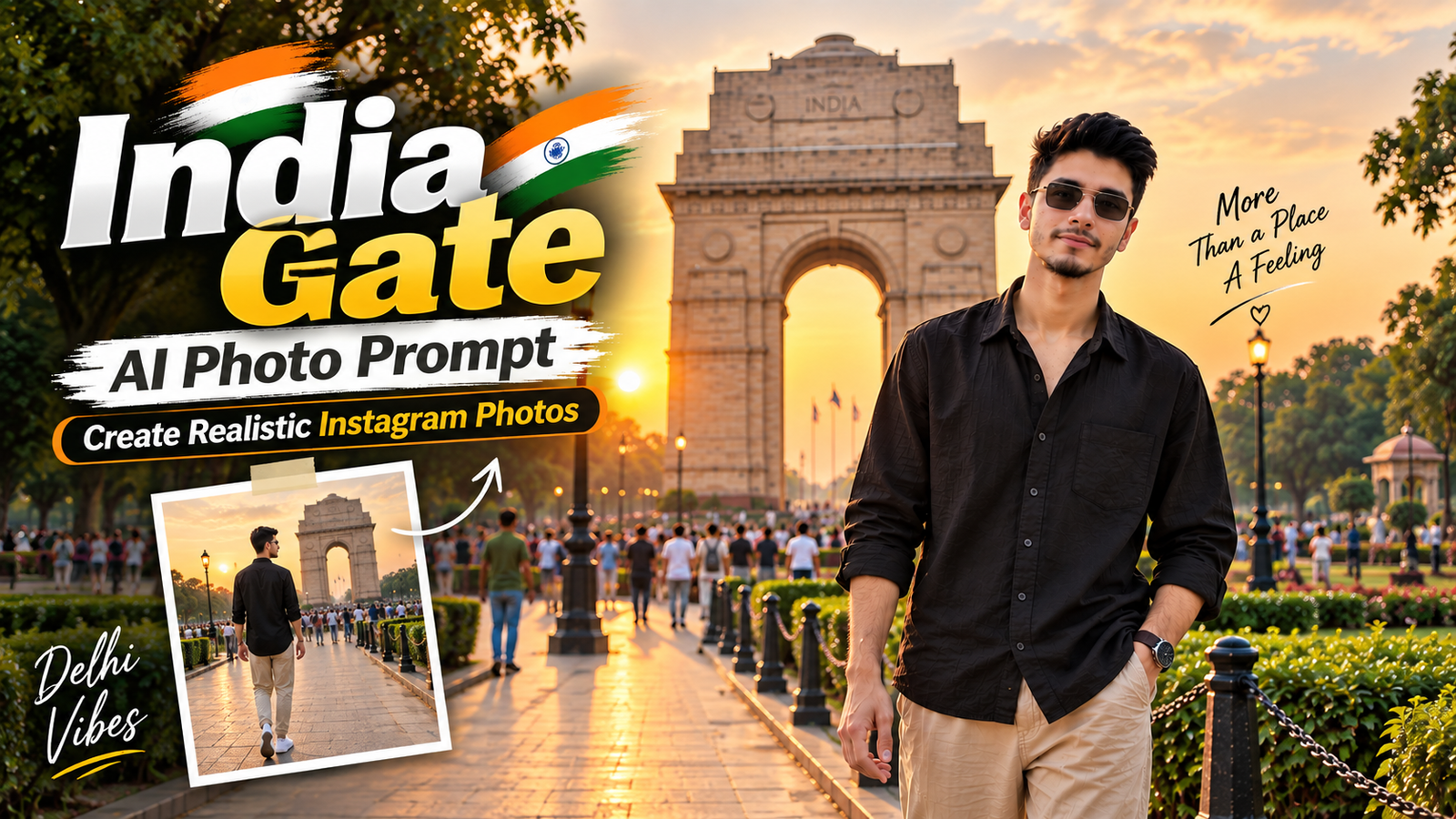
Creating realistic AI photos in famous locations has become a popular way to experiment with travel, fashion and lifestyle photography. Instead of simply changing the background, a well-written AI prompt can create a complete scene with natural lighting, realistic clothing, body posture and camera depth.
India Gate in New Delhi is especially suitable for this style because its grand architecture, open surroundings and evening atmosphere can create a cinematic travel-photo look.
If you want to create an AI-generated photograph of yourself at India Gate, you can use a clear reference image along with the prompt below.
Best India Gate AI Photo Prompt
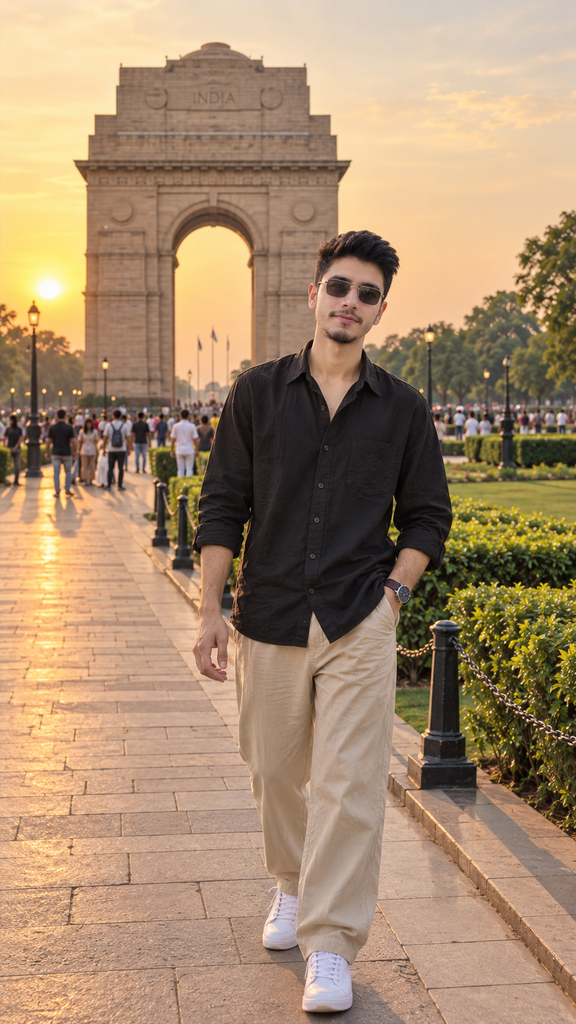
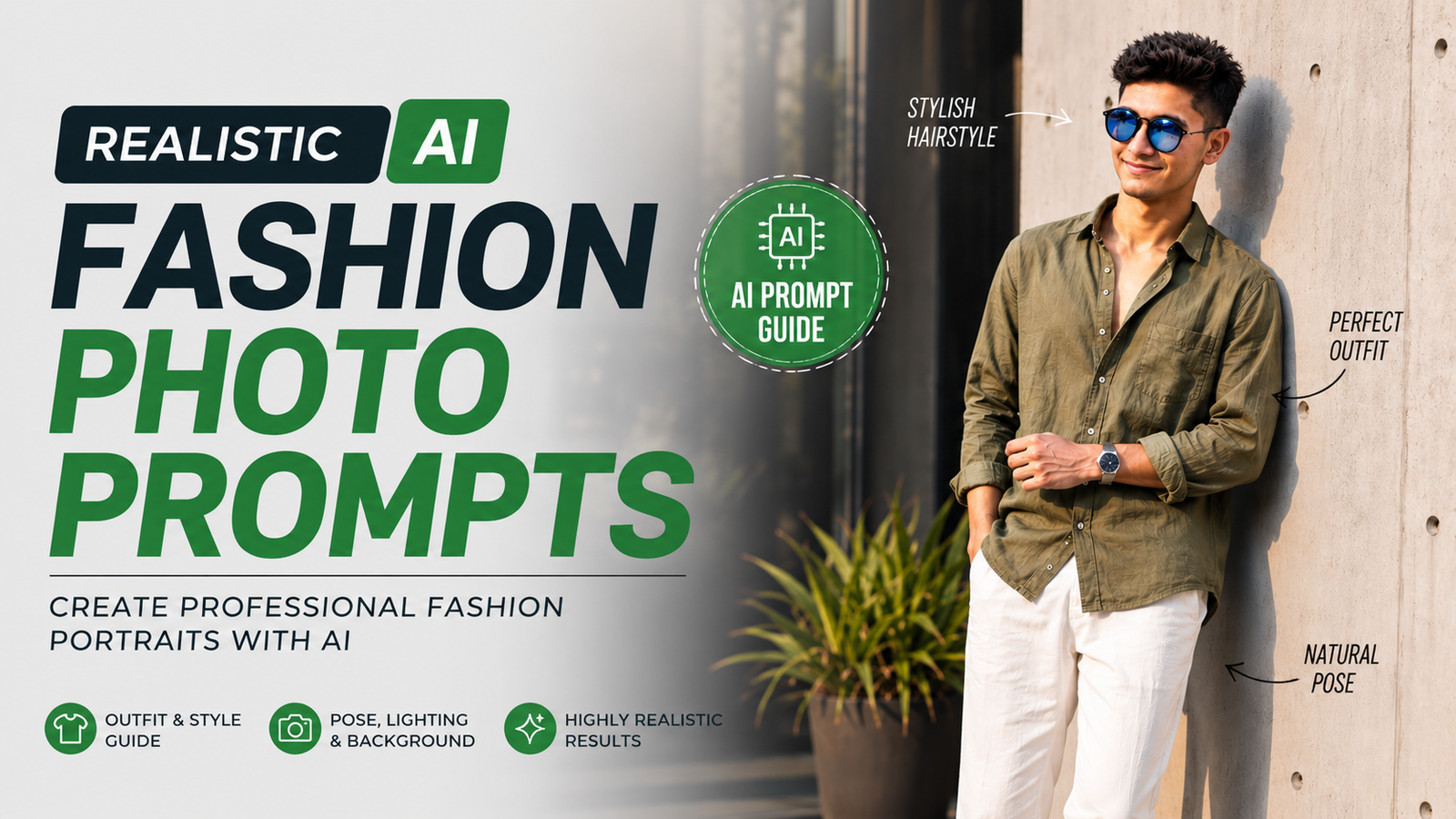
Use the uploaded reference image and preserve the exact same face, facial features, hairstyle, body proportions and identity of the person. Create a highly realistic cinematic travel-fashion portrait of the same young man standing near India Gate, New Delhi during golden hour. He is wearing a premium oversized black linen shirt with the sleeves slightly rolled up, relaxed beige trousers, clean white sneakers, a minimalist wristwatch and subtle sunglasses. Keep his hairstyle, facial structure and recognizable appearance consistent with the reference image without changing his identity. He stands naturally on the pathway with one hand in his trouser pocket and the other relaxed by his side, looking directly toward the camera with a calm and confident expression. India Gate should appear clearly in the background with realistic scale and natural perspective. Surround the scene with green lawns, mature trees, a few naturally positioned visitors and authentic Delhi surroundings. Warm golden-hour sunlight comes from the side, creating soft highlights on his hair and clothing, realistic shadows and a cinematic atmosphere. The background should have natural depth and subtle bokeh without looking artificial. Premium travel-fashion photography, sophisticated modern aesthetic, realistic Delhi atmosphere, authentic skin texture, detailed clothing fabric, realistic hands and fingers, accurate body proportions, professional DSLR photography, 85mm lens, shallow depth of field, natural bokeh, cinematic composition, realistic sunlight, subtle film-like contrast, ultra-photorealistic 4K quality, premium Instagram photography, vertical 9:16 composition, no text, no watermark, no logo, no cartoon effect, no artificial skin, no distorted face, no extra fingers, no deformed hands.
Why India Gate Works Well for AI Photography
India Gate provides a strong architectural focal point while the surrounding open space gives enough room to create a full-body portrait.
The location also works with several different photography styles. You can create a casual streetwear photograph, a sophisticated fashion portrait or a simple travel photograph without making the background look overly complicated.
Golden-hour lighting is particularly useful because it adds warmth to the photograph while creating natural highlights and shadows.
How to Get a Better Face Match
The quality of the reference image plays an important role in generating a consistent-looking subject. Use a clear photograph where the face is visible and reasonably well lit.
Avoid using an image with extreme filters, heavy blur or the face partially covered. The AI needs visible facial details to reproduce the subject more consistently.
It is also useful to explicitly mention that the face, hairstyle, facial structure and identity should remain consistent while only the location, outfit and pose are changed.
Choosing the Right Outfit
India Gate works particularly well with neutral and darker outfits.
A black or charcoal shirt with beige trousers creates a strong contrast against the green surroundings and stone architecture. White sneakers can add a modern casual element without making the outfit look too busy.
For a more sophisticated appearance, you can choose a beige blazer, white T-shirt and tailored trousers. For a more casual Instagram look, an oversized T-shirt, cargo trousers and sneakers can work well.
Creating a Natural Pose
A natural pose can make an AI-generated photograph look much more realistic.
Instead of using an exaggerated fashion pose, try simple movements such as walking toward the camera, keeping one hand in a pocket or adjusting a watch. Small natural movements can make the photograph appear more like an authentic travel photograph.
The prompt above uses a relaxed standing pose with one hand in the pocket to keep the composition simple and realistic.
Best Lighting for an India Gate Photo
Golden hour is one of the easiest lighting styles to use for this type of image. The warm sunlight creates a softer appearance and can add depth to the architecture.
Morning light can also be used if you want a brighter and cleaner photograph. For a completely different mood, India Gate can be photographed at night with surrounding lights and a darker cinematic color palette.
Best Aspect Ratio for Instagram
For Instagram Reels and Stories, 9:16 is a useful vertical format because it fills the smartphone screen.
If you are creating a profile picture, a 1:1 square composition is more suitable. For a blog featured image, a 16:9 landscape composition works better because it fits common website layouts.
How to Make the AI Photo Look Realistic
Avoid adding too many artificial effects. Realistic lighting, natural shadows, accurate proportions and detailed textures are more important than excessive filters.
A professional-camera style can also help establish the desired photography look. Terms such as DSLR photography, 85mm lens, shallow depth of field and natural bokeh tell the AI to create a photographic rather than illustrated appearance.
The background should also contain naturally placed people and environmental details rather than looking completely empty. This can make the final image feel more like a real location photograph.
FAQ
1. What is an India Gate AI photo prompt?
An India Gate AI photo prompt is a detailed instruction for creating an AI-generated photograph featuring India Gate as the location. It can specify the subject, clothing, pose, lighting, camera style and background.
2. Can I use my own photo with this prompt?
Yes. You can upload your photograph as a reference image and instruct the AI to maintain your visible facial characteristics and hairstyle while changing the location and outfit.
3. How can I get a more realistic face?
Use a clear reference photograph and provide detailed identity-preservation instructions. Results can vary depending on the AI image generator, so multiple generations may sometimes be needed.
4. What is the best outfit for an India Gate photo?
Neutral outfits such as black shirts, beige trousers, white sneakers and minimalist accessories work well with the green surroundings and stone architecture.
5. Is golden-hour lighting good for India Gate photos?
Yes. Golden-hour lighting can create warm highlights, soft shadows and a cinematic appearance, making it a popular choice for travel and fashion photography.
6. What size should I use for Instagram?
Use 9:16 for Reels and Stories, while 1:1 is better for a profile picture. A 16:9 image is generally more suitable as a website featured image.
Final Thoughts
India Gate is an excellent location for creating realistic AI travel and fashion photographs. Its recognizable architecture, open surroundings and natural greenery provide a strong background without distracting from the main subject.
The most important elements are a clear reference image, detailed identity instructions, realistic clothing, natural posing and believable lighting. Combining these elements can produce a much more convincing AI photograph than a simple location-based prompt.
With the India Gate AI photo prompt above, you can experiment with cinematic travel photography while maintaining a consistent appearance across different AI-generated scenes.