Dussehra AI Photo Editing Prompts
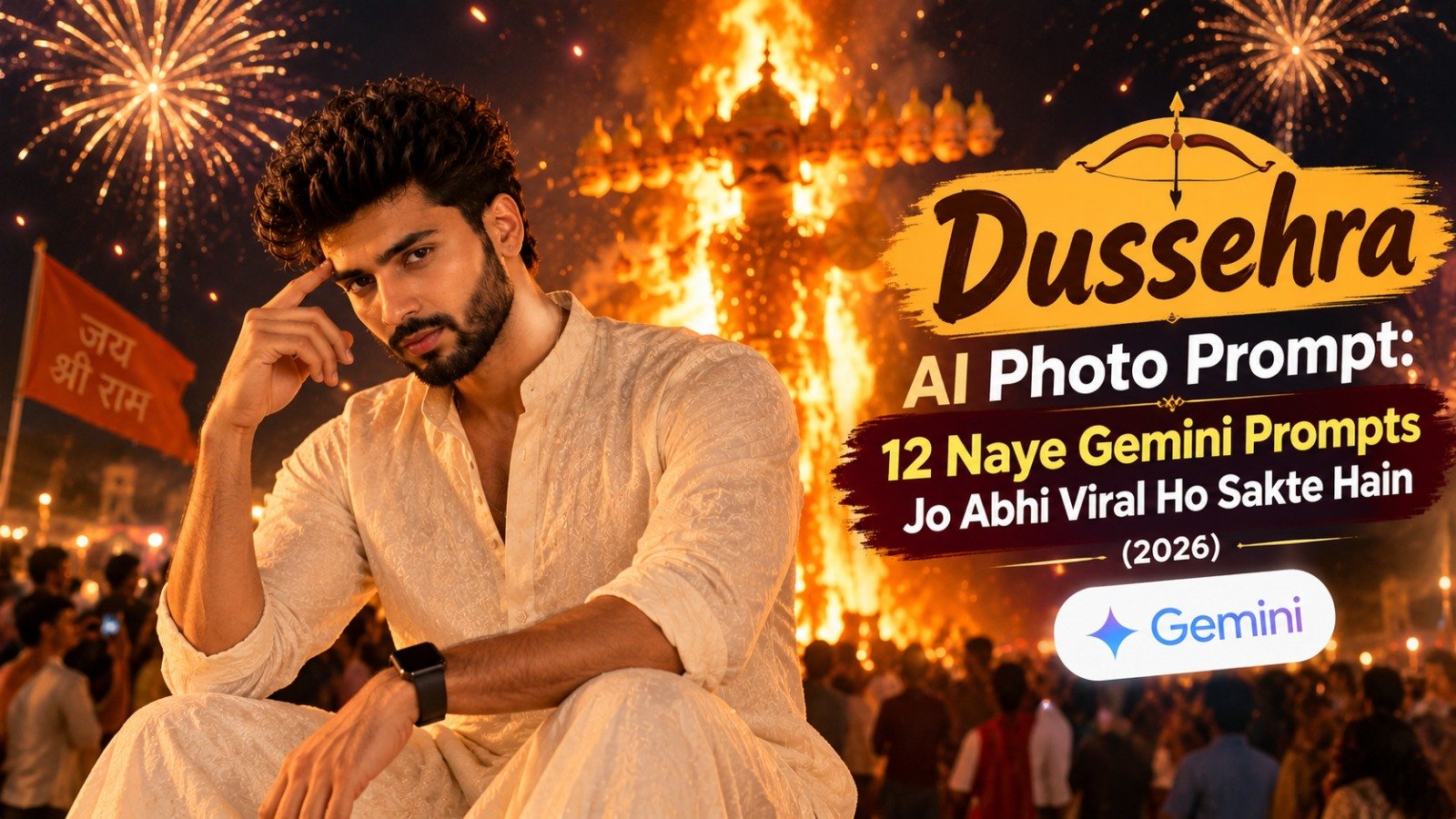
Want to create stunning Dussehra photos with fireworks, a burning Ravan effigy, traditional outfits, and cinematic night lighting? These Dussehra AI Photo Editing Prompts can help you transform an ordinary photo into a beautiful festive portrait using ChatGPT or Google Gemini.
Whether you love traditional Indian fashion, maroon ethnic outfits, glowing diyas, or dramatic festival photography, these copy-paste prompts will help you create unique Dussehra photos for Instagram, Facebook, and WhatsApp.
What Are Dussehra AI Photo Editing Prompts?
Dussehra AI photo editing prompts are text instructions that tell an AI image tool how to edit or generate a festive photograph. You can describe your outfit, pose, background, lighting, and photography style to create a personalized Ravan Dahan portrait.
For better results, upload your own photo and clearly instruct the AI to preserve your natural facial features, skin tone, and hairstyle.
How to Create Dussehra AI Photos Using ChatGPT or Gemini
Follow these simple steps:
- Open ChatGPT or Google Gemini.
- Upload a clear photo of yourself.
- Copy one of the Dussehra AI photo editing prompts below.
- Paste the prompt into the chat.
- Generate your image and review the result.
- If necessary, ask the AI to correct your pose, outfit, lighting, or background.
Tip: AI tools may not reproduce your face perfectly every time. Using a clear reference image and specific instructions can improve consistency
1. Over-the-Shoulder Pose ✨
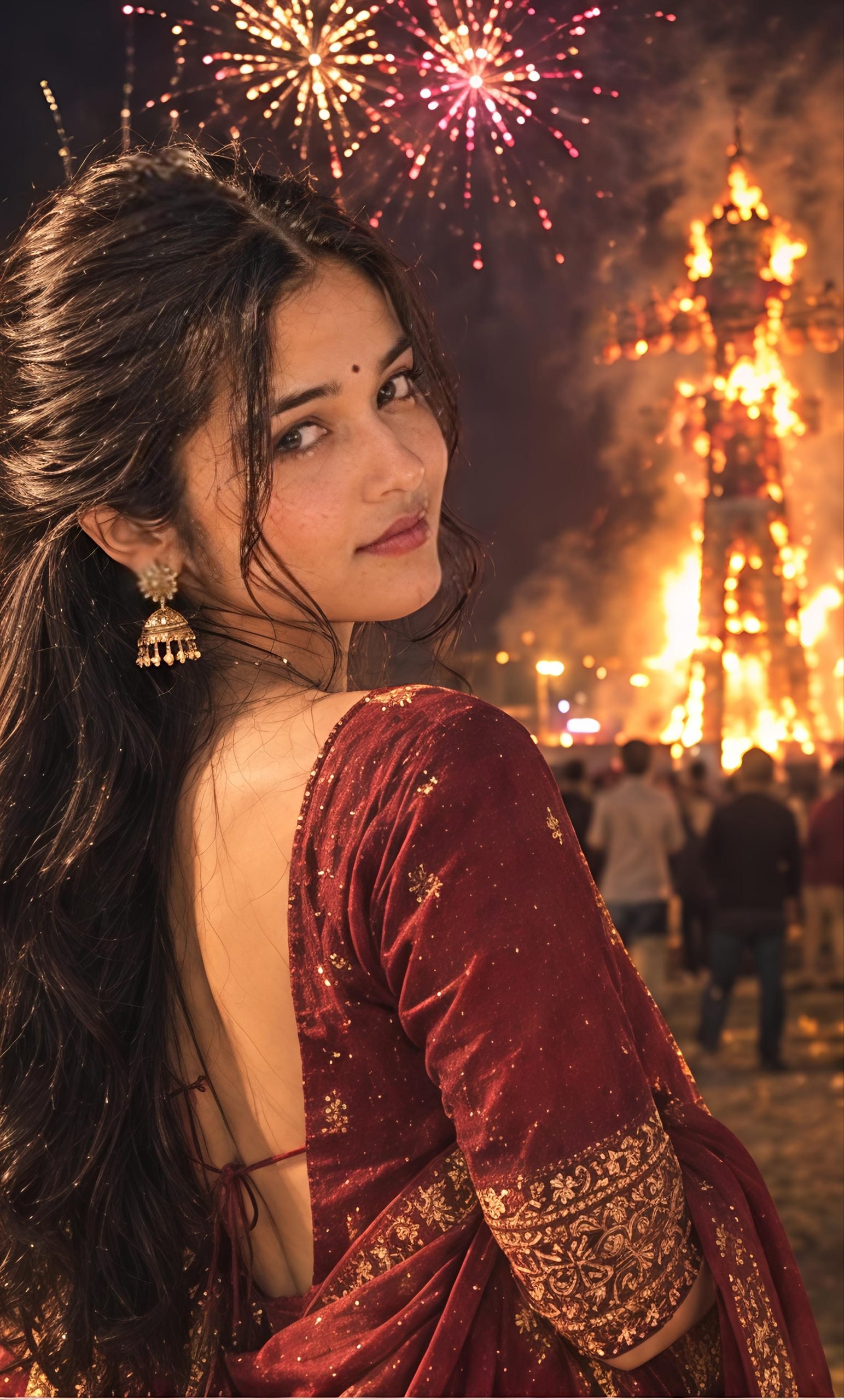
Create an ultra-realistic vertical 9:16 Dussehra night portrait using my uploaded photo as the ONLY identity reference. Preserve my exact facial features, face shape, natural skin tone, hairstyle, and recognizable identity. I am wearing a deep maroon saree with intricate gold embroidery, matching gold jhumka earrings, bangles, and a small bindi. Pose me with my back slightly turned toward the camera, looking over my shoulder with a soft, confident smile. My long, voluminous dark hair flows naturally down my back. In the background, a large Ravana effigy burns in the distance beneath colorful fireworks, surrounded by glowing embers, atmospheric smoke, fairground lights, and a softly blurred crowd. Warm cinematic firelight, realistic shadows, natural skin texture, premium DSLR night photography, sharp face, beautiful golden-orange bokeh. No face alteration, extra fingers, duplicated people, text, logo, or watermark.
2. Holding a Glowing Diya 🪔
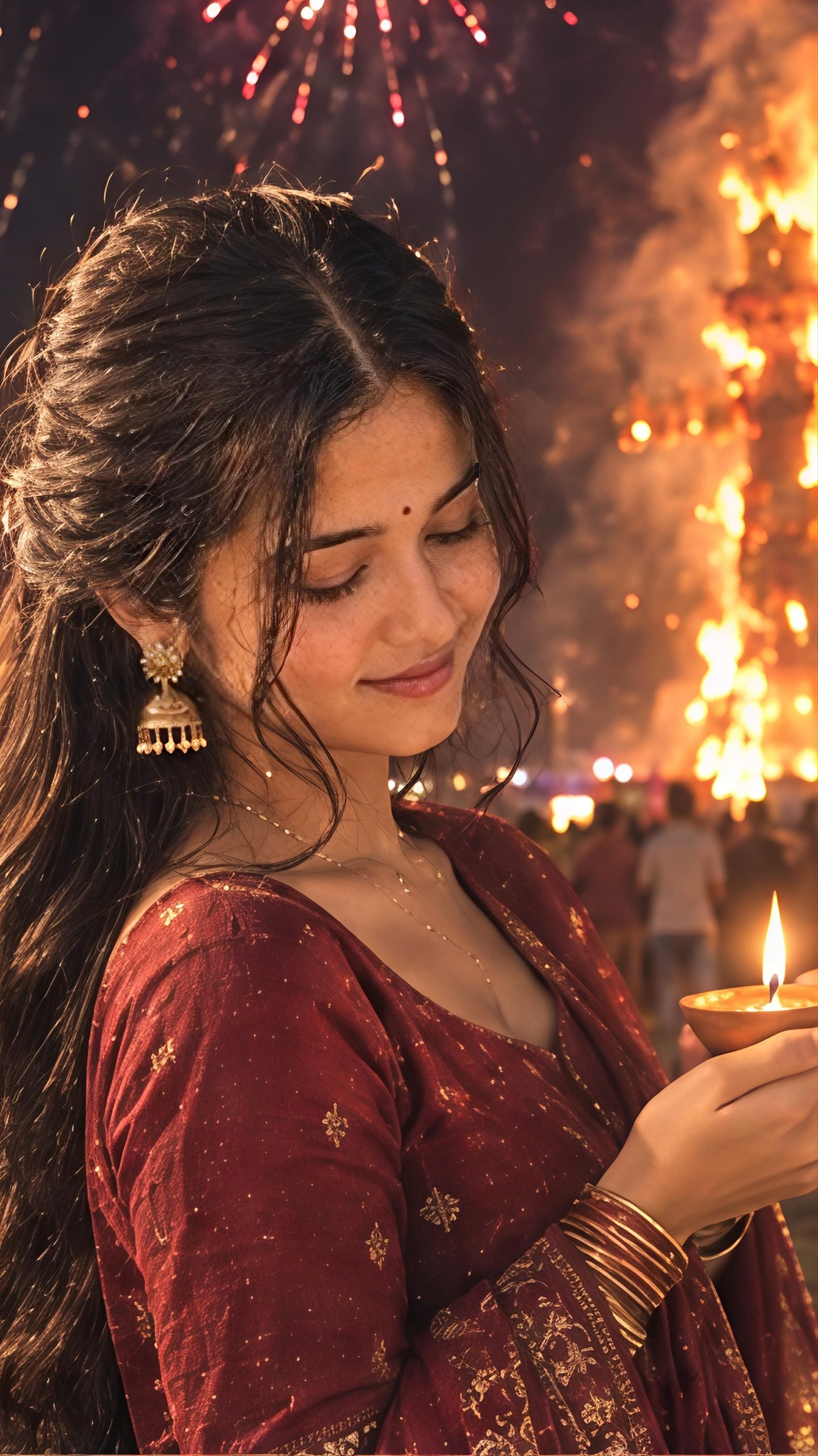
Create an ultra-photorealistic 9:16 Dussehra festival portrait using my uploaded photo as the ONLY face reference. Keep my facial identity, natural expression, skin tone, and hairstyle unchanged. Dress me in an elegant deep maroon saree with delicate gold embroidery, traditional gold jhumkas, bangles, and a small bindi. I gently hold a glowing clay diya with both hands near my chest, looking down at its flame with a peaceful smile. Behind me, a burning Ravana effigy, colorful fireworks, drifting smoke, glowing sparks, and distant festival crowds create a cinematic night atmosphere. Warm diya light illuminates my face and hands naturally. Realistic fingers, detailed saree fabric, natural skin texture, shallow depth of field, authentic Indian festival photography. No artificial skin, distorted hands, extra fingers, text, logo, or watermark.
3. Sitting Gracefully at the Festival 🌸
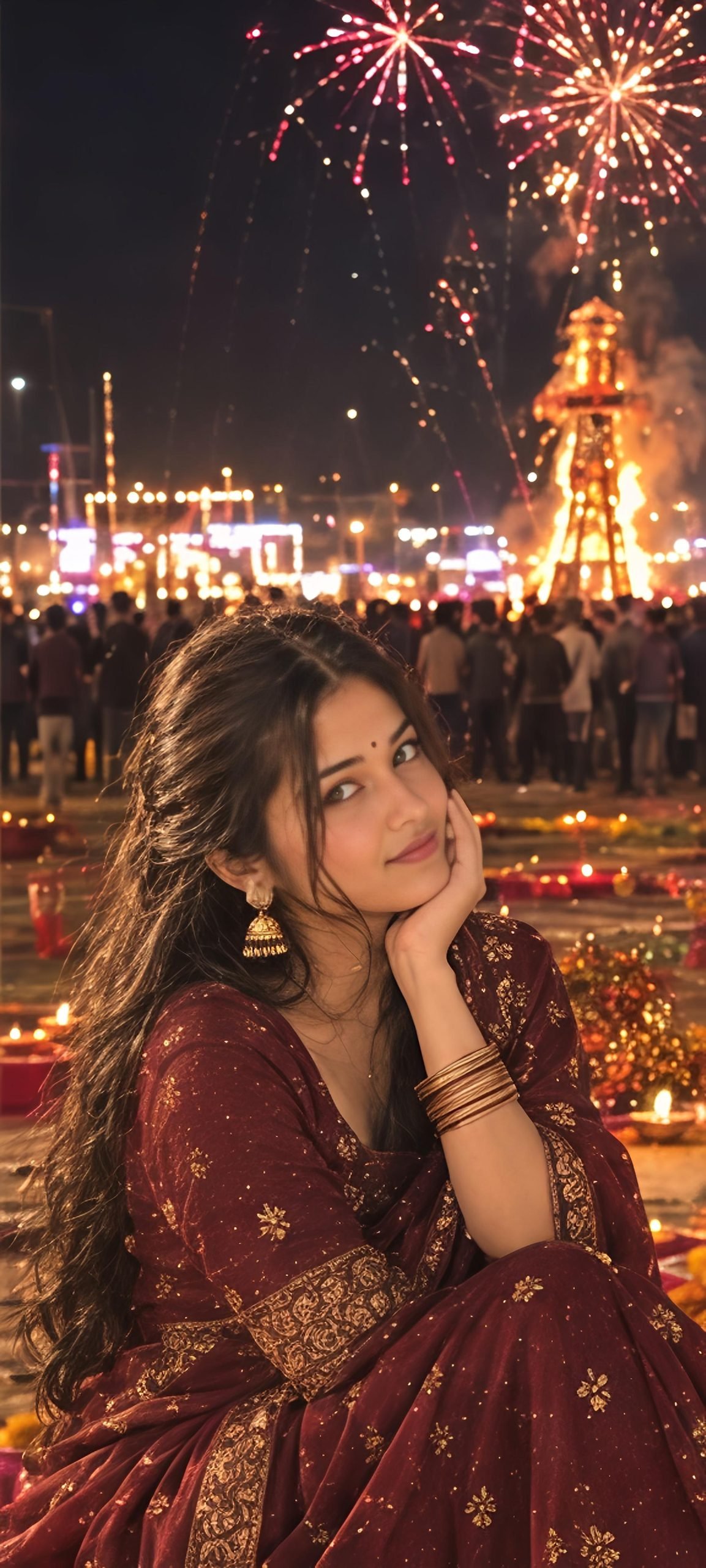
Generate an ultra-realistic vertical 9:16 cinematic Dussehra portrait using my uploaded image as the ONLY identity reference. Preserve my exact face, natural skin tone, facial proportions, and hairstyle. I am sitting gracefully on the ground in an elegant maroon saree with rich gold borders, gold jhumkas, and stacked bangles. One hand gently rests near my cheek while the other rests naturally on my lap. I look toward the camera with a gentle, charming smile. A colorful rangoli, marigold petals, and small glowing diyas decorate the foreground. In the distant background, a Ravana effigy burns beneath brilliant fireworks, with smoke, sparks, warm fairground lights, and a softly blurred crowd. Realistic night photography, warm amber lighting, detailed fabric, natural shadows, sharp facial focus. No face changes, unnatural hands, duplicate people, text, logo, or watermark.
4.Looking Up at the Fireworks 🎆
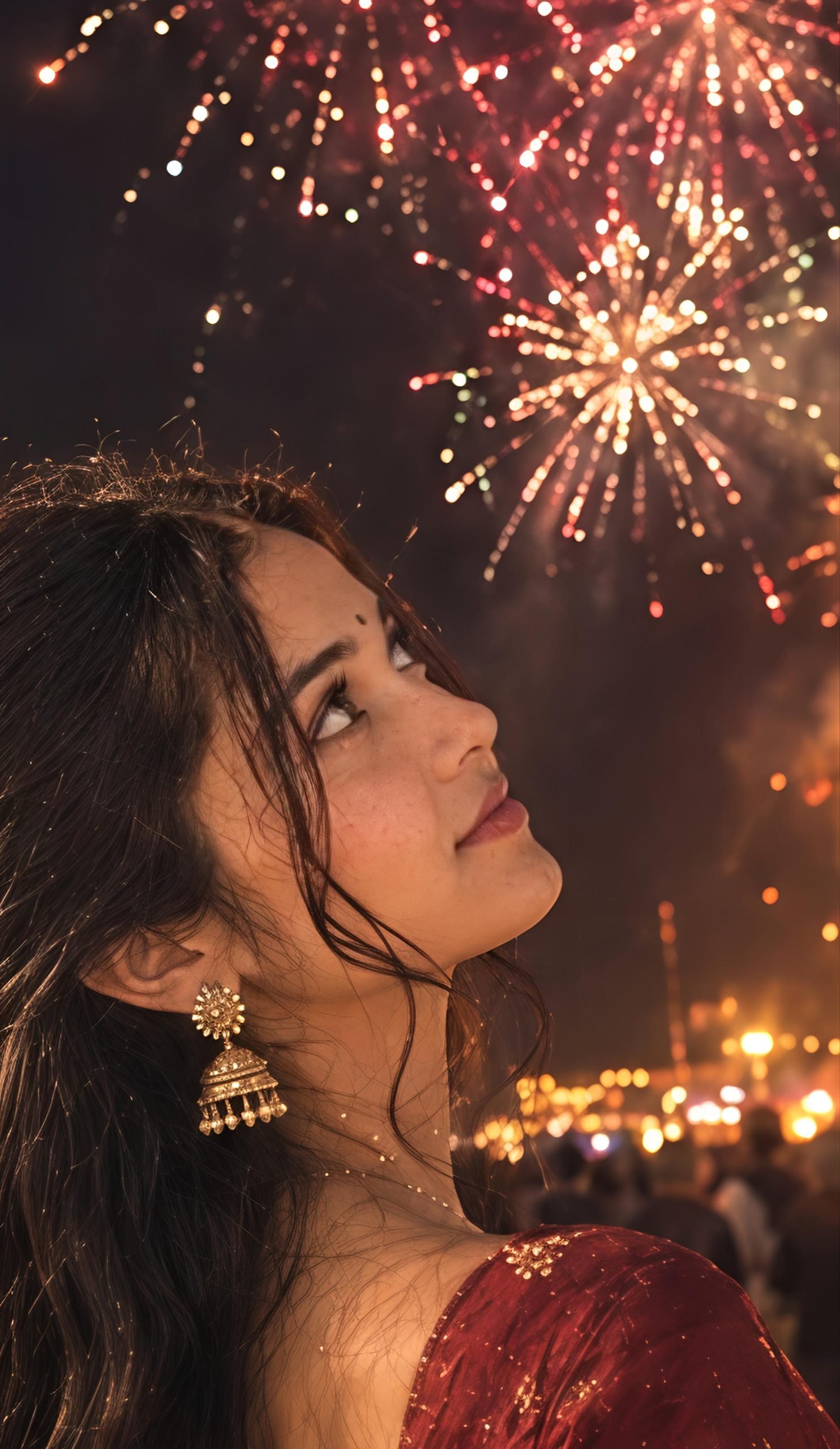
Create a cinematic, ultra-photorealistic 9:16 Dussehra night photograph using my uploaded photo as the ONLY identity reference. Keep my face, skin tone, facial structure, and long dark hairstyle recognizable and unchanged. I wear a deep maroon saree with intricate gold embroidery, traditional gold jhumkas, bangles, and a small bindi. Capture me in a graceful side-profile pose, tilting my head slightly upward and gazing at colorful fireworks with a peaceful, delighted expression. Behind me, a towering Ravana effigy burns in the distance, surrounded by glowing embers, dramatic smoke, golden festival lights, and blurred crowd silhouettes. Fireworks illuminate my hair and face with realistic golden and reddish reflections. Premium DSLR photography, natural skin texture, cinematic depth, sharp facial details. No distorted anatomy, text, logo, or watermark.
5. Back Pose Watching Ravan Dahan 🌙
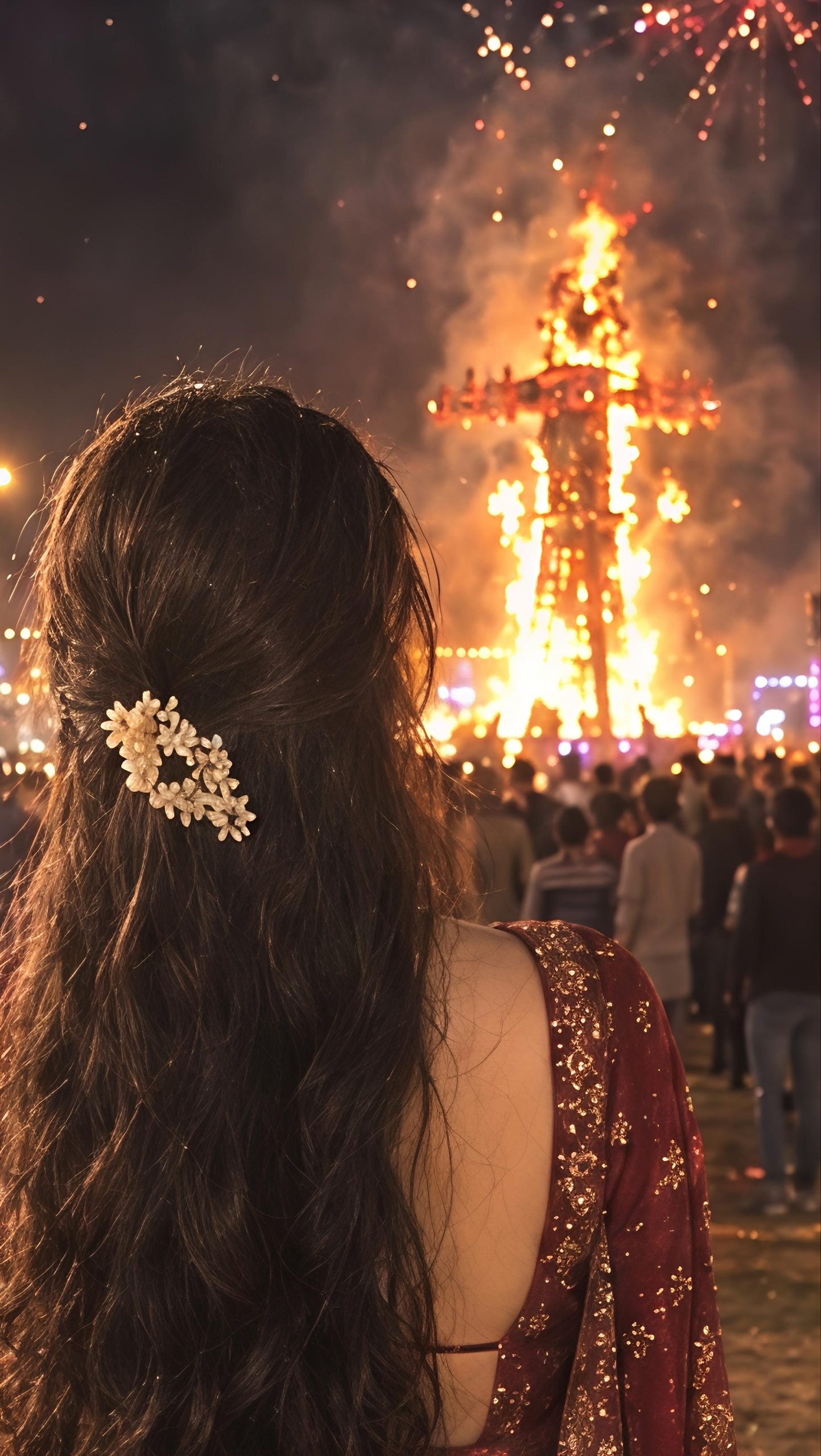
Create an ultra-realistic vertical 9:16 Dussehra festival photograph using my uploaded photo as the identity reference. Show me from behind, standing gracefully and watching the burning Ravana effigy. Preserve my recognizable natural hairstyle, body proportions, and overall appearance. I wear a deep maroon saree with detailed gold embroidery and a traditional blouse. My long, thick, wavy dark hair falls down my back, decorated with a small cluster of white flowers. In the distance, a large Ravana effigy burns beneath colorful fireworks, with rising smoke, glowing sparks, fairground lights, and a crowd of festival visitors. Capture the authentic atmosphere of an Indian Dussehra celebration with warm firelight, realistic night exposure, cinematic depth, and subtle film grain. Natural pose, realistic saree folds, no duplicated people, text, logo, or watermark.
6. Looking Back with a Soft Smile ❤️
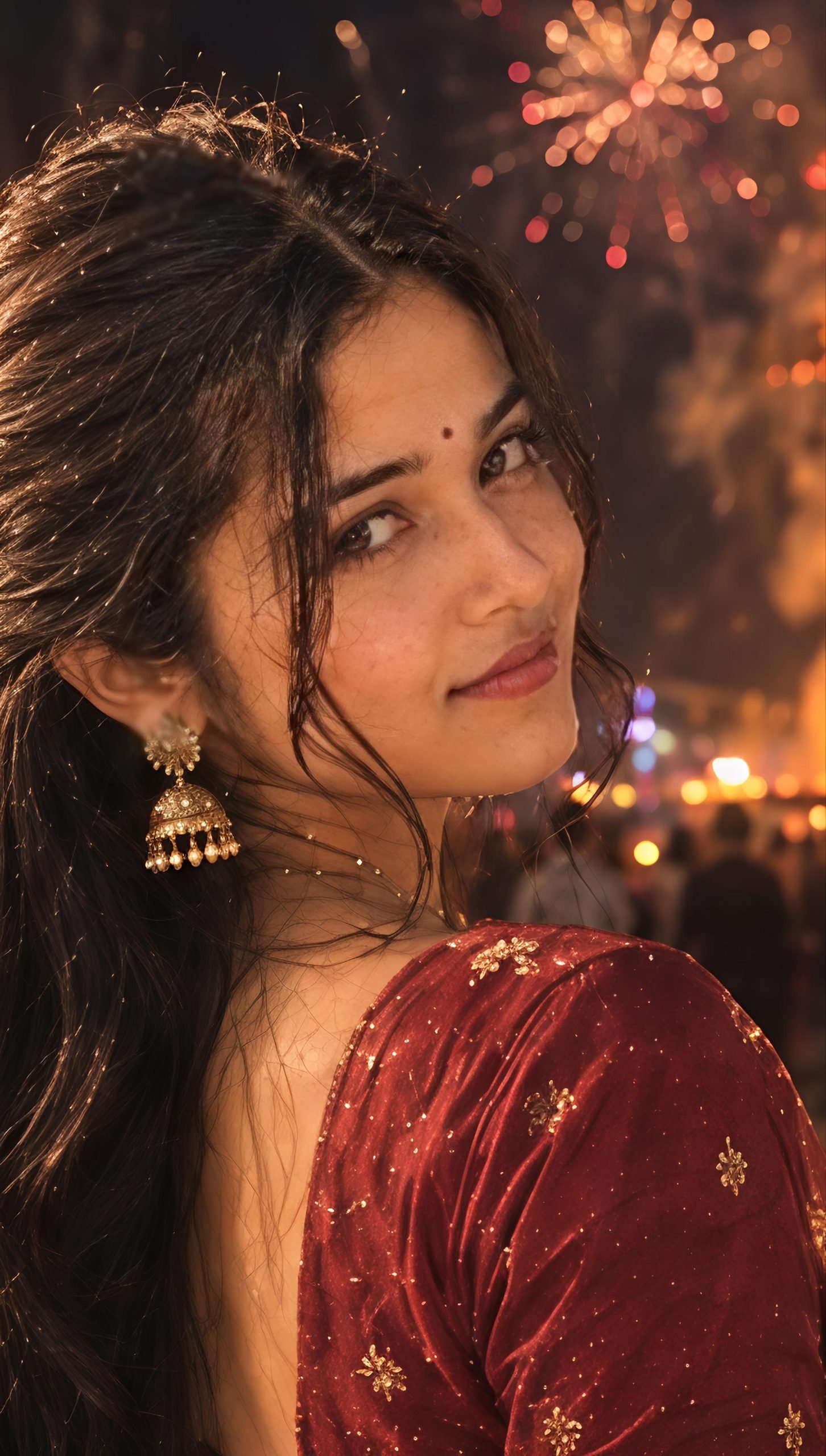
Create a premium ultra-photorealistic vertical 9:16 Dussehra night portrait using my uploaded photo as the ONLY identity reference. Preserve my exact facial features, natural skin texture, skin tone, hairstyle, and recognizable identity without beautification or face reshaping. I wear a rich maroon saree with elaborate antique-gold embroidery, matching gold jhumkas, traditional bangles, and a small bindi. My body is turned slightly away while I look back toward the camera with a soft, natural smile. My voluminous dark hair cascades over my back. A huge burning Ravana effigy, colorful fireworks, glowing embers, atmospheric smoke, warm fairground lights, and a softly blurred crowd fill the background. Dramatic orange firelight, realistic shadows, cinematic bokeh, detailed gold embroidery, sharp facial focus, authentic Indian festival photography. No face changes, distorted hands, extra fingers, text, logo, or watermark.
Tips for Better Dussehra AI Photo Editing Results
- Use a clear photo: A well-lit reference image can help the AI understand your facial features.
- Mention the exact outfit: Specify maroon saree, gold embroidery, traditional kurta, or another preferred look.
- Choose the right ratio: Use 9:16 for Instagram Reels, Stories, and vertical portraits.
- Keep the background realistic: Ask for a distant effigy, natural smoke, balanced firelight, and softly blurred crowds.
- Avoid excessive editing: Request natural skin texture instead of artificial smoothing.
- Try different poses: Generate separate images for over-the-shoulder, sitting, diya-holding, and fireworks-looking poses.
Frequently Asked Questions
Can I use Dussehra AI photo editing prompts in ChatGPT?
Yes. You can upload a photo and enter a detailed prompt to create a festive portrait. Results depend on the tool and the reference image.
Can I use these prompts in Google Gemini?
Yes. Copy a prompt into Gemini and upload your reference photo if image editing is available in your version.
Which aspect ratio is best for Dussehra photos?
A 9:16 vertical ratio is ideal for Instagram Stories, Reels covers, and mobile-friendly portraits. A 4:5 ratio is another good choice for Instagram feed posts.
How can I keep my face recognizable in an AI photo?
Upload a clear reference photo and include instructions to preserve your facial structure, natural skin tone, hairstyle, and recognizable features. Exact identity preservation is not guaranteed.
Final Words
These Dussehra AI Photo Editing Prompts make it easier to experiment with traditional outfits, dramatic fireworks, glowing diyas, and cinematic Ravan Dahan backgrounds. Try all six poses with ChatGPT or Gemini and choose the look that best matches your style.Save your favorite prompt, create your festive portrait, and share your Dussehra look with friends and family!