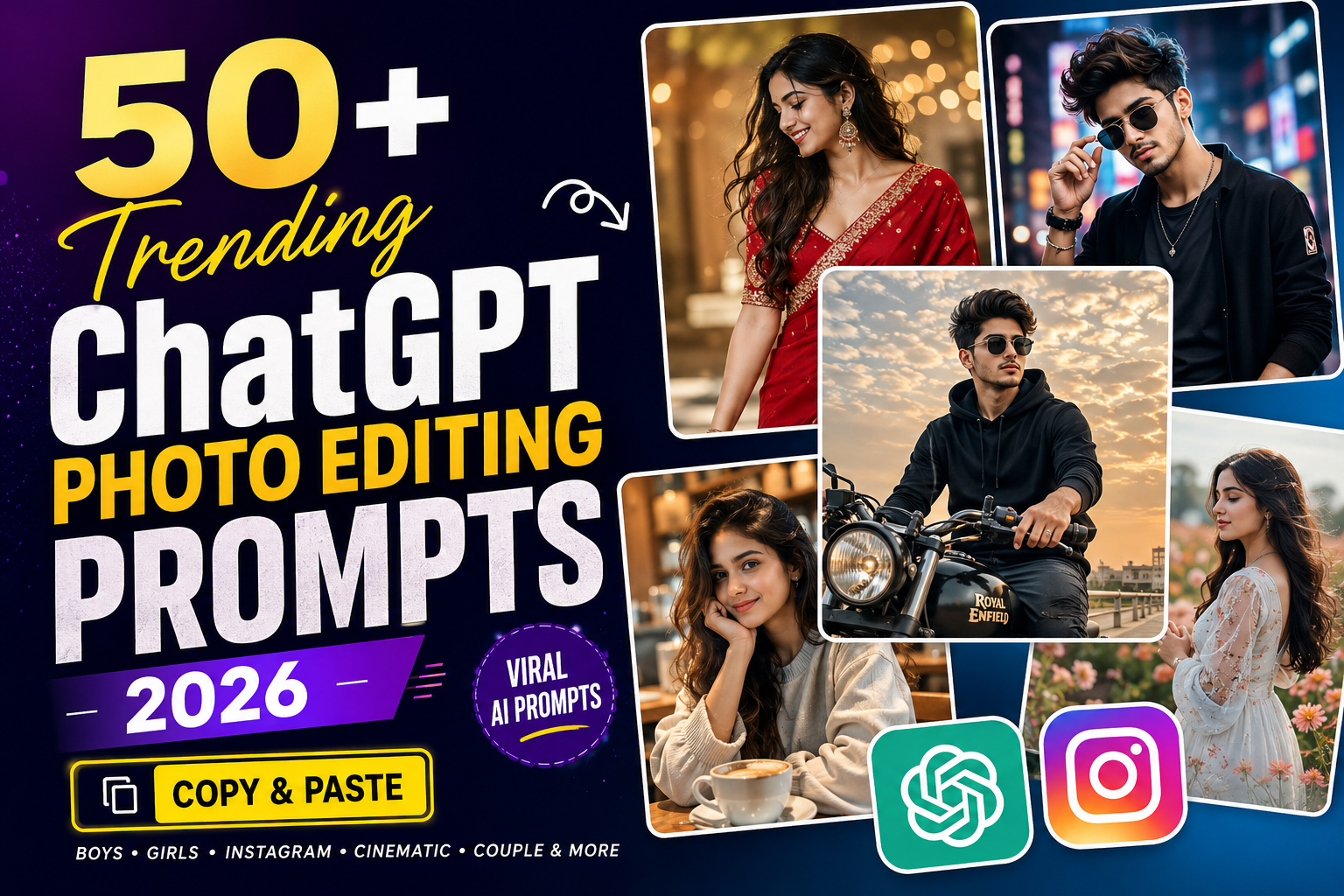
AI photo editing has become one of the most popular ways to create stylish, cinematic, and professional-looking photos. With the right prompt, you can transform an ordinary picture into a completely different visual style while keeping the subject recognizable.
If you are looking for trending ChatGPT photo editing prompts, below you’ll find 50+ ready-to-copy prompts for boys, girls, Instagram photos, cinematic portraits, traditional looks, luxury photos, couples, and more.
You can customize any prompt by changing the outfit, background, lighting, pose, or photography style.
check 10 viral prompt for girls
Trending ChatGPT Photo Editing Prompts
1. Cinematic Golden Hour Portrait
Edit this photo into a cinematic golden-hour portrait. Keep the person’s facial identity, facial structure, hairstyle, and natural appearance consistent with the original image. Add warm sunset light falling naturally across the face, subtle rim lighting around the hair, realistic skin texture, shallow depth of field, soft background bokeh, natural shadows, and professional DSLR-style photography.
2. Luxury Black Outfit Portrait
Transform this photo into a premium fashion portrait. Keep the original facial identity unchanged. Dress the person in an elegant all-black outfit with a modern luxury appearance. Add a dark minimalist background, soft studio lighting, realistic fabric textures, natural skin details, subtle shadows, and an editorial fashion photography look.
3. Viral Instagram Portrait
Create a stylish Instagram-ready portrait from this photo. Preserve the person’s facial identity and natural features. Use cinematic lighting, a clean aesthetic background, realistic skin tones, soft depth of field, premium color grading, crisp facial details, and natural-looking shadows.
4. Street Style Portrait
Transform this photo into a modern street-fashion portrait. Keep the face consistent with the original image. Add an oversized casual outfit, stylish sneakers, an urban street background, modern buildings, realistic daylight, natural shadows, and professional DSLR depth of field.
5. Rainy Night Portrait
Turn this photo into a cinematic rainy-night portrait. Preserve the person’s face and hairstyle. Add a wet city street, glowing lights, realistic reflections, gentle rain droplets, dramatic evening lighting, shallow depth of field, and cinematic color grading.
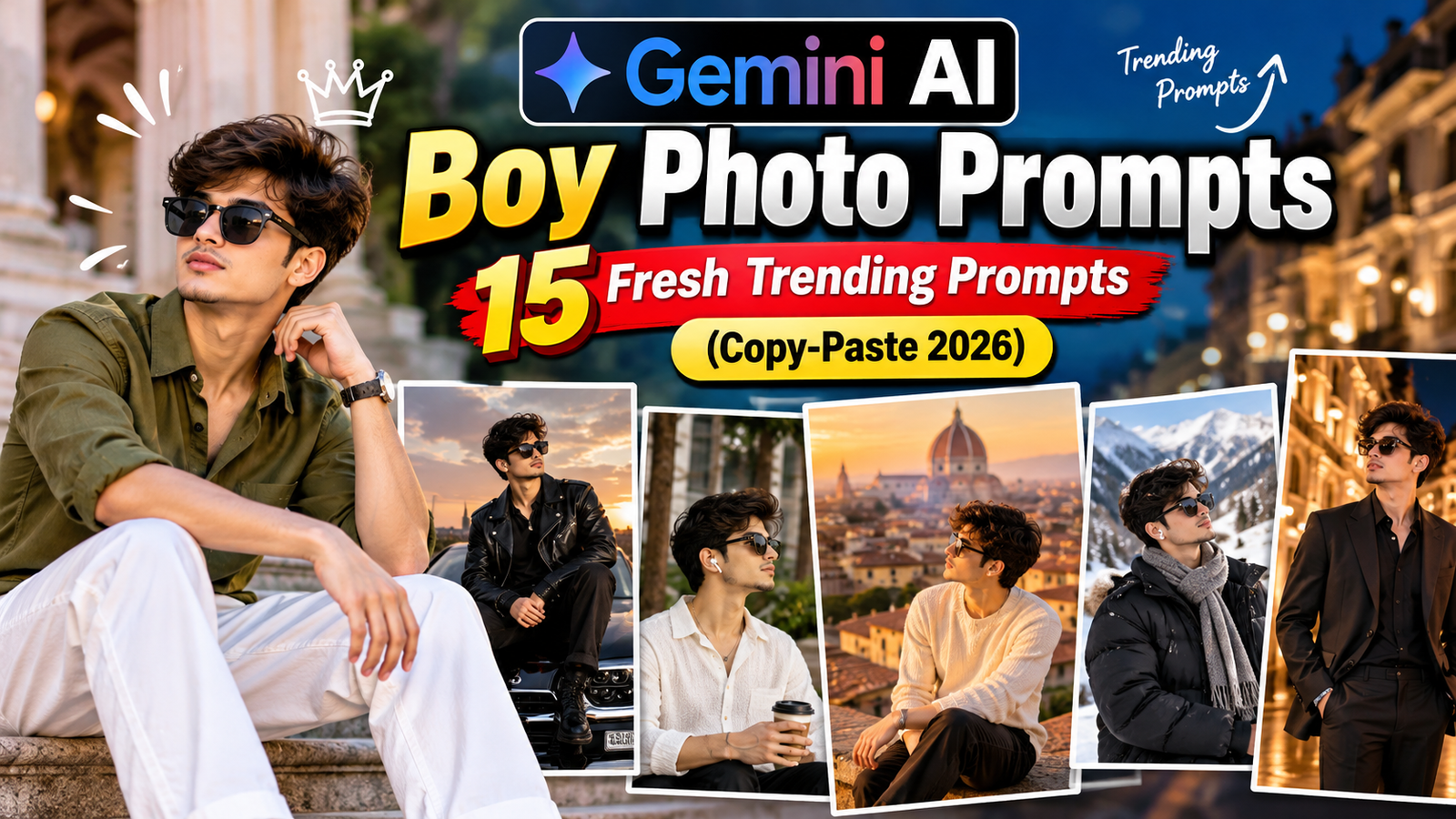
Trending ChatGPT Prompts for Boys
6. Stylish Boy Portrait
Create a stylish portrait wearing a fitted black shirt, dark trousers, and a minimal wristwatch. Keep the original face unchanged. Add modern architecture in the background, soft evening light, realistic skin texture, natural shadows, and professional portrait photography.
7. Classic Motorcycle Portrait
Create a cinematic portrait of the person standing beside a classic-style motorcycle on an open road. Preserve the original face. Add a black casual shirt, jeans, boots, golden-hour sunlight, distant hills, dramatic clouds, and realistic automotive photography.
8. Luxury Car Portrait
Transform this photo into a luxury lifestyle portrait with the person standing beside a premium black sports car. Keep facial identity unchanged. Add an upscale city environment, stylish clothing, realistic vehicle reflections, cinematic evening lighting, and shallow depth of field.
9. Gym Aesthetic Portrait
Create a realistic fitness portrait inside a modern gym. Preserve the person’s facial identity and natural body proportions. Add athletic clothing, gym equipment in the softly blurred background, dramatic side lighting, realistic skin texture, and professional fitness photography.
10. Black and White Portrait
Convert this image into a professional black-and-white editorial portrait. Keep facial details natural and recognizable. Add dramatic side lighting, detailed shadows, a simple dark background, sharp eyes, and subtle film grain.
11. Beach Sunset Portrait
Create a cinematic beach portrait during sunset. Preserve the original facial identity. Add a casual white shirt, neutral trousers, ocean waves, warm golden sunlight, natural wind movement, realistic shadows, and professional photography.
12. Businessman Portrait
Transform this photo into a professional executive portrait. Keep the person’s facial identity unchanged. Dress the person in a tailored dark suit with a clean white shirt. Add a modern premium office, large windows, soft daylight, and realistic professional photography.
13. Mountain Adventure Portrait
Place the person in a beautiful mountain landscape wearing a stylish outdoor jacket and hiking outfit. Preserve facial features and natural proportions. Add misty mountains, soft morning sunlight, atmospheric depth, and realistic outdoor photography.
14. Cafe Aesthetic Portrait
Create a relaxed lifestyle portrait inside a modern cafe. Preserve the person’s face. Add stylish casual clothing, warm interior lighting, a coffee cup on the table, soft natural window light, and realistic background bokeh.
15. Night City Portrait
Create a cinematic night portrait in a modern city. Keep the original face and natural proportions. Add blurred city lights, subtle reflections, a fashionable dark outfit, realistic skin tones, and professional low-light photography.
Trending ChatGPT Prompts for Girls
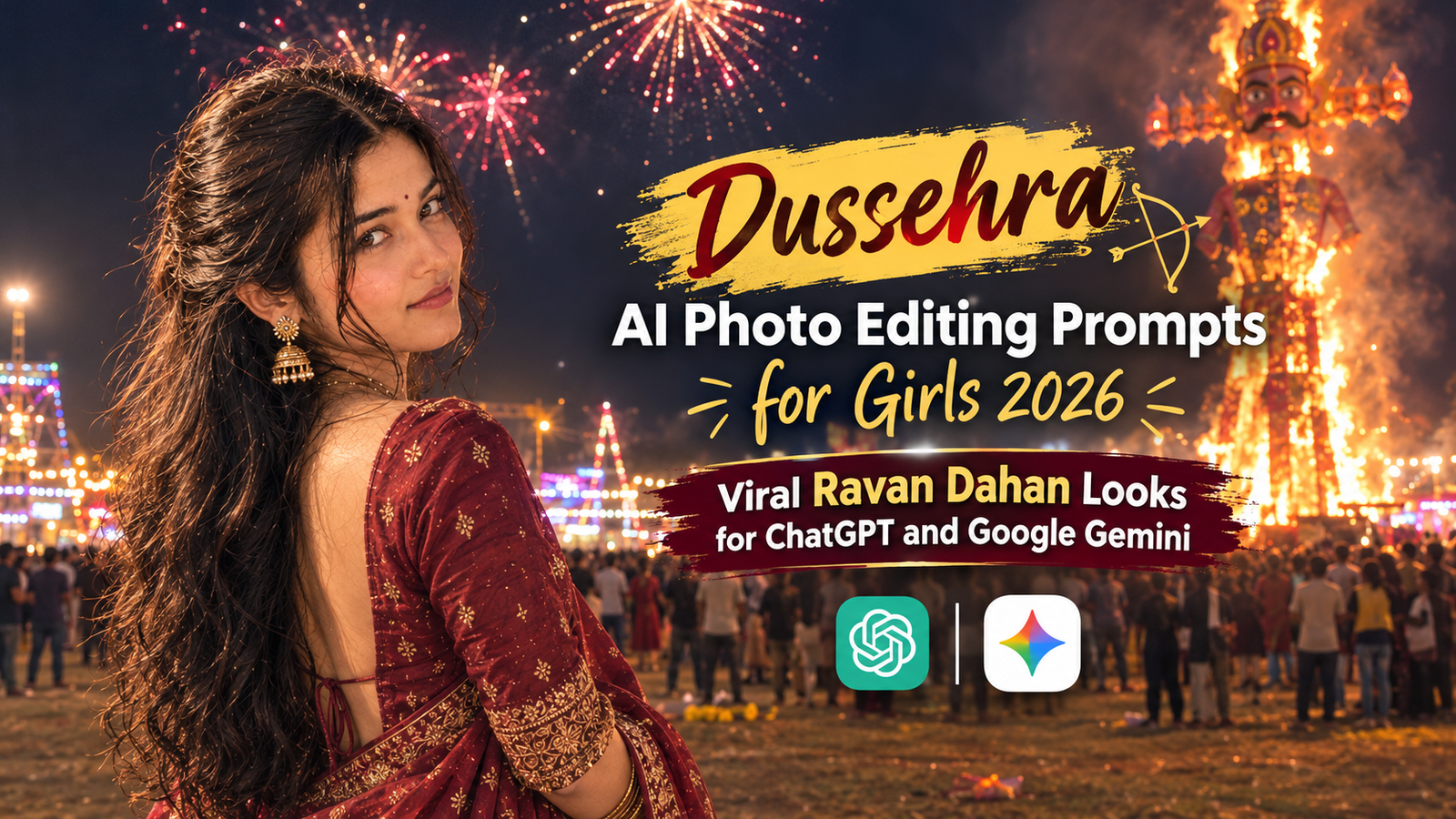
16. Red Saree Portrait
Transform this photo into an elegant cinematic portrait featuring a beautiful red saree with detailed traditional embroidery. Preserve the person’s facial identity and natural features. Add warm golden-hour lighting, tasteful jewelry, realistic fabric details, and a softly blurred heritage-style background.
17. Black Saree Portrait
Create a sophisticated portrait featuring a stylish black saree with subtle detailing. Keep the face and hairstyle consistent with the original image. Use a minimalist dark background, soft studio lighting, realistic jewelry reflections, and premium editorial photography.
18. Traditional Indian Portrait
Create an elegant traditional portrait while preserving the original facial identity. Add a beautifully detailed traditional outfit, tasteful jewelry, a heritage-inspired background, warm natural lighting, realistic skin texture, and cinematic depth of field.
19. Instagram Aesthetic Portrait
Transform this photo into a clean Instagram aesthetic portrait. Preserve the person’s face and natural appearance. Use a pastel environment, fashionable casual clothing, soft daylight, realistic skin texture, subtle background blur, and professional lifestyle photography.
20. Golden Hour Saree Portrait
Create a cinematic golden-hour portrait featuring an elegant saree flowing naturally in a gentle breeze. Keep the face unchanged. Add warm sunset lighting, realistic fabric movement, subtle highlights around the hair, and beautiful outdoor scenery.
21. Cafe Girl Portrait
Create an aesthetic cafe portrait with the person sitting beside a window. Preserve facial identity. Add a stylish modern outfit, warm cafe interiors, soft sunlight through the window, a coffee cup on the table, and realistic shallow depth of field.
22. Flower Garden Portrait
Place the person inside a beautiful natural flower garden while preserving their original facial identity. Add an elegant outfit, soft morning sunlight, colorful flowers, natural background blur, realistic skin texture, and professional portrait photography.
23. Rain Portrait
Create a cinematic portrait during gentle rain. Preserve facial features and hairstyle. Add realistic rain droplets, wet street reflections, soft city lights, natural skin details, and dramatic cinematic lighting.
24. Luxury Fashion Portrait
Transform this image into a luxury fashion editorial portrait. Preserve facial identity and natural proportions. Add an elegant outfit, premium indoor environment, professional studio lighting, realistic fabric textures, and high-end fashion photography.
25. Soft Pink Aesthetic Portrait
Create a soft pink aesthetic portrait with a subtle pastel background and elegant clothing. Preserve the person’s facial identity and realistic skin texture. Use diffused natural lighting, gentle shadows, soft depth of field, and professional portrait photography.
Instagram Trending Photo Editing Prompts
26. Instagram DP Portrait
Create a clean premium profile-picture portrait suitable for Instagram. Preserve facial identity and natural appearance. Add a simple blurred background, balanced studio lighting, sharp eyes, realistic skin tones, and a centered head-and-shoulders composition.
27. Moody Instagram Portrait
Create a dark and moody Instagram portrait with cinematic shadows and subtle warm highlights. Preserve the original face and natural skin texture. Add a minimalist background, professional lighting, and editorial-style color grading.
28. Rooftop Sunset Portrait
Place the person on a modern rooftop during sunset. Preserve facial identity. Add warm sky colors, distant city buildings, stylish casual clothing, realistic golden-hour lighting, natural shadows, and professional depth of field.
29. Vintage Film Portrait
Transform this photo into a realistic vintage-film portrait. Preserve the person’s facial features. Add subtle film grain, slightly muted colors, natural sunlight, gentle contrast, and an authentic analog-camera photography effect.
30. Minimal Studio Portrait
Create a clean professional studio portrait against a soft off-white background. Preserve facial identity, hairstyle, and natural skin texture. Use balanced studio lighting, subtle shadows, sharp facial details, and professional fashion photography.
Cinematic ChatGPT Photo Prompts
31. Movie Poster Style Portrait
Create a dramatic cinematic portrait inspired by modern movie-poster photography. Preserve facial identity. Add atmospheric lighting, subtle fog, dramatic background depth, realistic shadows, and high-end cinematic color grading. Do not add text or logos.
32. Dark Cinematic Portrait
Create a dramatic low-key portrait using controlled side lighting and a dark atmospheric background. Keep facial identity unchanged. Add realistic shadows, subtle highlights, natural skin texture, and professional cinematic photography.
33. Forest Cinematic Portrait
Place the person inside a realistic misty forest during early morning. Preserve facial features. Add soft sunlight passing through the trees, atmospheric fog, natural colors, realistic shadows, and cinematic depth of field.
34. Desert Portrait
Create an editorial portrait in a vast desert landscape during sunset. Preserve facial identity. Add warm sunlight, realistic sand texture, dramatic clouds, subtle wind movement in clothing, and cinematic photography.
35. Blue Hour Portrait
Create a professional portrait during blue hour just after sunset. Preserve the person’s facial identity. Add deep blue sky tones, warm city lights in the distance, realistic low-light exposure, natural skin tones, and professional photography.
Luxury AI Photo Editing Prompts
36. Luxury Hotel Portrait
Place the person inside an elegant luxury hotel lobby. Preserve facial identity. Add sophisticated clothing, warm architectural lighting, polished surfaces, realistic reflections, and premium lifestyle photography.
37. Private Jet Style Portrait
Create a premium travel lifestyle portrait near a private aircraft. Preserve facial identity and natural proportions. Add elegant clothing, realistic daylight, natural shadows, airport surroundings, and professional editorial photography.
38. Luxury Mansion Portrait
Create an upscale lifestyle portrait outside a modern luxury villa. Preserve facial features. Add sophisticated clothing, realistic architectural lighting, landscaped surroundings, natural shadows, and professional photography.
39. Premium Office Portrait
Create an executive portrait inside a modern high-rise office. Keep the person’s facial identity consistent. Add large windows, a city skyline, professional clothing, soft natural window lighting, and realistic corporate photography.
40. Luxury Restaurant Portrait
Place the person inside an elegant fine-dining restaurant. Preserve their facial identity. Add tasteful evening clothing, warm ambient lights, realistic interior details, soft background bokeh, and cinematic depth of field.
Couple AI Photo Editing Prompts
41. Sunset Couple Portrait
Create a natural cinematic couple portrait during sunset. Preserve both people’s individual facial identities. Add warm backlighting, an open outdoor location, realistic body proportions, natural expressions, and professional photography.
42. Traditional Couple Portrait
Create an elegant traditional couple portrait. Preserve both faces accurately. Add coordinated traditional outfits, tasteful jewelry, a heritage-inspired setting, warm cinematic lighting, and realistic photography.
43. Cafe Couple Portrait
Create a candid-looking couple portrait inside a cozy modern cafe. Preserve both facial identities. Add natural interaction, warm window lighting, realistic interior details, soft background bokeh, and lifestyle photography.
44. Rainy Couple Portrait
Create a cinematic couple portrait during light rain on a city street. Preserve both faces. Add realistic rain, wet-road reflections, an umbrella, soft city lights, natural expressions, and cinematic lighting.
45. Beach Couple Portrait
Create a natural couple portrait walking along a beach during golden hour. Preserve both facial identities and realistic body proportions. Add ocean waves, warm sunset lighting, candid expressions, and professional photography.
More Viral AI Photo Editing Prompts
46. Neon City Portrait
Create a realistic night portrait surrounded by colorful city lights and subtle neon reflections. Preserve facial identity. Add realistic low-light exposure, wet street reflections, cinematic background blur, and natural skin details.
47. Old Money Aesthetic
Create an elegant old-money-inspired portrait featuring timeless neutral clothing and classic architecture. Preserve facial identity. Use natural daylight, understated styling, realistic textures, and sophisticated editorial photography.
48. Monsoon Aesthetic Portrait
Create a natural monsoon-season portrait with cloudy skies, fresh greenery, and subtle rain. Preserve the person’s facial features. Add realistic wet surfaces, diffused daylight, natural colors, and a cinematic atmosphere.
49. Winter Portrait
Place the person in a realistic snowy mountain environment. Preserve facial identity. Add an elegant winter coat, subtle snowfall, natural cold-weather lighting, realistic clothing textures, and professional travel photography.
50. Professional Studio Portrait
Transform this image into a high-end studio portrait. Preserve facial identity, hairstyle, and natural proportions. Use a neutral background, soft key light, subtle fill lighting, realistic skin texture, sharp eyes, and professional-camera detail.
51. Retro 90s Portrait
Create a realistic 1990s-inspired portrait while preserving the person’s identity. Add era-inspired casual fashion, subtle analog film grain, slightly faded colors, natural flash lighting, and authentic retro photography.
52. Festival Lights Portrait
Create a festive evening portrait surrounded by warm decorative lights. Preserve facial identity. Add an elegant outfit, realistic warm bokeh, natural skin tones, detailed clothing textures, and cinematic low-light photography.
How to Use ChatGPT Photo Editing Prompts
Using these prompts is simple. Choose a photo style you like, copy the corresponding prompt, and use it with an AI tool that supports the photo-editing workflow you need.
For better results, start with a clear image where the subject’s face is properly visible. You can also customize the prompt before using it. For example, change the clothing color, background location, lighting, hairstyle, or overall photography style.
When editing an existing photo, adding instructions such as “preserve the original facial identity and natural facial features” can help communicate that you want the person to remain recognizable.
What Makes a Good AI Photo Editing Prompt?
A useful photo-editing prompt clearly describes the desired result. Instead of simply writing “make my photo cinematic,” describe important details such as the environment, clothing, lighting, camera look, background, and mood.
For example, mentioning golden-hour lighting, realistic skin texture, shallow depth of field, natural shadows, and a softly blurred background gives the AI much more information about the intended appearance.
At the same time, avoid adding unnecessary or conflicting instructions. A focused prompt usually makes it easier for an AI tool to understand the desired edit.
Popular AI Photo Editing Styles
Cinematic portraits remain a popular choice because they can give ordinary photos a movie-like appearance. Golden-hour portraits are another attractive style, using warm sunlight and soft shadows to create a natural outdoor look.
Instagram aesthetic portraits generally focus on clean backgrounds, fashionable clothing, soft lighting, and visually pleasing compositions. Traditional outfit prompts can be useful for creating saree, ethnic fashion, and cultural portrait concepts.
Other useful styles include vintage film photography, rainy-night portraits, luxury lifestyle photography, professional studio portraits, and travel-inspired images.
Tips for Better AI Photo Editing Results
Use a clear, high-quality source photo whenever possible. Photos with good lighting and clearly visible facial features give an image-editing model more useful visual information.
Be specific about what should change and what should remain unchanged. For example, if you only want to change the background and outfit, mention that the face, hairstyle, and natural appearance should remain consistent.
You can also experiment with the same prompt several times because AI-generated results can vary between generations.
Frequently Asked Questions
What are ChatGPT photo editing prompts?
Photo editing prompts are written instructions describing the changes or visual style you want an AI image tool to create.
Can I copy and paste these prompts?
Yes. All the prompts above can be used as templates. You can copy them and customize the clothing, background, lighting, or other details according to your requirements.
Which prompts are good for Instagram photos?
Golden-hour portraits, cinematic photos, cafe aesthetics, street-fashion portraits, traditional looks, and clean profile-picture styles are useful options for Instagram-focused photos.
How do I tell an AI to keep my face unchanged?
Include instructions such as “preserve the original facial identity, facial structure, hairstyle, and natural features from the source image.” The exact result will still depend on the image-editing model being used.
Can I customize these prompts?
Yes. These prompts are intended to be customizable. You can change outfit colors, locations, weather, lighting, camera style, or other visual details while keeping the main prompt structure.
Final Words
AI photo editing prompts make it easier to describe detailed visual ideas without manually explaining every element separately. Whether you want a cinematic portrait, Instagram aesthetic photo, traditional look, luxury scene, couple portrait, or professional studio image, the prompts above provide a starting point.
Try different prompts, customize them according to your photo, and experiment with lighting, backgrounds, clothing, and photography styles to create your preferred result.