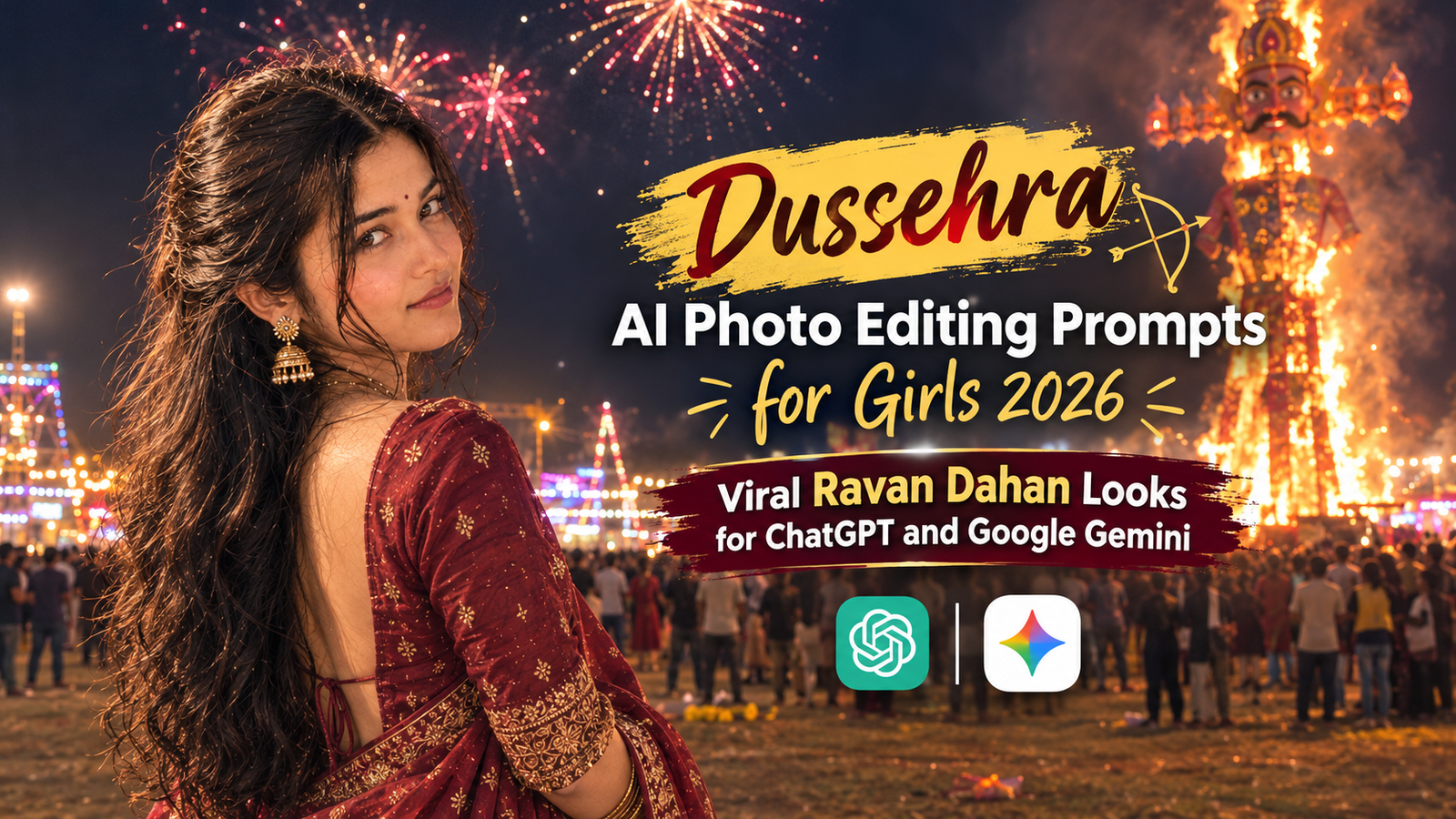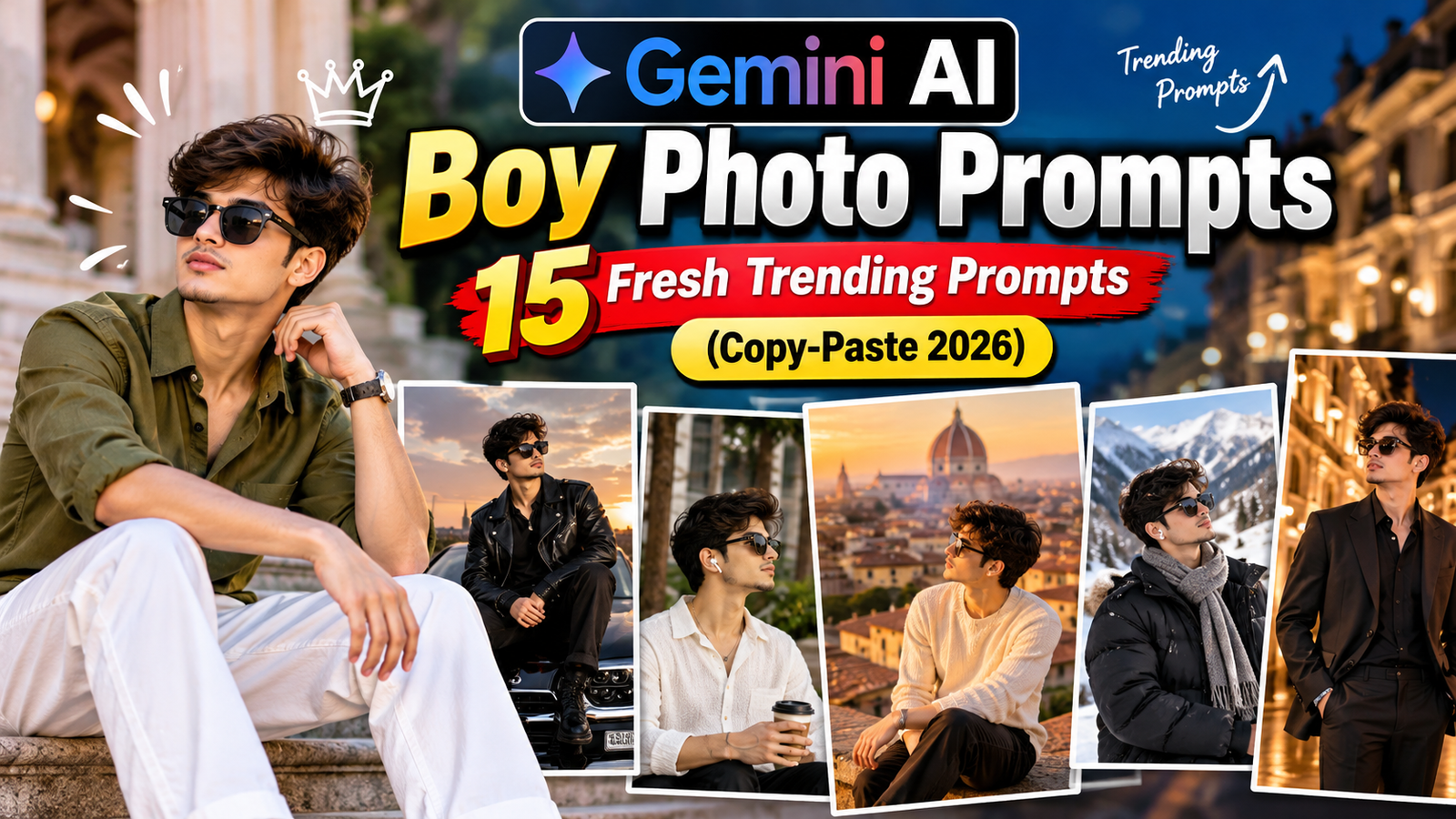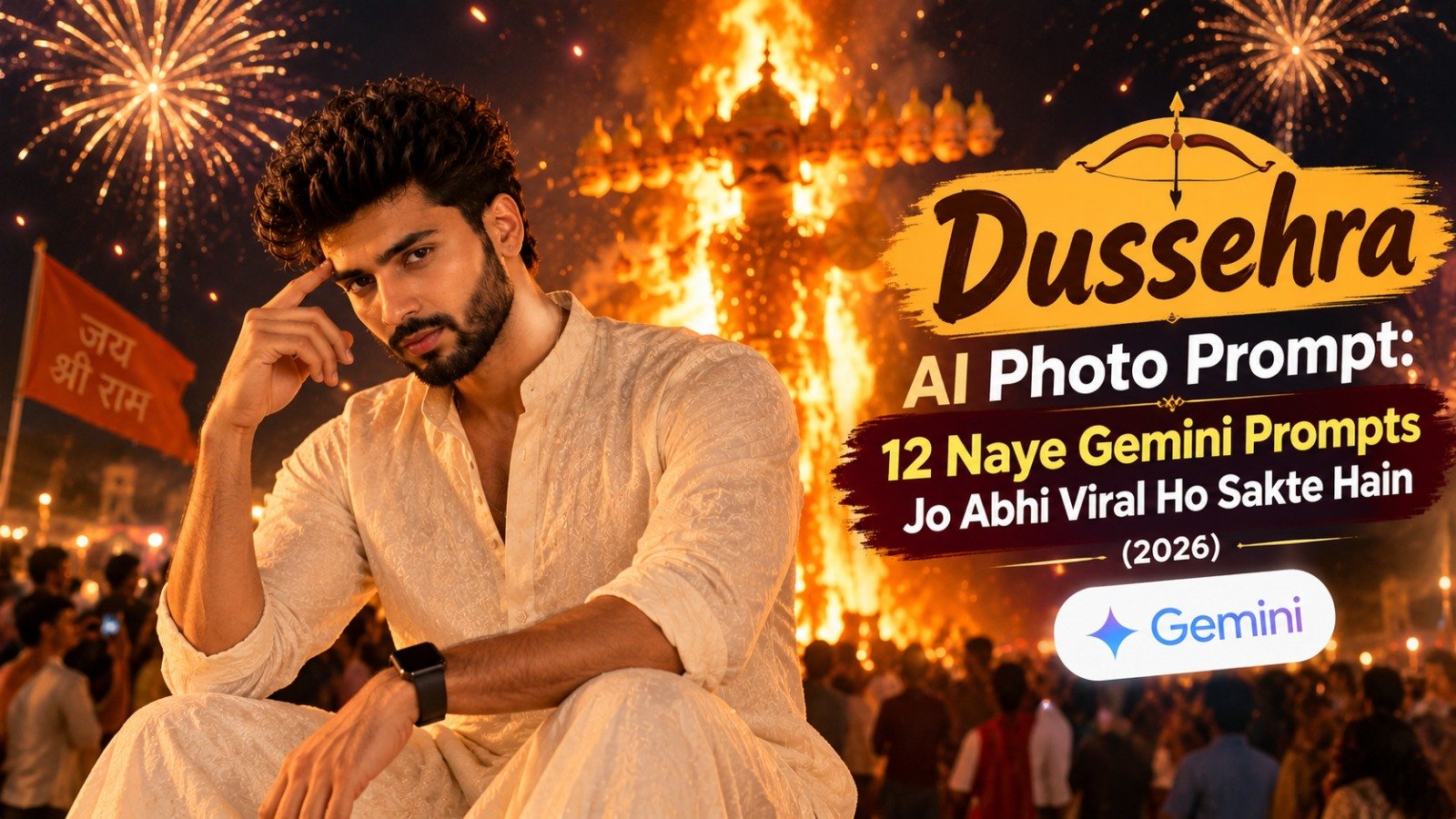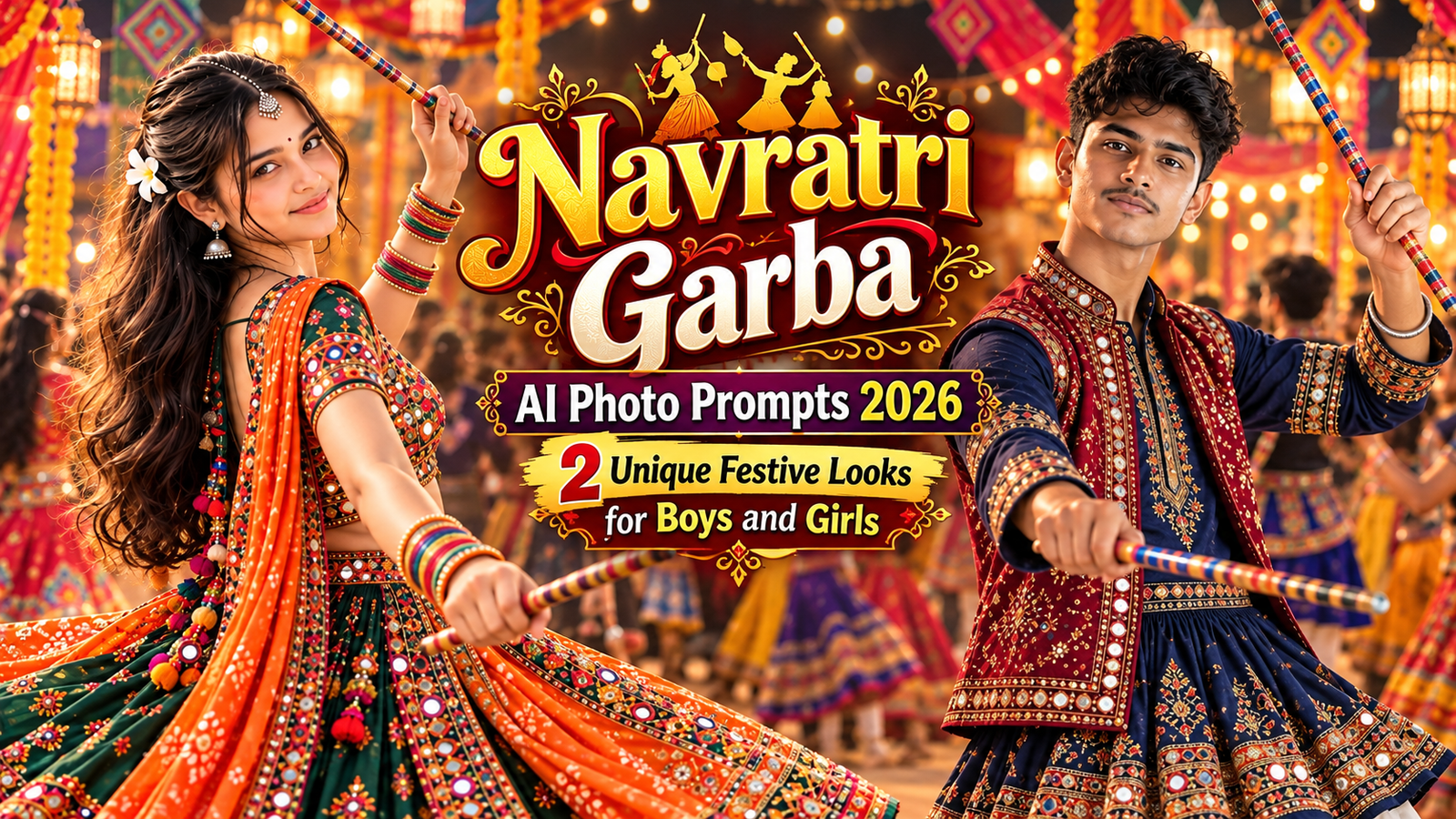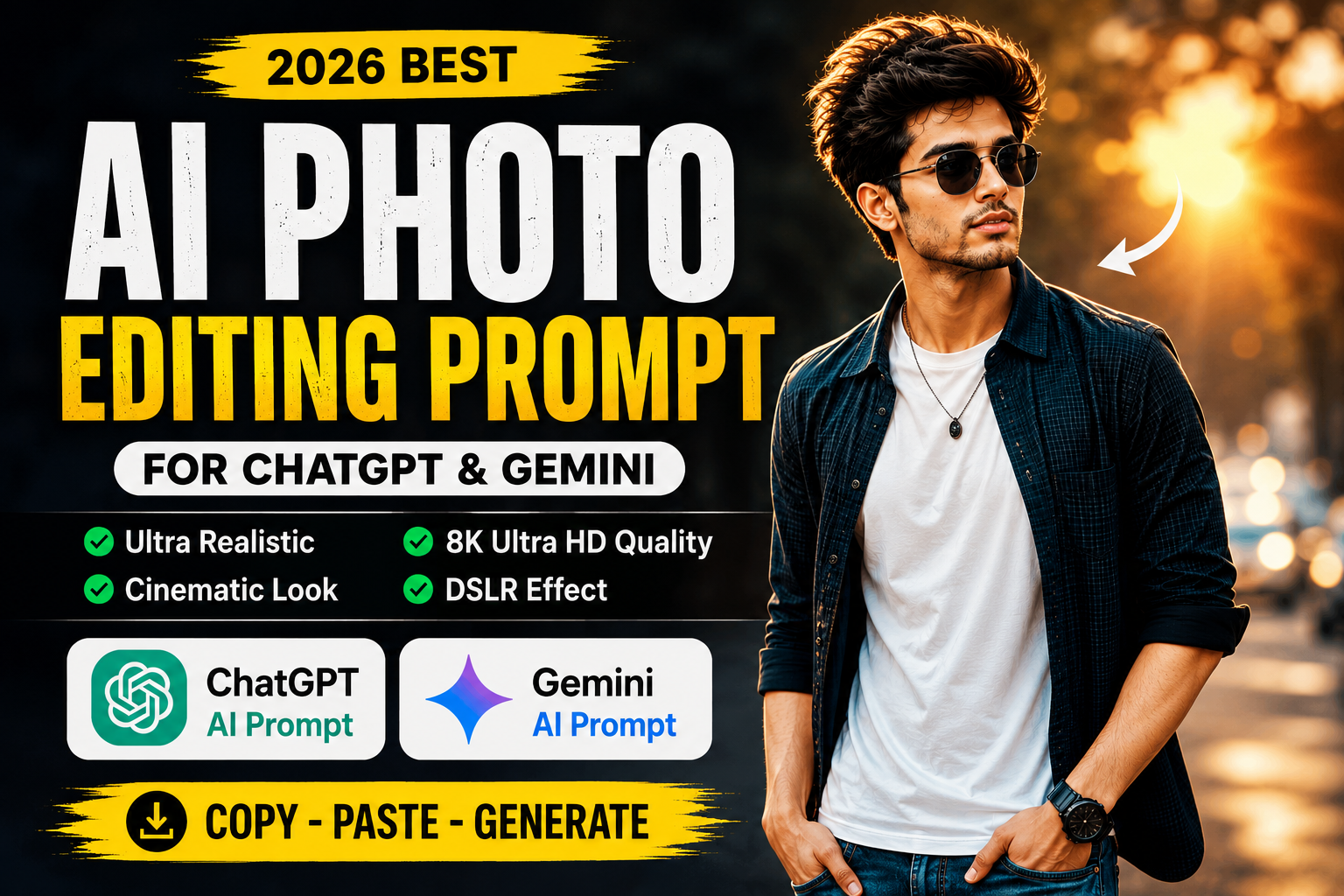
Artificial Intelligence has completely changed the way we edit photos. Instead of spending hours using professional editing software, you can now generate stunning AI-edited images within seconds using a simple AI Photo Editing Prompt. Whether you want a cinematic portrait, luxury background, travel photo, or Instagram-worthy profile picture, AI tools like ChatGPT and Gemini can create amazing results.
In this article, you’ll get a free AI Photo Editing Prompt that works with ChatGPT, Gemini, Leonardo AI, Midjourney, Flux AI, and other popular AI image generators. Simply copy the prompt, upload your photo, and let AI create a professional-quality image.
What is an AI Photo Editing Prompt?
An AI Photo Editing Prompt is a detailed text instruction that tells an AI image generator exactly how to edit or generate an image. The prompt includes details such as lighting, background, outfit, camera angle, facial expressions, colors, and image quality.
The better your prompt, the better your AI-generated image will be.
check lastes post cinematic prompt
Copy AI Photo Editing Prompt
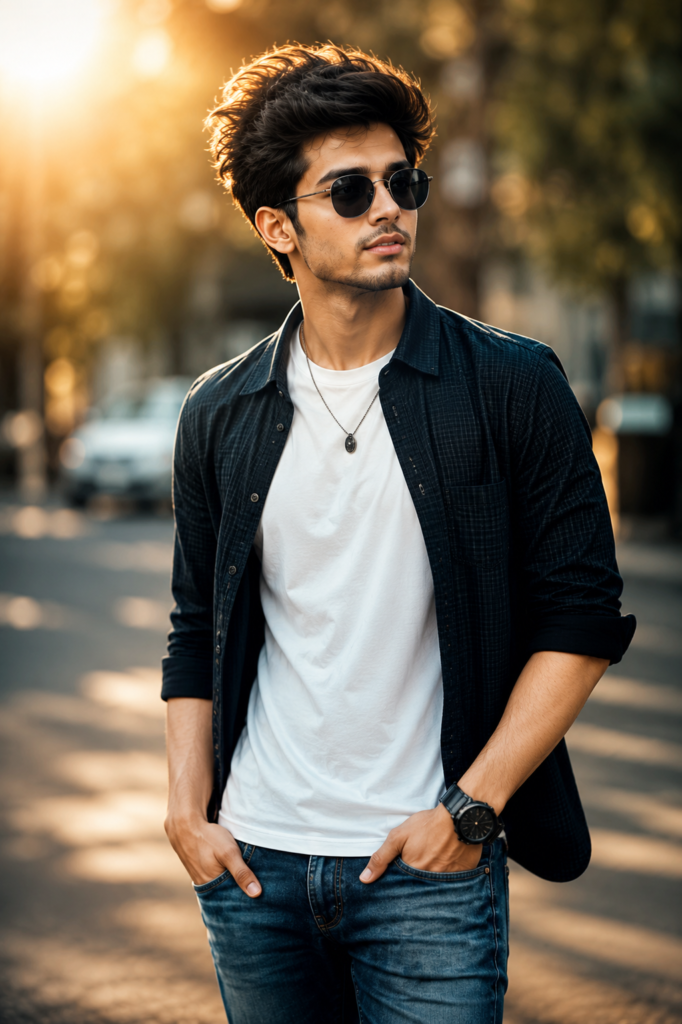
Create an ultra-realistic professional portrait of the uploaded person in a modern outdoor location with a stylish and confident pose. The subject is wearing fashionable casual clothes with a premium look. Add realistic skin texture, sharp facial features, natural hair, detailed eyes, soft cinematic lighting, shallow depth of field, DSLR photography, HDR color grading, beautiful bokeh background, realistic shadows, vibrant colors, high contrast, professional fashion photography, ultra-sharp focus, 8K Ultra HD quality, masterpiece, highly detailed, realistic composition.
Negative Prompt
low quality, blurry, watermark, text, logo, extra fingers, extra arms, bad anatomy, deformed face, duplicate person, cropped image, cartoon, anime, low resolution, unrealistic lighting, noisy background, oversaturated colors, distorted eyes, poorly drawn, ugly
Why Use This AI Photo Editing Prompt?
This AI Photo Editing Prompt is designed to create realistic, premium-quality images with minimal effort. Whether you’re a beginner or a professional creator, this prompt helps you achieve stunning results without advanced editing skills.
Key Features
- Ultra-realistic AI portraits
- Professional DSLR camera effect
- Soft cinematic lighting
- 8K Ultra HD quality
- Realistic skin and facial details
- Beautiful background blur (Bokeh)
- High-quality color grading
- Instagram-ready photos
- Easy to use with ChatGPT and Gemini
- Completely free to copy
Best AI Tools to Use
This prompt works perfectly with:
- ChatGPT
- Google Gemini
- Leonardo AI
- Midjourney
- Flux AI
- Ideogram AI
- Adobe Firefly
- Microsoft Designer
Tips for Better AI Photo Editing
To get the best possible results:
- Upload a high-resolution photo.
- Use a clear face image.
- Wear simple clothing.
- Choose natural lighting.
- Mention your preferred background.
- Request an 85mm DSLR lens effect.
- Always select 8K Ultra HD output.
Where Can You Use AI-Edited Photos?
The generated images are perfect for:
- Instagram Profile Picture
- Instagram Reels Cover
- Facebook Profile
- WhatsApp DP
- YouTube Thumbnail
- LinkedIn Profile
- Portfolio
- Digital Marketing
- Social Media Posts
- Personal Branding
Frequently Asked Questions
Is this AI Photo Editing Prompt free?
Yes. You can copy and use this prompt completely free.
Which AI tool gives the best results?
ChatGPT, Gemini, Leonardo AI, Midjourney, and Flux AI all produce excellent-quality AI images.
Can beginners use this prompt?
Absolutely. Just copy the prompt, upload your image, and generate professional AI photos in seconds.
Does this prompt work on mobile?
Yes. Most AI image generators are available on Android, iPhone, and desktop devices.
Final Words
The AI Photo Editing Prompt (2026) is one of the easiest ways to create realistic and professional AI portraits. Whether you’re creating content for Instagram, YouTube, Facebook, or personal branding, this free prompt delivers impressive results with cinematic lighting, DSLR effects, and 8K quality.
Copy the prompt above, paste it into ChatGPT, Gemini, or your favorite AI image generator, and start creating stunning AI-edited photos today.