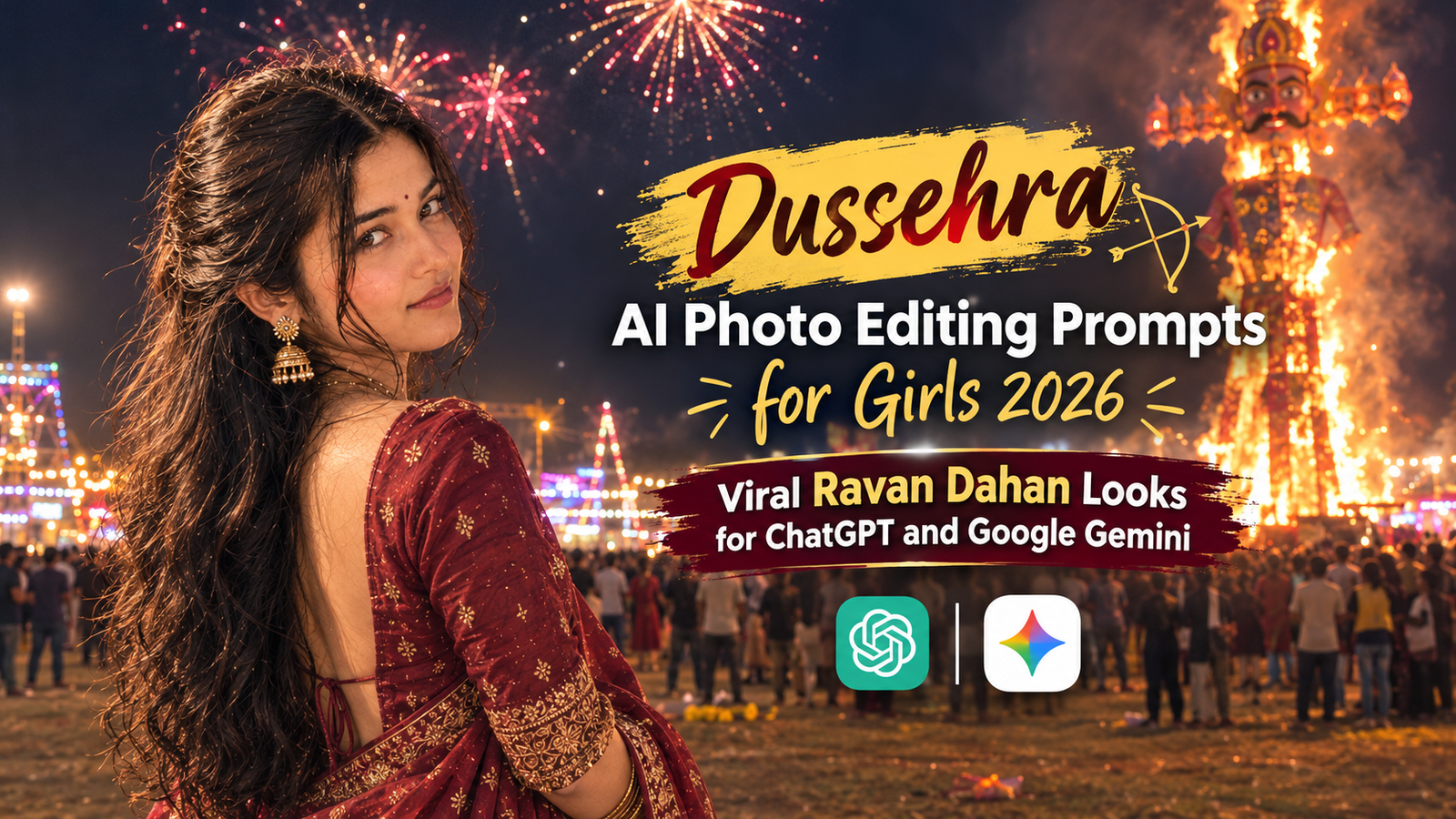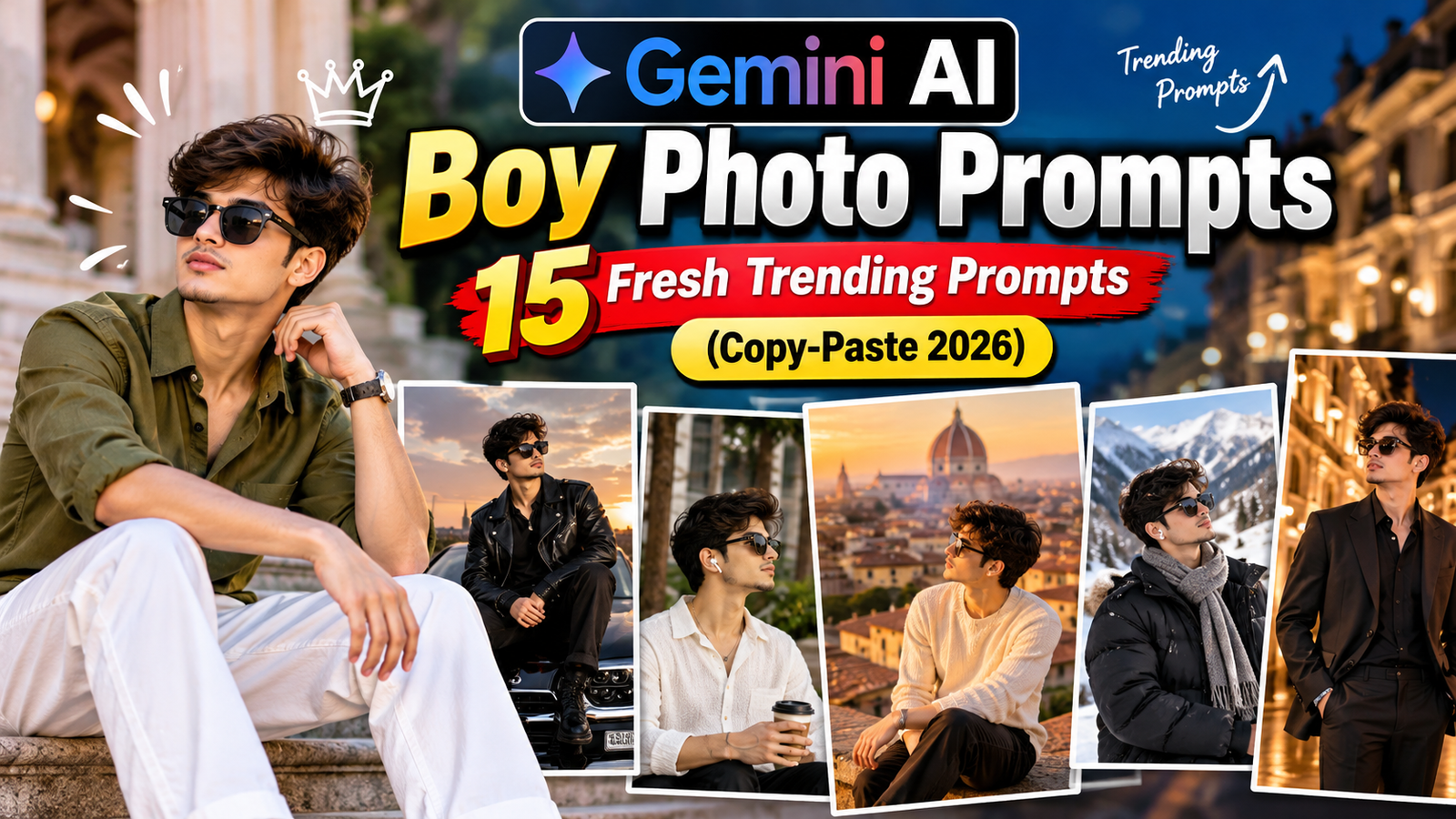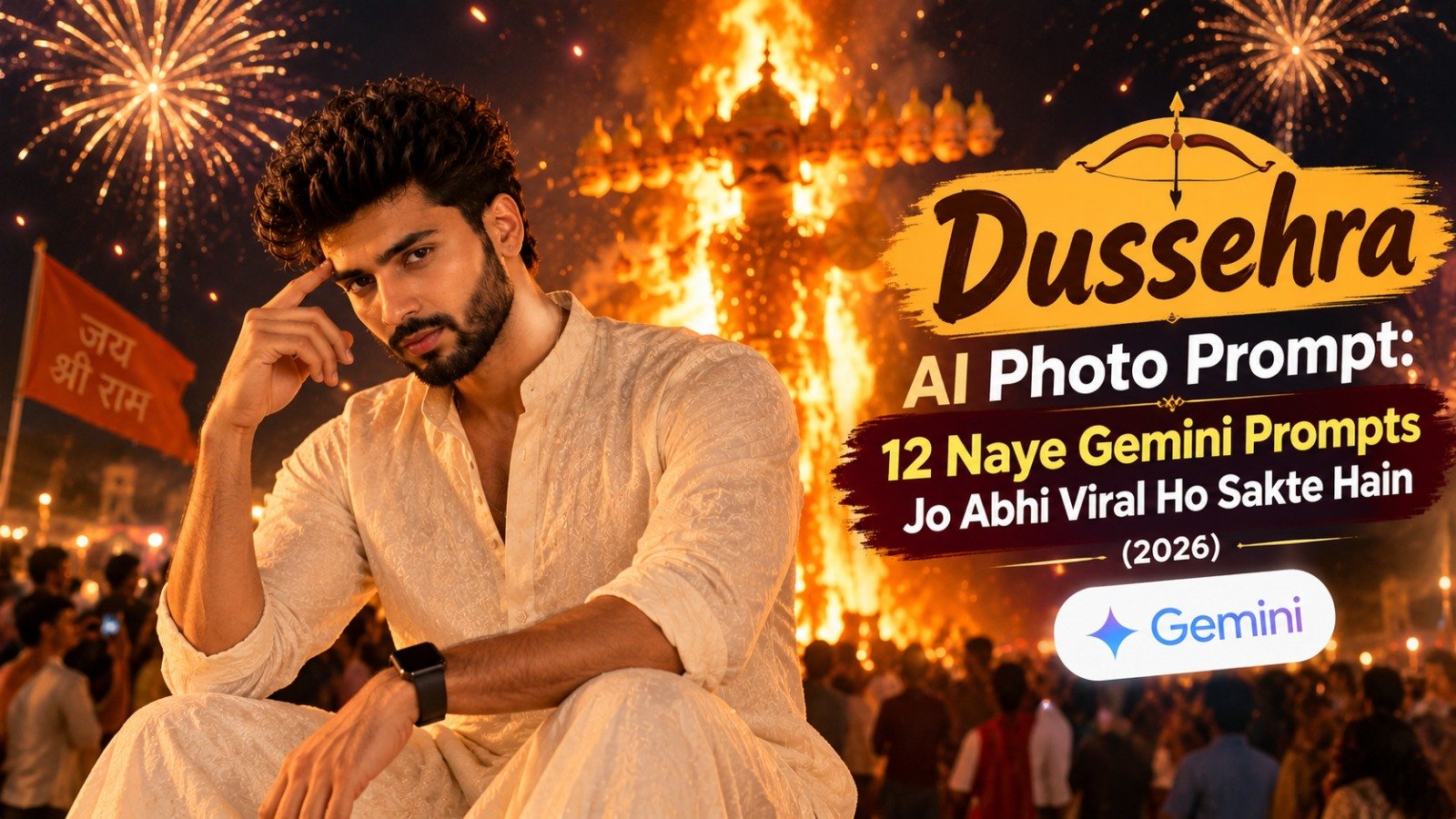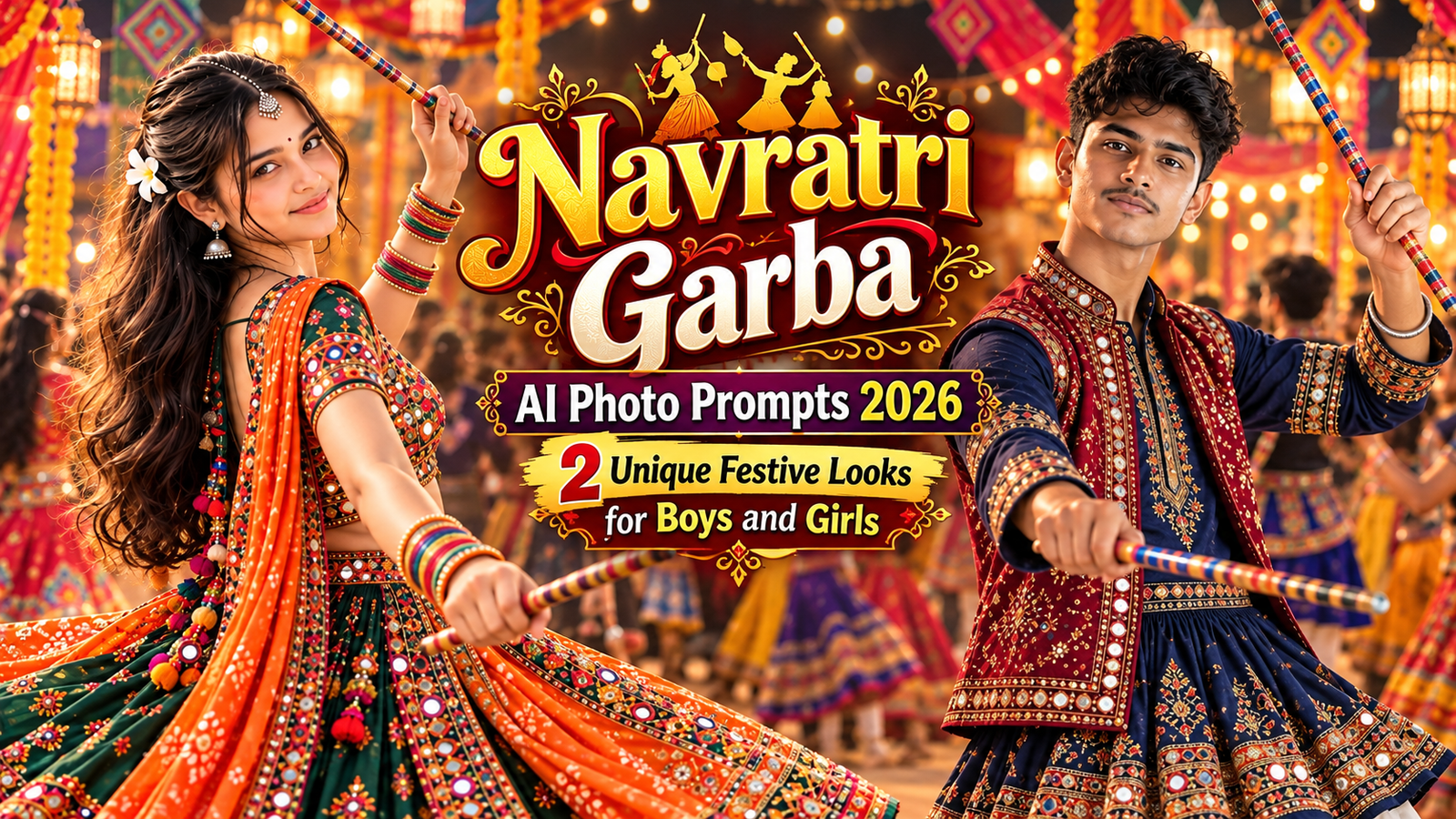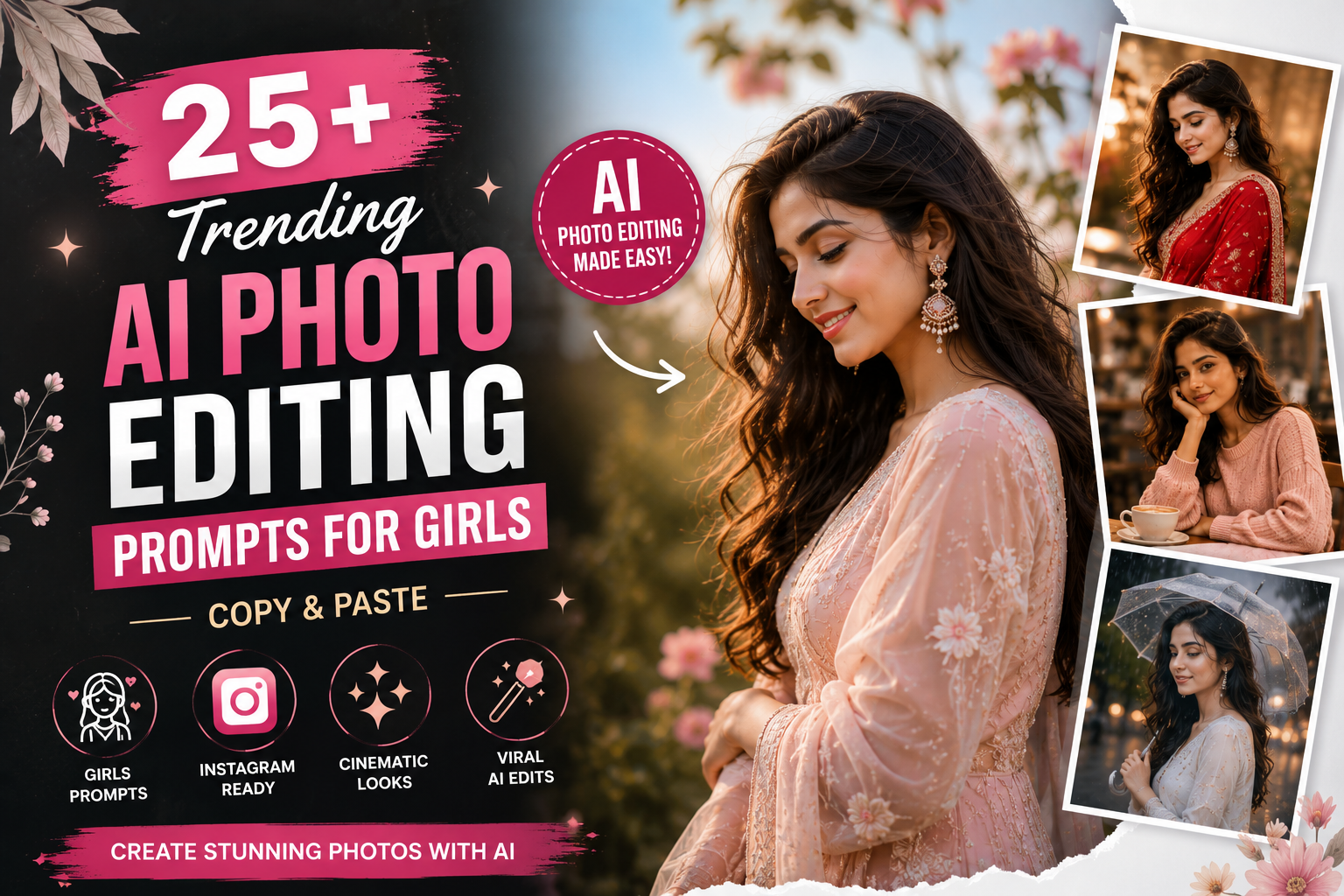
AI photo editing is becoming a favorite way to create stylish and eye-catching pictures for Instagram, profile photos, and social media posts. But getting a good result often depends on one thing: the prompt you use.
If you are searching for trending AI photo editing prompts for girls, this collection gives you ready-to-use ideas for saree portraits, cinematic photos, traditional looks, cafe aesthetics, rainy scenes, luxury portraits, and more.
The prompts below are detailed enough to guide AI tools while still being easy to customize. You can change the dress color, location, hairstyle, lighting, or background according to the photo you want to create.
Trending AI Photo Editing Prompts for Girls
Here are some of the latest AI photo editing prompts for girls that you can copy and customize. For better results when editing an existing picture, upload a clear photo and ask the AI to preserve the original facial identity and natural features.
1. Red Saree Golden Hour AI Prompt
Edit the uploaded photo into a beautiful cinematic portrait of a young woman wearing an elegant red saree with detailed embroidery. Preserve her original facial identity, facial structure, hairstyle, and natural skin texture. Place her outdoors during golden hour with warm sunlight falling softly across her face. Add subtle traditional earrings, realistic fabric details, natural shadows, soft background bokeh, and professional DSLR-style photography.
2. Black Saree Cinematic Portrait
Transform the uploaded photo into an elegant black saree portrait. Keep the original face, facial features, and natural appearance consistent with the source image. Add a sophisticated black saree with subtle detailing, tasteful silver earrings, a dark minimalist background, soft side lighting, realistic skin texture, and cinematic depth of field.
3. White Saree Aesthetic Prompt
Create a graceful portrait featuring the person in a beautiful white saree with delicate embroidery. Preserve the original facial identity and natural features. Add soft morning sunlight, a peaceful outdoor background, realistic fabric movement, subtle jewelry, natural skin tones, and a clean editorial photography look.
4. Pink Saree Instagram Portrait
Turn this photo into a soft Instagram-style portrait featuring an elegant pastel-pink saree. Keep the person’s face recognizable and natural. Add delicate earrings, soft daylight, a floral background, gentle background blur, realistic fabric texture, and warm professional portrait photography.
5. Traditional Indian Girl Portrait
Transform the uploaded photo into an elegant traditional Indian portrait. Preserve the person’s original facial identity, hairstyle, and natural appearance. Add a detailed traditional outfit, tasteful jewelry, a heritage-inspired background, warm natural lighting, realistic textures, and professional cinematic photography.
Instagram AI Photo Editing Prompts for Girls
Instagram-style edits often look best when the photo has clean lighting, an attractive background, and a clear subject. These AI photo editing prompts for girls are designed around popular social-media aesthetics.
6. Instagram Aesthetic Girl Prompt
Create a stylish Instagram aesthetic portrait from the uploaded photo. Preserve the original facial identity and natural skin texture. Dress the person in a fashionable pastel outfit and place her in a clean modern environment. Add soft daylight, subtle background blur, natural shadows, realistic colors, and professional lifestyle photography.
7. Cafe Girl AI Photo Prompt
Create a cozy cafe portrait with the person sitting beside a large window. Preserve her original facial identity and hairstyle. Add a stylish casual outfit, a coffee cup on the table, warm cafe lights, soft sunlight entering through the window, natural skin texture, shallow depth of field, and realistic lifestyle photography.
8. Flower Garden AI Portrait
Place the person inside a beautiful flower garden while preserving her original face and natural appearance. Dress her in an elegant light-colored outfit. Add colorful flowers, soft morning sunlight, realistic hair details, natural skin tones, gentle background bokeh, and professional portrait photography.
9. Rooftop Sunset Girl Portrait
Create a cinematic rooftop portrait during sunset. Preserve the person’s facial identity, hairstyle, and natural proportions. Add an elegant casual outfit, a distant city skyline, warm orange sunlight, realistic shadows, subtle wind movement in the hair, and professional DSLR-style depth of field.
10. Instagram DP AI Prompt for Girls
Create a clean and attractive Instagram profile picture from the uploaded photo. Preserve the original facial identity and natural facial features. Use a simple softly blurred background, balanced studio lighting, sharp eyes, realistic skin texture, natural colors, and a centered head-and-shoulders composition.
Cinematic AI Photo Editing Prompts for Girls
Want something more dramatic than a regular portrait? Cinematic prompts focus heavily on lighting, atmosphere, and depth.
11. Rainy Night Girl Portrait
Transform the photo into a cinematic rainy-night portrait. Preserve the original face, hairstyle, and natural appearance. Add gentle rain, a wet city street, realistic reflections from distant lights, subtle blue and warm lighting, natural skin texture, shallow depth of field, and atmospheric photography.
12. Moody Cinematic Girl Portrait
Create a dark and moody cinematic portrait while preserving the person’s original facial identity. Use controlled side lighting, a dark atmospheric background, subtle warm highlights, realistic skin details, deep but natural shadows, and professional editorial photography.
13. Blue Hour Girl Portrait
Create a beautiful portrait during blue hour just after sunset. Preserve the person’s original facial features and hairstyle. Add a deep blue evening sky, softly glowing city lights in the background, realistic low-light exposure, natural skin tones, and cinematic depth of field.
14. Movie-Inspired Portrait
Transform the uploaded photo into a dramatic cinematic portrait inspired by modern movie photography. Preserve facial identity and natural proportions. Add atmospheric lighting, subtle haze, realistic shadows, detailed skin texture, dramatic background depth, and professional cinematic color grading. Do not add text or logos.
15. Forest Cinematic Portrait
Place the person inside a peaceful misty forest during early morning. Preserve her original facial identity and natural appearance. Add soft sunlight passing through trees, subtle atmospheric mist, realistic greenery, natural shadows, shallow depth of field, and cinematic photography.
Stylish AI Photo Editing Prompts for Girls
These prompts work well when you want a modern fashion or lifestyle look instead of a traditional portrait.
16. Luxury Fashion Girl Portrait
Transform the uploaded photo into a premium fashion editorial portrait. Preserve the person’s original face and natural body proportions. Add an elegant modern outfit, sophisticated indoor surroundings, professional studio lighting, realistic fabric textures, natural skin details, and magazine-style photography.
17. Black Outfit Girl Portrait
Create a stylish portrait featuring an elegant all-black outfit. Preserve the original facial identity, hairstyle, and natural features. Add a minimalist urban background, soft dramatic lighting, realistic clothing texture, natural skin tones, and professional fashion photography.
18. Old Money Aesthetic Girl Prompt
Create an elegant old-money-inspired portrait from the uploaded photo. Preserve facial identity and natural appearance. Add timeless neutral clothing, classic architecture, subtle accessories, natural daylight, understated styling, realistic textures, and sophisticated editorial photography.
19. Luxury Hotel Portrait
Place the person inside an elegant luxury hotel-style lobby. Preserve the original facial identity. Add sophisticated clothing, warm architectural lighting, polished interior details, realistic reflections, subtle background blur, and premium lifestyle photography.
20. Street Fashion Girl Portrait
Transform this photo into a modern street-fashion portrait. Preserve the person’s original face and natural proportions. Add a stylish casual outfit, sneakers, an urban city street, realistic daylight, architectural details, natural shadows, and professional fashion photography.
Cute and Soft Aesthetic AI Prompts for Girls
Not every AI edit needs dramatic lighting. Soft aesthetics can work especially well for profile photos and casual Instagram posts.
21. Soft Pink Aesthetic Portrait
Create a soft pastel-pink aesthetic portrait while preserving the person’s original facial identity. Add an elegant pastel outfit, a clean light background, diffused natural lighting, realistic skin texture, gentle shadows, subtle background blur, and professional portrait photography.
22. Natural Morning Portrait
Create a fresh morning portrait near a large window. Preserve the person’s facial identity and natural appearance. Add soft sunlight falling across the face, simple casual clothing, realistic skin texture, minimal makeup, natural hair details, and a softly blurred indoor background.
23. White Dress Garden Portrait
Create an elegant outdoor portrait featuring the person in a flowing white dress inside a beautiful garden. Preserve facial identity and natural body proportions. Add soft sunlight, colorful flowers, subtle wind movement, realistic fabric details, and professional photography.
24. Beach Sunset Girl Portrait
Create a beautiful beach portrait during golden hour. Preserve the person’s original facial identity and hairstyle. Add an elegant flowing outfit, ocean waves, warm sunset light, subtle wind movement in the hair and clothing, natural shadows, and cinematic photography.
25. Vintage Film Girl Portrait
Transform the uploaded image into a vintage film-style portrait. Preserve facial identity and natural appearance. Add subtle analog film grain, slightly faded colors, soft sunlight, gentle contrast, realistic textures, and a nostalgic photography feel.
More Viral AI Photo Editing Prompts for Girls
Here are a few more styles you can try when you want something different from regular portrait photography.
26. Monsoon Girl AI Portrait
Create a cinematic monsoon portrait surrounded by fresh greenery. Preserve the person’s original facial identity and natural features. Add cloudy skies, subtle rain, realistic wet surfaces, diffused daylight, natural skin tones, and atmospheric depth.
27. Winter Girl AI Portrait
Place the person in a realistic snowy mountain environment. Preserve facial identity and natural proportions. Add a stylish winter coat, gentle snowfall, distant mountains, realistic cold-weather lighting, detailed clothing textures, and professional travel photography.
28. Festive Lights Girl Portrait
Create a beautiful festive evening portrait. Preserve the person’s original facial identity and natural appearance. Add an elegant traditional outfit, warm decorative lights in the background, realistic bokeh, tasteful jewelry, natural skin tones, and cinematic low-light photography.
29. Professional Studio Girl Portrait
Transform the uploaded image into a professional studio portrait. Preserve facial identity, hairstyle, and natural skin texture. Use a clean neutral background, soft key lighting, gentle fill light, realistic shadows, sharp eyes, and high-quality professional photography.
30. Minimal White Background Portrait
Create a clean minimalist portrait against a soft white or off-white background. Preserve the person’s facial identity and natural features. Add elegant simple clothing, balanced studio lighting, realistic skin texture, subtle shadows, and a premium editorial photography look.
How to Use AI Photo Editing Prompts for Girls
Using these prompts is straightforward. Start by choosing a style that matches the photo you want to create. Upload a clear source image to an AI image-editing tool that supports your preferred workflow and paste the prompt.
You don’t have to use every prompt exactly as written. Change details such as saree color, outfit, background, weather, lighting, jewelry, or location to make the result more personal.
When working with your own picture, clearly describe what should remain unchanged. For example, asking the tool to preserve the original facial identity, facial structure, hairstyle, and natural features can help communicate the intended edit.
How to Get Better Results With AI Photo Editing Prompts
A good source photo makes a difference. Try using an image where the face is clearly visible and isn’t heavily blurred or hidden by strong shadows.
Your prompt should also be specific without becoming confusing. Instead of writing only “make a beautiful photo,” describe the look you actually want. Mention the outfit, location, lighting, background, and photography style.
For example, a request for a red saree portrait during golden hour with natural skin texture and soft background bokeh gives the AI clearer visual direction.
AI results can vary between generations, so don’t worry if the first result isn’t exactly what you imagined. Adjust one or two details and try again.
Which AI Photo Editing Styles Are Popular for Girls?
Traditional saree portraits are a versatile choice for festive and cultural photos, while golden-hour portraits create a warmer outdoor aesthetic. Cafe portraits and pastel aesthetics work well for casual social-media photos.
For a more dramatic look, rainy-night, cinematic, and blue-hour portraits offer stronger lighting and atmosphere. Fashion portraits, luxury backgrounds, and old-money aesthetics can create a more editorial appearance.
The best style ultimately depends on your original photo and the result you want to create.
Frequently Asked Questions
What are AI photo editing prompts for girls?
AI photo editing prompts are written instructions describing how an AI image tool should transform or style a photo. They can specify clothing, lighting, background, mood, photography style, and other visual details.
Can I copy and paste these AI prompts?
Yes. These prompts are designed as customizable templates. Copy the prompt you like and change details according to your preferred style.
Which AI prompt is best for an Instagram DP?
A clean studio portrait or soft aesthetic portrait is a good starting point because it keeps the face clearly visible and avoids an overly distracting background.
Which prompt should I use for a saree photo?
Try the red saree golden-hour, black saree cinematic, white saree, or traditional Indian portrait prompts above. You can replace the specified color with any saree color you prefer.
How can I keep my face the same in an AI edit?
Use a clear source photo and explicitly ask the image-editing tool to preserve the original facial identity, facial structure, hairstyle, and natural features. Exact results can still vary depending on the tool.
Can these prompts be used for Instagram?
Yes. Many of these prompts are specifically designed around portrait, profile-picture, cinematic, and aesthetic styles suitable for Instagram posts.
Final Words
The right prompt can turn a simple editing idea into a much clearer set of instructions for an AI image tool. These trending AI photo editing prompts for girls give you plenty of styles to experiment with, from saree portraits and Instagram aesthetics to cinematic scenes, luxury fashion, and natural outdoor photography.
Choose your favorite prompt, customize a few details, and experiment with different looks until you find the style that works best for your photo.