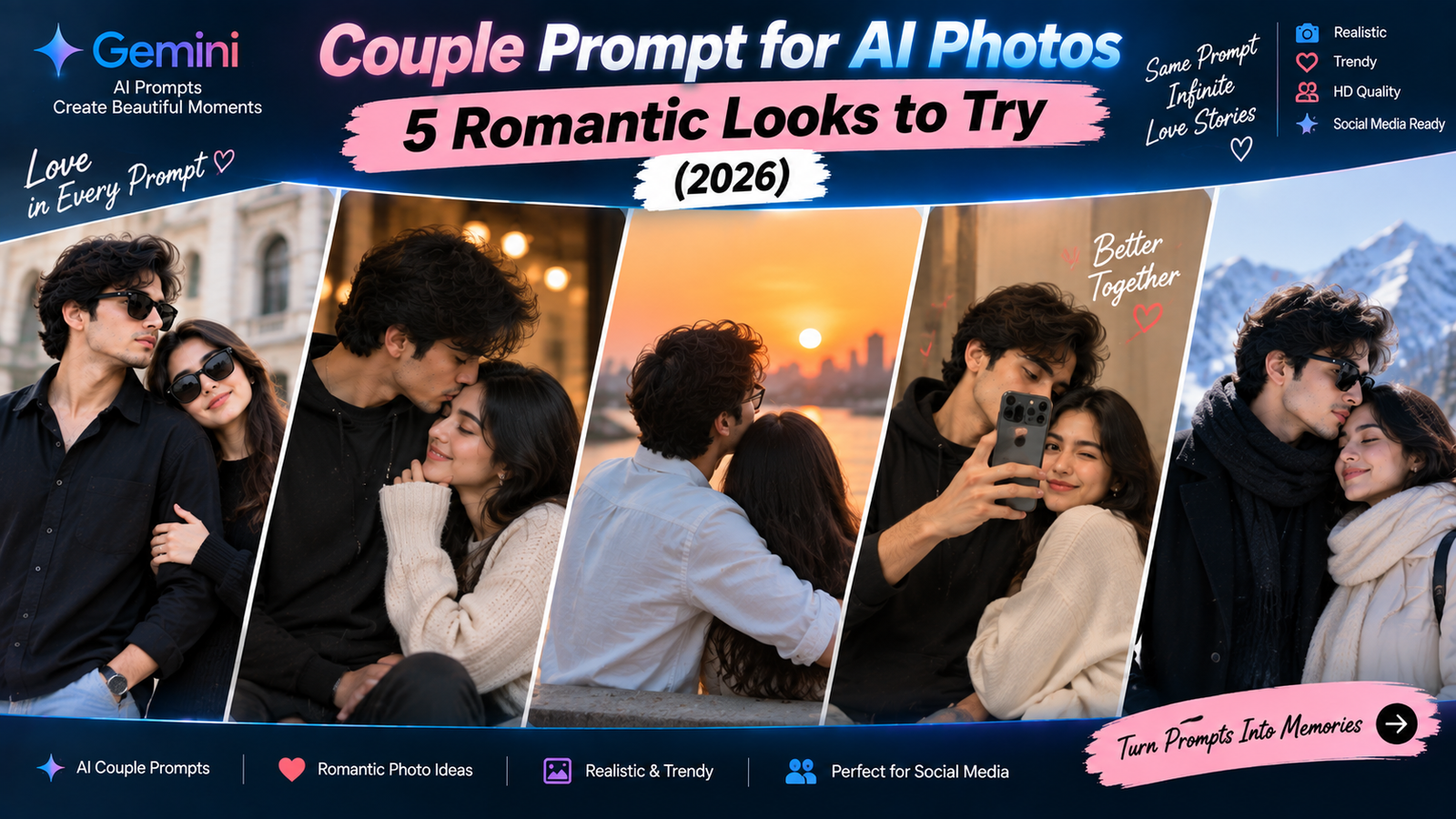
Couple photos are one of the most searched AI photo trends, but most results look identical: the same soft pink filter, the same generic sunset, the same pose everyone else is using. If you are looking for a couple prompt that gives your photo a bit more personality, this guide has 5 different styles, a rainy evening walk, a cosy home moment, a starry rooftop, a traditional wedding-style portrait, and a playful candid look, along with tips for keeping both faces looking natural.
Why Couple Photos Are Harder to Edit Than Solo Photos
AI photo edits are already tricky with one face. With two people in a frame, there is simply more that can go wrong: one face might change more than the other, the lighting might suit one person but not the other, or the poses might look stiff and disconnected.
A few things make a real difference for couple prompts:
- Protect both faces clearly. Say “keep both our faces exactly the same,” not just “keep our faces the same,” which can be read as only one person.
- Ask for connection, not just placement. Mentioning how you are standing together (close, hand in hand, looking at each other) helps avoid a stiff, separated look.
- Match the lighting on both people. If one partner is lit warmer than the other, the photo looks unnatural immediately.
Every prompt below is written with these points built in.
How to Use a Couple Prompt in Gemini or ChatGPT
- Upload one photo where both of you are clearly visible together, or two separate clear photos if you are combining them.
- Paste the prompt and change the bracketed details.
- Generate the image and check both faces closely, not just one.
- If one person looks better than the other, mention it directly: “Keep [name]’s face exactly the same, it changed too much.”
- Regenerate two or three times if needed, since results vary each time.
Features and free limits change over time for both Gemini and ChatGPT, so check the current details for the tool you are using.
Prompt 1: Rainy Evening Walk
A soft, moody rain scene feels romantic without being over the top, and works well for both casual and dressed-up couple photos.
Edit this photo so we are walking together on a quiet street just after rain, holding hands. Add soft rain reflections on the road, a light mist in the air and warm street lights blurred gently in the background. Use soft, warm lighting that lights both our faces evenly and naturally. Keep both our faces, facial features, expressions, hairstyles and clothes exactly the same. Do not add extra people, text or umbrellas unless we already have one. The result should look like a real photograph taken in the evening.
Good for: Anniversary posts, casual couple portraits, moody Instagram photos.
Why it works: Saying the lighting should be “even and natural” on both faces stops one partner from ending up brighter or warmer-toned than the other, which is one of the most common couple-photo mistakes.
If it goes wrong: If one face looks noticeably different from the other, send “Keep [name]’s face closer to the original, it changed more than [name]’s.”
Prompt 2: Cosy Home Evening
Not every couple photo needs an outdoor scene. This one keeps things warm, simple and personal, ideal for a relaxed, everyday feel.
Edit this photo so we are sitting together on a sofa at home in the evening, close to each other and relaxed. Add warm, soft lamp lighting with a cosy, slightly golden tone, and a softly blurred living room background. Keep both our faces, facial features, expressions, hairstyles and clothes exactly the same. Keep natural skin texture on both of us and do not over-smooth. Do not add text, extra people or objects that were not in the original photo. The result should look like a real, candid photo taken at home.
Good for: Everyday couple posts, low-key anniversary photos, personal albums.
Why it works: Asking for “candid” rather than “posed” pushes the AI away from a stiff, staged look and towards something that feels like a real moment.
If it goes wrong: If the lighting looks too orange, send “Make the lamp light slightly cooler and less intense.”
Prompt 3: Starry Rooftop Portrait
A night sky背景 gives a dreamy, cinematic feel that works well for engagement-style or special occasion photos.
Edit this photo so we are standing together on a rooftop at night, close together, with a clear sky full of soft stars and a distant city skyline blurred below. Add a gentle warm light on both our faces so we stay clearly visible against the dark sky. Keep both our faces, facial features, expressions, hairstyles and clothes exactly the same. Do not add text, extra people or unrealistic bright colours. The result should look like a real photograph taken with a good camera at night.
Good for: Anniversaries, proposal-style photos, special occasion posts.
Why it works: The line “gentle warm light so we stay clearly visible against the dark sky” is important, because night scenes often make faces too dark, which is a common problem with starry or night-themed edits.
If it goes wrong: If the faces look too dark against the sky, send “Brighten both our faces slightly while keeping the sky dark.”
Prompt 4: Traditional Wedding-Style Portrait
For couples who want a formal, elegant photo without an actual studio session, this prompt recreates that warm, traditional portrait look.
Edit this photo into a warm, traditional portrait style, as if taken during a wedding or engagement function. Add soft golden lighting with a gentle glow, and a softly blurred background with warm string lights or a decorated doorway. Keep our outfits' colours, patterns and fit exactly the same. Keep both our faces, facial features, expressions, hairstyles and poses exactly the same. Do not add jewellery, accessories or extra people that were not in the original photo. The result should look like a real photograph taken at an evening family function.
Good for: Engagement announcements, anniversary posts, festive family photos.
Why it works: Locking the outfit details stops the AI from redesigning your clothes, which happens often when a prompt only asks for a “festive look” without protecting what you are actually wearing.
If it goes wrong: If the background looks too busy or distracting, send “Simplify the background and reduce the number of decorative elements.”
Prompt 5: Playful Candid Moment
Not every couple photo needs to be soft and romantic. This one captures a fun, laughing moment, which often looks more genuine than a posed shot.
Edit this photo so it looks like a candid, playful moment between us, mid-laugh or mid-conversation, not posed for the camera. Use natural daylight with soft shadows and a simple, softly blurred outdoor background. Keep both our faces, facial features, expressions and clothes exactly the same, only adjust the lighting and background. Do not change our expressions to something we did not have in the original photo. Do not add text or extra people. The result should look like a real, unposed photograph.
Good for: Casual social media posts, friendship-style couple photos, everyday memories.
Why it works: The instruction “do not change our expressions to something we did not have” matters, because AI models sometimes replace a neutral or serious expression with a generic smile, which can make the photo feel less authentic.
If it goes wrong: If the AI changes your expressions too much, use a photo where you are already smiling or laughing naturally, since the AI edits the setting more reliably than it invents a new expression.
Quick Fixes for Common Couple Photo Problems
- One face changed more than the other: Name the person directly in your follow-up, since a general “keep our faces the same” sometimes protects one person more than the other.
- Lighting looks uneven between the two of you: Send “Match the lighting and skin tone warmth on both of our faces.”
- Poses look stiff or disconnected: Mention a specific connection point in the prompt, such as “holding hands” or “standing close together,” instead of leaving it vague.
- Background looks fake: Ask for “softer blending between us and the background, with matching light and shadows.”
- AI ignores part of the prompt: Shorten it and send the main scene first, then add smaller details in a follow-up message.
Use Couple Photo Edits Respectfully
- Only edit photos of yourself and your partner, with their knowledge and consent.
- Avoid uploading private or intimate photos to any AI tool.
- Do not use AI to alter a couple photo to include someone who was not part of the original relationship or moment.
- If you share an AI-edited couple photo publicly, it is fine to keep it light, but avoid presenting a heavily altered scene as a real event that did not happen.
Frequently Asked Questions
What is the best couple prompt for anniversary photos?
The rainy evening walk and starry rooftop prompts both work well for anniversaries, since they add a romantic mood without changing how you both actually look.
Why does the AI change one partner’s face more than the other’s?
This often happens with a vague “keep our faces the same” instruction. Naming both people directly and repeating the request in a follow-up usually fixes it.
Can I use these prompts with just one photo of both of us together?
Yes, that works best. If you only have separate photos, mention that clearly and expect the AI to need a few extra attempts to blend the two naturally.
Are these couple prompts free to use?
The prompts are free to copy. Whether the AI tool itself is free depends on its current plan and daily limits.
Can I write these prompts in Hindi?
Yes, both Gemini and ChatGPT understand Hindi and Hinglish, though English usually gives more precise results for lighting and mood details.
How many times should we regenerate the photo?
Two or three attempts are normal for a single photo, and couple photos sometimes need a bit more patience since two faces need to look right at the same time.
Conclusion
A good couple prompt should protect both of your faces equally, match the lighting between you, and give the scene a genuine sense of connection rather than two people simply standing next to each other. Start with whichever mood fits your relationship best, cosy and candid, or romantic and cinematic, and adjust one detail at a time until it feels right.
For more free, ready-to-use prompt guides, visit Trendingprompt.