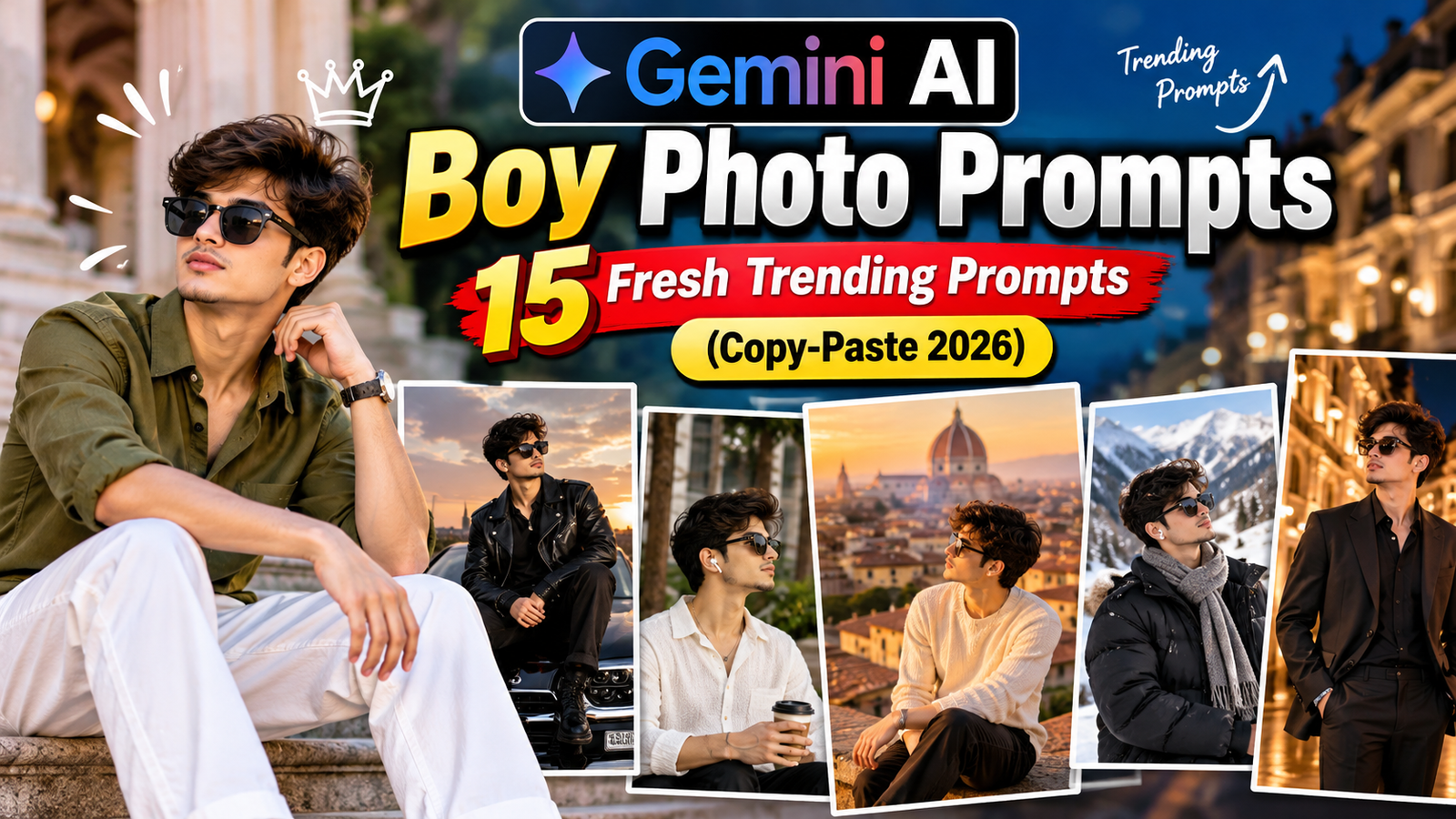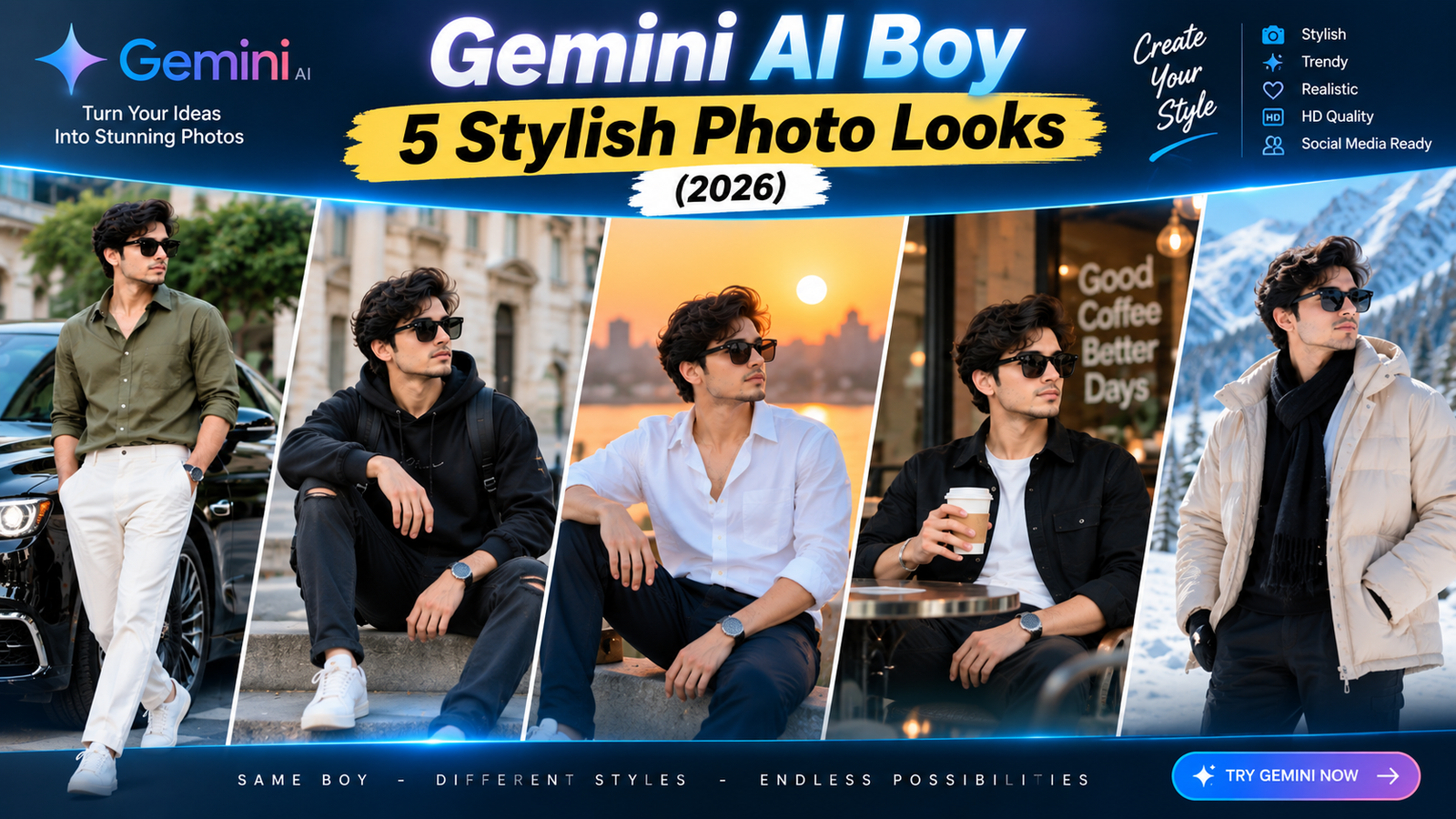
Most AI photo trends online are designed for girls, with soft pastel edits and floral backgrounds. If you are searching for a good prompt for Gemini AI boy photos, you have probably noticed that a lot of ready-made prompts do not suit a guy’s photo at all. The lighting is too soft, the colours are too pastel, or the pose looks wrong.
This guide gives you 5 prompts built specifically for men’s photos: a sharp street style look, a formal business portrait, a gym progress photo, a bike ride shot and a festive kurta portrait. Each one includes a note on when to use it and how to fix it if the result looks off.
What Makes a Good Prompt for Gemini AI Boy Photos
A prompt written for a general portrait often adds soft, glowing, pastel effects, which can look feminine and out of place on a men’s photo. A stronger prompt for boys usually asks for:
- Sharper lighting instead of a soft dreamy glow.
- Deeper, muted colours instead of pastel or bright pink tones.
- A confident pose and posture, like standing straight or a slight side angle.
- Simple, masculine styling, such as denim, plain shirts or ethnic wear, instead of decorative elements.
Every prompt below is built with these points in mind. Change the text in [brackets] to match your own style.
How to Use These Prompts in Gemini
- Open the Gemini app or website and sign in with your Google account.
- Upload a clear photo, ideally where your face and upper body are visible.
- Paste the prompt and edit the bracketed parts.
- Send it and check the result closely, especially your face, hands and the edges of your hair.
- If something is slightly off, send a short follow-up like “Make the jawline shadow softer” instead of restarting.
Features and free limits can change, so check the Gemini Apps Help Center for current details.
Prompt 1: Sharp Street Style Portrait
This gives a confident, editorial look often seen in men’s fashion pages, using an urban background and strong side light.
Edit this photo into a sharp street-style portrait. Place me standing against a plain concrete or brick wall in [muted grey / dark green / rust brown]. Use strong directional light from one side to create defined shadows on my face and jawline. Keep the colour tone muted and slightly desaturated, not bright or pastel. Keep my face, facial features, expression, hairstyle and clothes exactly the same. Do not soften my jawline or make my features look rounder. Do not add text, logos or extra people. The result should look like a real photograph taken by a street fashion photographer.
Good for: Instagram grid photos, profile pictures, personal branding.
Why it works: The line “do not soften my jawline or make my features look rounder” is important, because many AI portrait edits automatically make faces appear younger or softer, which does not suit a sharp masculine look.
If it goes wrong: If the shadows look too harsh, send “Soften the shadows slightly but keep the light direction the same.”
Prompt 2: Formal Business Headshot
A clean, corporate-style photo is useful for LinkedIn, job applications and official profiles without booking a studio session.
Turn this photo into a formal business headshot. Use a plain dark-grey or navy blurred office background. Apply soft, even studio lighting so my face looks clear and professional, with no harsh shadows. Dress me in [a charcoal blazer over a white shirt] or keep my current outfit if it already looks formal. Keep my face, facial features, skin tone, hairstyle and expression exactly the same. Keep natural skin texture and do not over-smooth my skin. Do not add text, logos or accessories. The result should look like a real photo taken by a professional photographer.
Good for: LinkedIn, resumes, official ID-style photos for social platforms.
Why it works: Naming a specific outfit gives Gemini a clear target, instead of guessing and adding something that does not match a formal look.
If it goes wrong: If the blazer looks poorly fitted or odd, remove that line and add “keep my current clothes but make them look neat and pressed.”
Prompt 3: Gym Progress Photo
Many guys want a clean before-and-after style photo without a fancy studio setup. This prompt improves the lighting and background of a gym mirror selfie without changing your body.
Enhance this gym photo. Improve the lighting so it looks bright and even, remove clutter and reflections from the mirror or background, and sharpen the overall image quality. Do not change my body shape, muscle definition, weight or proportions in any way. Keep my face, skin tone, tattoos (if any) and expression exactly the same. Do not add filters that alter my physique. The result should look like a real, unedited gym photo with better lighting and a cleaner background.
Good for: Fitness progress tracking, gym social media posts, before-and-after comparisons.
Why it works: The clear instruction “do not change my body shape, muscle definition or proportions” is essential here, because AI tools can subtly alter body shape while “enhancing” a photo, which defeats the purpose of a progress photo.
If it goes wrong: If the AI still changes your physique, avoid heavy edits altogether. For progress tracking, a well-lit unedited photo is usually more useful than an AI-enhanced one.
Prompt 4: Motorcycle or Bike Ride Portrait
An action-style outdoor photo works well for adventure and travel posts, even if the original photo was taken in a parking lot or a regular street.
Edit this photo to look like I am on a highway road trip at golden hour, standing next to [a motorcycle / a bicycle / a car], with open road and hills softly blurred behind me. Add warm low sunlight from behind, creating a soft rim glow on my shoulders and hair. Keep my face lit clearly with natural, warm skin tones. Keep my face, facial features, expression, hairstyle, pose and clothes exactly the same. Do not add extra people, text or logos on the vehicle. The result should look like a real travel photograph.
Good for: Travel posts, adventure-themed Instagram photos, weekend trip memories.
Why it works: Asking for the rim light and matched skin tones prevents the classic “cut-out person pasted on a background” look that ruins most scene-change edits.
If it goes wrong: If the vehicle looks distorted or unrealistic, remove it from the prompt and ask Gemini to keep your original vehicle from the photo instead of generating a new one.
Prompt 5: Festive Kurta Portrait
A warm, well-lit festival photo works for Diwali, weddings or any ethnic-wear occasion, with lighting that suits traditional outfits.
Edit this photo into a warm festive portrait suitable for Diwali or a family function. Add soft golden evening light with a gentle glow, and place me in front of a softly blurred background with warm string lights or a traditional doorway. Keep my kurta or ethnic outfit's colour, pattern and fit exactly the same. Keep my face, facial features, expression, hairstyle and pose exactly the same. Do not add jewellery, accessories, text or extra people that were not in the original photo. The result should look like a real photograph taken at an evening family event.
Good for: Diwali posts, weddings, family functions, festive WhatsApp status.
Why it works: Locking the outfit’s colour and pattern stops Gemini from redesigning your kurta, which is a common issue when a prompt only says “festive look” without protecting the clothing.
If it goes wrong: If the background lights look too busy, send “Simplify the background and reduce the number of lights.”
Quick Fixes for Common Problems
- Face looks rounder or softer than the original: Add “keep my jawline and face shape exactly as in the original photo” and try again.
- Skin looks too smooth or plastic: Send “Bring back natural skin texture, pores and slight imperfections.”
- Outfit colour or design changed: Repeat the exact colour and pattern in a follow-up message.
- Background looks fake or flat: Ask for “more realistic lighting and shadows that match the background.”
- Gemini ignores part of the prompt: Shorten it and send the main change first, then add extra details afterward.
Use AI Photo Edits Responsibly
- Upload only your own photos or photos you have permission to edit.
- Do not upload ID cards, documents or private images.
- Do not use AI edits to misrepresent your appearance for dating profiles, job applications or official documents.
- Check the rules before using an edited photo for exams, jobs or government forms, since many require an unedited photograph.
- If you share an AI-edited photo publicly, it is good practice to mention it was edited.
Frequently Asked Questions
Is this prompt for Gemini AI boy photos different from a general portrait prompt?
Yes. It avoids soft, pastel and overly smooth effects and instead asks for sharper light, muted tones and a confident pose, which usually suits men’s photos better.
Will Gemini change my face shape?
It can, especially with soft portrait styles. Adding a line that protects your jawline and face shape reduces this, though results still vary.
Can I use these prompts for a friend’s photo?
Yes, as long as you have their permission to edit and share the image.
Can I write these prompts in Hindi?
Yes, Gemini understands Hindi and Hinglish, though English usually gives more precise results for lighting and styling details.
Are these prompts free to use?
The prompts themselves are free to copy. Gemini’s image features and daily limits depend on your current plan, so check the Gemini app for details.
How many times should I regenerate the image?
Two or three attempts are normal. If the result still looks off, simplify the prompt or try a clearer starting photo.
Conclusion
A good prompt for Gemini AI boy photos should protect what already makes the photo look like you, especially your jawline, skin texture and outfit, while adjusting the light, background and mood around it. Start with the street style or business headshot prompt, then try the others once you see how Gemini handles your face and skin.
For more free, ready-to-use prompt guides, visit Trendingprompt.