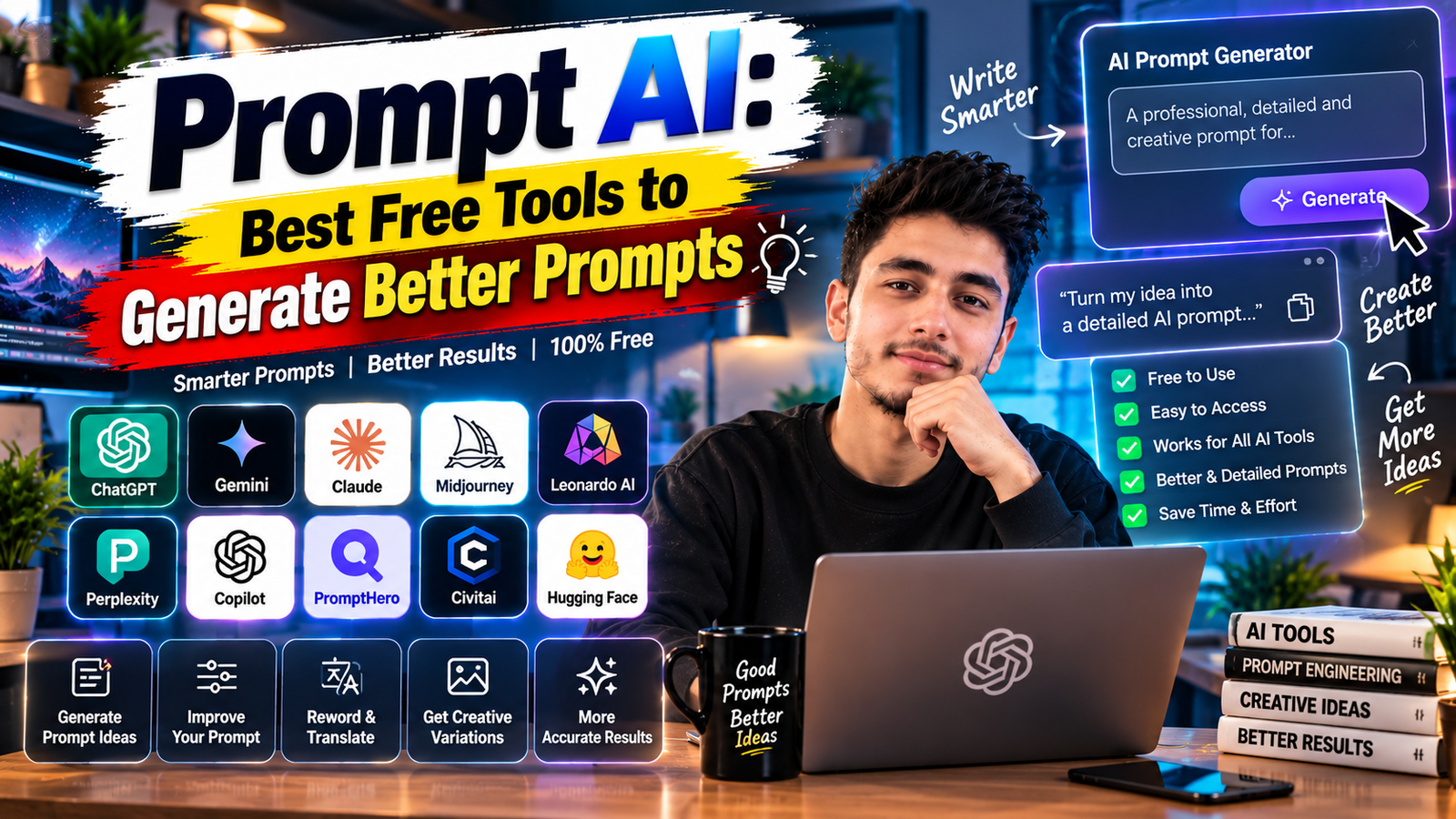
Writing a good prompt from scratch is not always easy, especially when you are staring at a blank chat box with no idea how to start. This is where prompt AI tools come in. Instead of writing every prompt yourself, you can use a tool to generate, expand or fix a prompt for you, and then paste the improved version into ChatGPT, Gemini or any other AI tool.
This guide covers what prompt AI tools actually do, the main types you will come across, a few free ways to use AI itself as a prompt generator, and how to tell a genuinely useful prompt tool from a gimmick.
What Does “Prompt AI” Mean?
“Prompt AI” is used in two slightly different ways online. Sometimes it refers to AI-powered tools built specifically to generate or improve prompts for you. Other times, people use it loosely to mean any AI chatbot they are giving a prompt to. In this guide, we are focusing on the first meaning: tools and techniques that help you create better prompts, rather than the everyday chatbot itself.
You do not always need a separate tool for this. In many cases, the AI chatbot you already use can act as its own prompt generator, which is one of the simplest and most reliable methods.
Method 1: Use ChatGPT or Gemini to Write Your Prompt For You
Before looking at separate tools, try this first, because it works with an AI you probably already have access to and needs no new sign-up.
Act as a prompt engineering expert. I want to [describe your goal, for example: "write a 4-week beginner workout plan" or "create an Instagram caption for my bakery's new cake launch"]. Write me a detailed, well-structured prompt I can use in ChatGPT or Gemini to get the best possible result. Include a role, clear task, relevant context and the format I should ask for.
The AI will hand you back a ready-made prompt, often better structured than what most people write on their first attempt. You can then paste that prompt into a new chat, or even the same one, to get your actual result.
Why this works well: The AI already understands what makes a prompt effective, since it has been trained on huge amounts of writing about prompting. Asking it to apply that knowledge to your specific goal is often faster than learning prompt formulas yourself.
Method 2: Ask AI to Improve a Prompt You Already Wrote
If you already have a rough prompt but it is not giving you good results, you can ask the AI to upgrade it rather than start over.
Here is a prompt I have been using: "[paste your prompt]". It is not giving me the results I want. Rewrite it to be clearer and more specific. Explain briefly what you changed and why.
This method is especially useful because the explanation teaches you what was missing, so your next prompt improves on its own without needing the AI’s help every time.
Method 3: Built-In Prompt Helpers Inside AI Tools
Several AI platforms now include a prompt-improvement feature directly inside their interface, rather than requiring you to ask for one manually. Look for options like “Improve prompt,” “Enhance prompt” or a small magic-wand icon near the input box, particularly in image generation tools such as Gemini’s image features or other AI art platforms. These take your rough description and expand it with more specific, descriptive language before generating the result.
Feature names and availability change often between tools and updates, so check the current interface of whichever tool you are using rather than relying only on what this guide describes.
Method 4: Prompt Libraries and Collections
Instead of generating a prompt from scratch, many people prefer to start from a tested example and adjust it. Prompt collection websites, including guides like the ones on this site, organise ready-made prompts by category, such as writing, photo editing or business use, so you can copy one close to your need and tweak the details.
This approach works well when:
- You are not sure how to phrase a request for an unfamiliar task.
- You want a starting point rather than starting completely blank.
- You are short on time and need something that already works reasonably well.
The trade-off is that a copied prompt rarely fits your exact situation perfectly, so a little personalisation always helps.
What to Look for in a Prompt AI Tool
Not every prompt tool is worth your time. Before relying on one regularly, check for these:
- Does it ask clarifying questions? A good prompt tool often asks what your goal, audience or tone is, rather than guessing.
- Does it explain its reasoning? Tools that tell you why they structured the prompt a certain way help you learn, not just get one result.
- Is it free or does it have a reasonable free tier? Many genuinely useful prompt tools are built on top of free AI chatbots and cost nothing beyond what you already use.
- Does it stay updated? AI tools and their prompting quirks change often, so a tool or guide that has not been updated in a long time may give outdated advice.
A Simple Habit That Works Better Than Any Tool
The single most useful habit is treating your first prompt as a draft, not a final attempt. Instead of trying to write the perfect prompt before sending anything, send a reasonable attempt and then refine it with follow-ups such as:
- “Make this more specific to [detail].”
- “That’s too long, shorten it to a few sentences.”
- “Explain it as if I’m a complete beginner.”
- “Give me three different versions with different tones.”
This back-and-forth approach usually gets you to a better result faster than spending ten minutes perfecting a single prompt before you even see how the AI responds.
Common Mistakes When Using Prompt AI Tools
- Copying a generated prompt without reading it. Sometimes a generated prompt includes assumptions that do not match your actual situation, so it is worth a quick read before using it.
- Over-relying on tools for simple tasks. For a quick, simple question, writing your own one-line prompt is often faster than generating one.
- Ignoring the explanation. If a tool tells you why it structured a prompt a certain way, that reasoning usually applies to your next few prompts too, so it is worth remembering.
- Assuming every generated prompt is perfect. Treat it as a strong starting point, then adjust details specific to you, such as names, numbers or preferences.
Frequently Asked Questions
Is there a single best prompt AI tool?
Not really. The chatbot you already use, such as ChatGPT or Gemini, can generate and improve prompts for you, which makes it a genuinely useful starting point without needing a separate tool.
Are prompt generator tools free?
Many are free or have a free tier, especially when you use the built-in features of AI chatbots you already access. Paid or specialised tools exist too, so check current pricing before committing to one.
Can I use a prompt AI tool for image generation prompts?
Yes. Several image tools include a built-in “enhance prompt” feature, and you can also ask a text-based AI chatbot to write a detailed image prompt for you to paste elsewhere.
Do I still need to learn prompting basics if I use these tools?
It helps. Understanding the basics, such as adding role, task, context and format, lets you judge whether a generated prompt is actually good, rather than accepting anything a tool gives you.
How do I know if a generated prompt is actually good?
Check whether it clearly states what you want, includes relevant details about your situation, and specifies the format of the answer. If it is vague or generic, ask the tool to make it more specific.
Conclusion
You do not always need to write a prompt from scratch. Asking ChatGPT or Gemini to write or improve a prompt for you, using built-in enhancement features, or starting from a tested prompt collection can all save time and often produce better results than a rushed first attempt. Whichever method you use, keep refining with follow-ups rather than expecting the first version to be perfect.
For more free, ready-to-use prompt guides, visit Trendingprompt.