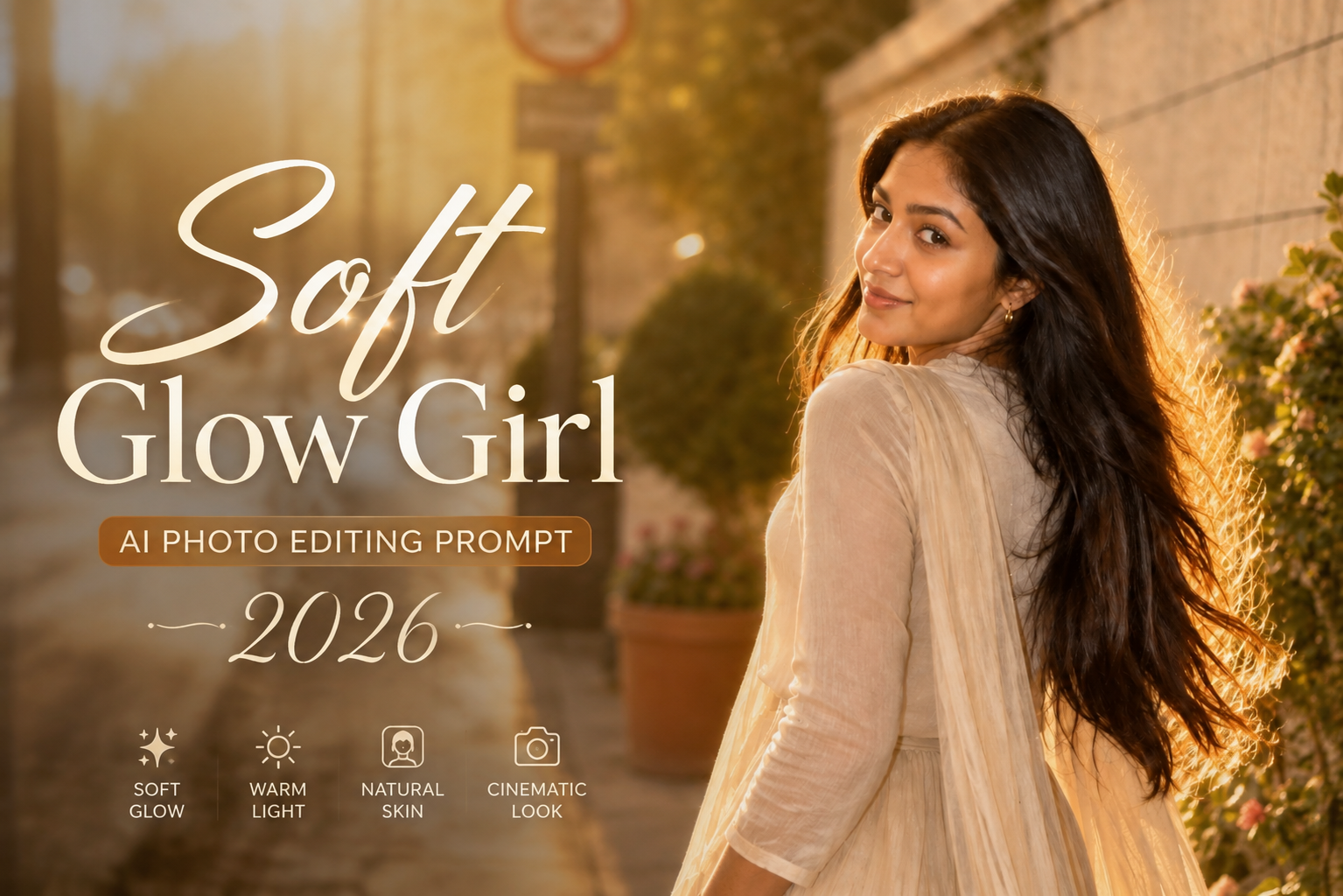
AI photo editing is making it easier to transform an ordinary selfie into a polished, aesthetic portrait without changing the person’s natural identity. One of the most attractive styles for girls is the soft glow cinematic portrait, which combines warm lighting, natural skin texture, elegant styling, and a dreamy background.
This prompt is designed for girls who want a sophisticated Instagram-style photo while keeping their original face, hairstyle, skin tone, and body proportions recognizable.
What Is the Soft Glow AI Photo Trend?
The soft glow style focuses on natural-looking beauty rather than heavy filters. The subject remains sharp while the background becomes softly blurred. Warm sunlight, subtle highlights, realistic skin texture, and gentle colors create a premium editorial appearance.
It works especially well for:
- Instagram profile photos
- Reels thumbnails
- Fashion portraits
- Aesthetic selfies
- Birthday photos
- Outdoor portraits
- Pinterest-style images
- Social media posts
Trending Girl AI Photo Editing Prompt
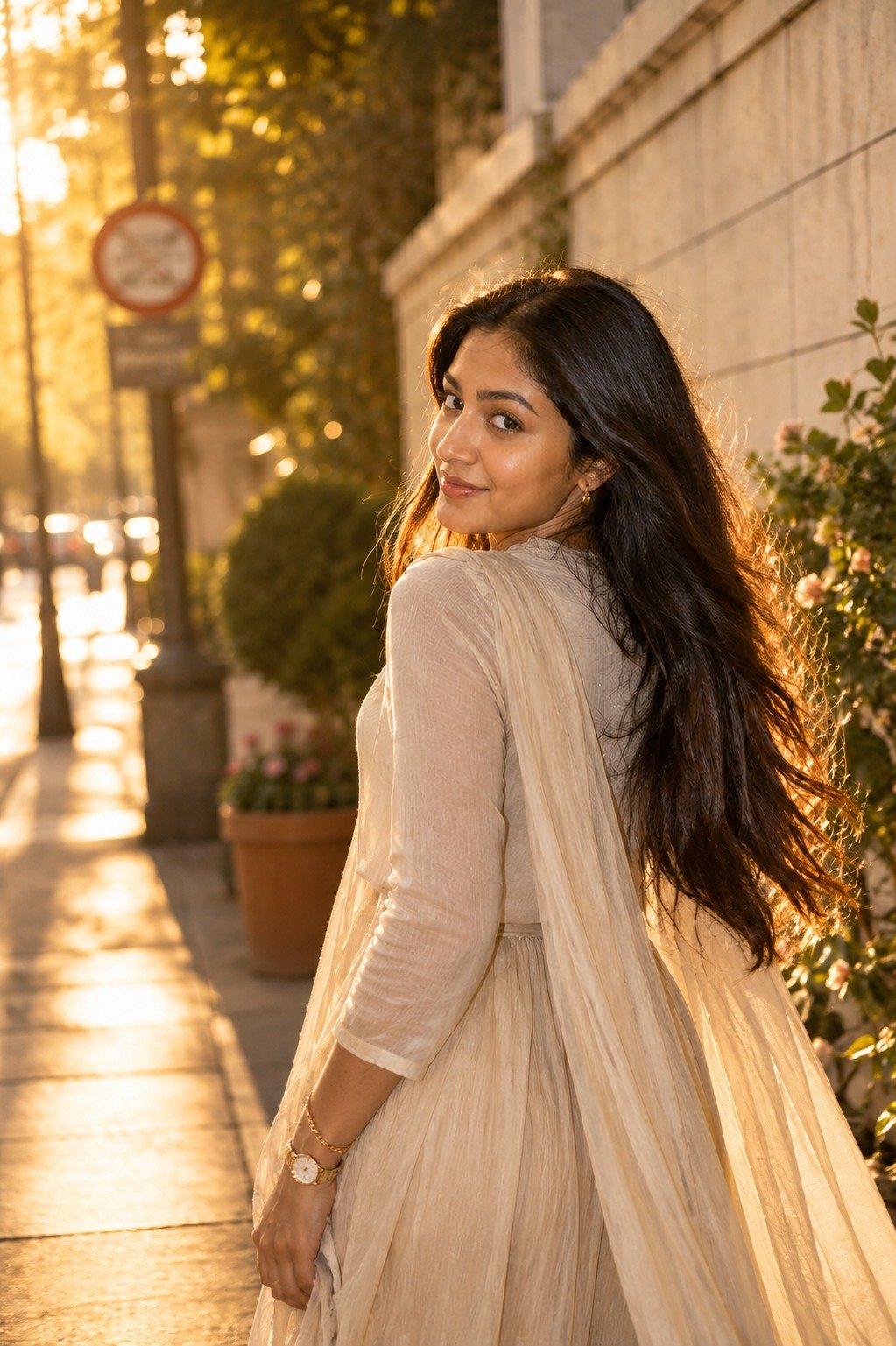
Copy the prompt below into your preferred AI photo editing tool:
Transform my uploaded photo into a premium cinematic soft-glow fashion portrait while preserving my recognizable face, facial structure, hairstyle, natural skin tone, body proportions, and overall identity.

Use my uploaded photo as the primary identity reference. Keep my facial features recognizable and consistent. Do not replace, reshape, redesign, or significantly beautify my face.

Place me standing naturally in a beautiful modern outdoor setting during golden hour. Create a sophisticated background with soft greenery, elegant architecture, subtle flowers, warm sunlight, and gentle atmospheric depth.

Dress me in an elegant flowing cream-beige outfit with realistic lightweight fabric, natural folds, delicate texture, and a refined feminine fashion style. Keep the outfit sophisticated and minimal rather than heavily decorated.

Add subtle accessories such as small earrings, a delicate bracelet, and a simple watch. Keep all accessories realistic and proportionate.

Give me a relaxed natural pose with one hand gently resting near the outfit and the other naturally positioned beside my body. Keep the shoulders relaxed and the posture graceful.

Maintain a calm natural facial expression with a soft subtle smile. Do not exaggerate the smile or alter my original facial structure.

Keep the original hairstyle recognizable while adding realistic individual hair strands and very subtle movement from a gentle outdoor breeze.

Use warm golden-hour sunlight coming from the side and slightly behind the subject. Create a soft natural rim light around the hair and shoulders without producing an artificial glow.

Illuminate the face naturally with soft reflected light. Preserve realistic skin texture, subtle pores, natural facial details, and believable highlights.

Create a softly blurred background using realistic optical depth of field. Keep my face, eyes, hair, hands, and outfit sharply detailed while distant greenery and architecture gradually become softer.

Use a professional 50mm portrait photography perspective with realistic proportions and natural lens compression.

Add subtle cinematic film grain, gentle highlight roll-off, controlled contrast, and natural color variation.

Use a refined color palette consisting of cream, beige, soft green, warm gold, muted brown, and subtle peach tones.

Make the photograph look like an authentic professional fashion editorial captured during real golden hour.

Keep realistic anatomy, accurate hands, natural body proportions, believable clothing folds, physically consistent shadows, and realistic environmental lighting.

The final image should look like a genuine high-end Instagram fashion photograph rather than an AI-generated portrait.

Negative prompt:
distorted face, changed identity, different person, altered facial structure, unrealistic eyes, artificial smile, plastic skin, excessive skin smoothing, beauty filter, unnatural makeup, exaggerated facial features, distorted hair, deformed hands, extra fingers, missing fingers, duplicated limbs, unnatural body proportions, exaggerated body, warped clothing, floating accessories, duplicate person, distorted background, fake sunlight, excessive glow, oversaturated colors, excessive HDR, cartoon, anime, illustration, blurry face, low resolution, fake skin texture, bad perspective, unrealistic shadows, artificial depth of field, messy composition
Why This Prompt Gives a Better Result
1. It prioritizes the original face
The prompt tells the AI several times to use the uploaded photograph as the identity reference. This helps reduce unnecessary facial changes when the environment and outfit are modified.
2. Soft lighting looks more natural
Instead of asking for an extreme beauty effect, the prompt uses reflected golden-hour light and subtle rim lighting. This creates a more believable portrait.
3. The background adds depth
A softly blurred garden and architectural environment can make a simple portrait feel like it was captured with a professional camera.
4. Natural skin texture is preserved
The prompt specifically asks for pores, fine facial details, realistic highlights, and natural skin texture instead of plastic-looking skin.
5. The outfit is intentionally simple
Cream and beige clothing works well with warm golden-hour lighting and gives the image a clean fashion-editorial appearance.
How to Use This Girl AI Prompt
- Choose a clear photo where the face is visible.
- Upload it to your AI image editing tool.
- Copy the complete prompt.
- Paste it into the editor.
- Generate the image.
- If the face changes, regenerate with stronger identity-preservation instructions.
- If the image looks too bright, ask for softer golden-hour lighting.
- If the skin looks artificial, ask for natural pores and realistic skin texture.
Tips for Better Girl AI Photo Editing
Use a high-quality source photo
A clear portrait with good lighting gives the AI more facial information to work with.
Avoid excessive beauty instructions
Words such as “perfect face,” “flawless skin,” and “extremely beautiful” can sometimes create an artificial appearance.
Instead, use:
- Natural skin texture
- Original facial structure
- Realistic pores
- Natural expression
- Preserve identity
- Realistic hair strands
Keep the body proportions realistic
For full-body edits, add this line if necessary:
“Maintain realistic head-to-body proportions and natural anatomy; do not enlarge the head or make the body unnaturally thin.”
Try different backgrounds
The same prompt can be adapted to create:
- Garden portraits
- Café portraits
- Beach portraits
- Rooftop portraits
- Rainy-window portraits
- Luxury hotel portraits
- Street-fashion portraits
- Sunset field portraits
Frequently Asked Questions
Can I use this prompt with Gemini?
Yes. The prompt can be adapted for Gemini and other AI photo-editing platforms that support image-to-image editing.
Will this prompt change my face?
The prompt specifically instructs the AI to preserve the uploaded face and facial structure. However, AI-generated results can vary, so a second generation may sometimes be needed.
Can I change the outfit?
Yes. Replace the cream-beige outfit section with a saree, western dress, denim outfit, blazer, kurti, or another style while keeping the identity and lighting instructions unchanged.
Can I use this for Instagram?
Yes. The soft-glow editorial style is suitable for Instagram posts, profile photos, Reels covers, and other social-media content.
Can I use the same prompt for a selfie?
Yes. For a selfie, add:
“Maintain a natural smartphone-camera perspective while keeping the same cinematic lighting and soft background separation.”
Final Thoughts
The Soft Glow Girl AI Photo Editing Prompt 2026 is designed to turn an ordinary portrait into a polished cinematic fashion photograph while keeping the original person recognizable.
The key is to focus on realistic lighting, natural skin texture, authentic clothing, correct proportions, and subtle background depth instead of excessive beauty effects. This makes the final image feel more like a professionally photographed portrait and less like an obvious AI creation.